Virtual Data Room: Complete Guide for Finance Professionals (2026)

Virtual Data Room: Complete Guide for Finance Professionals (2026)
A virtual data room (VDR) is a secure online repository used to store and share confidential business documents, primarily during M&A transactions, fundraising rounds, due diligence processes, and other high-stakes financial events. A VDR gives the deal owner granular control over who can access which documents, captures a full audit trail of every view event, and allows instant access revocation when deals change or fail.
What Is a Virtual Data Room?
A virtual data room is the digital successor to the physical data room: a secure location where prospective buyers or investors could review sensitive documents under controlled conditions. Virtual data rooms replicate these controls online, removing the need for travel while adding capabilities the physical room never had, including real-time analytics, automated NDA gates, and per-user access permissions.
For EU finance professionals, a modern VDR must also satisfy GDPR requirements for personal data handling, provide data residency options in the EU, and generate audit records suitable for regulatory review.
Who Uses Virtual Data Rooms?
VDRs are used by any organisation that needs to share large volumes of sensitive documents with multiple external parties under controlled conditions:
- M&A advisory teams sharing target company documents with potential buyers.
- Private equity firms managing portfolio due diligence.
- Investment bankers running sell-side processes.
- Corporate development teams conducting acquisition reviews.
- Fund managers sharing fund documentation with prospective LPs.
- Legal firms managing document-heavy transactions.
- CFOs and finance directors overseeing fundraising rounds.
The common thread is high document volume, multiple counterparties, strict confidentiality requirements, and the need for evidence that specific parties reviewed specific documents.
Core Features of a Virtual Data Room
A professional VDR should provide all of the following:
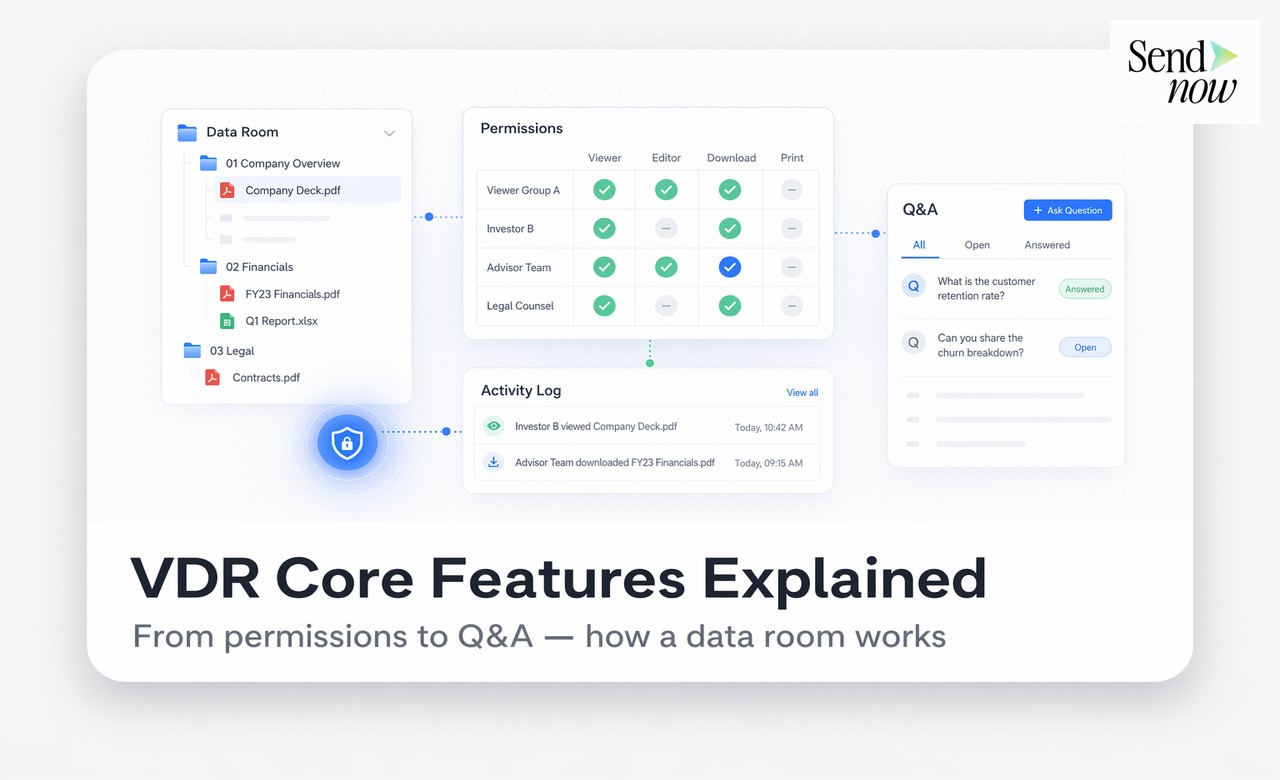
Folder structure. Organised document hierarchy mirroring the deal's information architecture (financials, legal, HR, technical, etc.).
Granular access permissions. Per-user or per-group access settings controlling which folders and files each party can see and what actions they can perform (view only, download, print).
NDA gate. A click-through non-disclosure agreement that each viewer must accept before accessing the data room. Acceptance is timestamped and logged.
Document-level analytics. Real-time tracking of who viewed which document, for how long, and how many times.
Audit trail. A complete, exportable log of all access events, permission changes, and administrative actions.
Access revocation. Instant ability to remove a party's access, either to individual documents or the entire data room, at any time.
AES-256 encryption. End-to-end encryption protecting documents at rest and in transit.
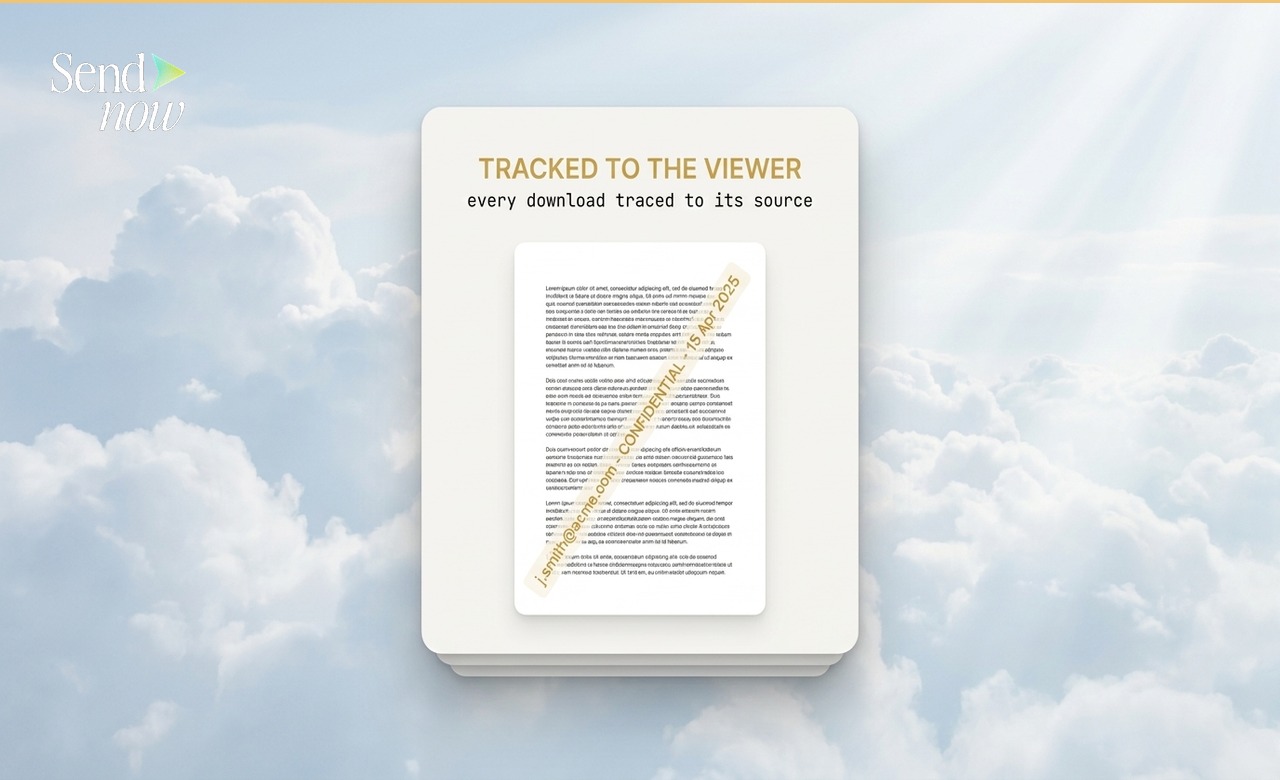
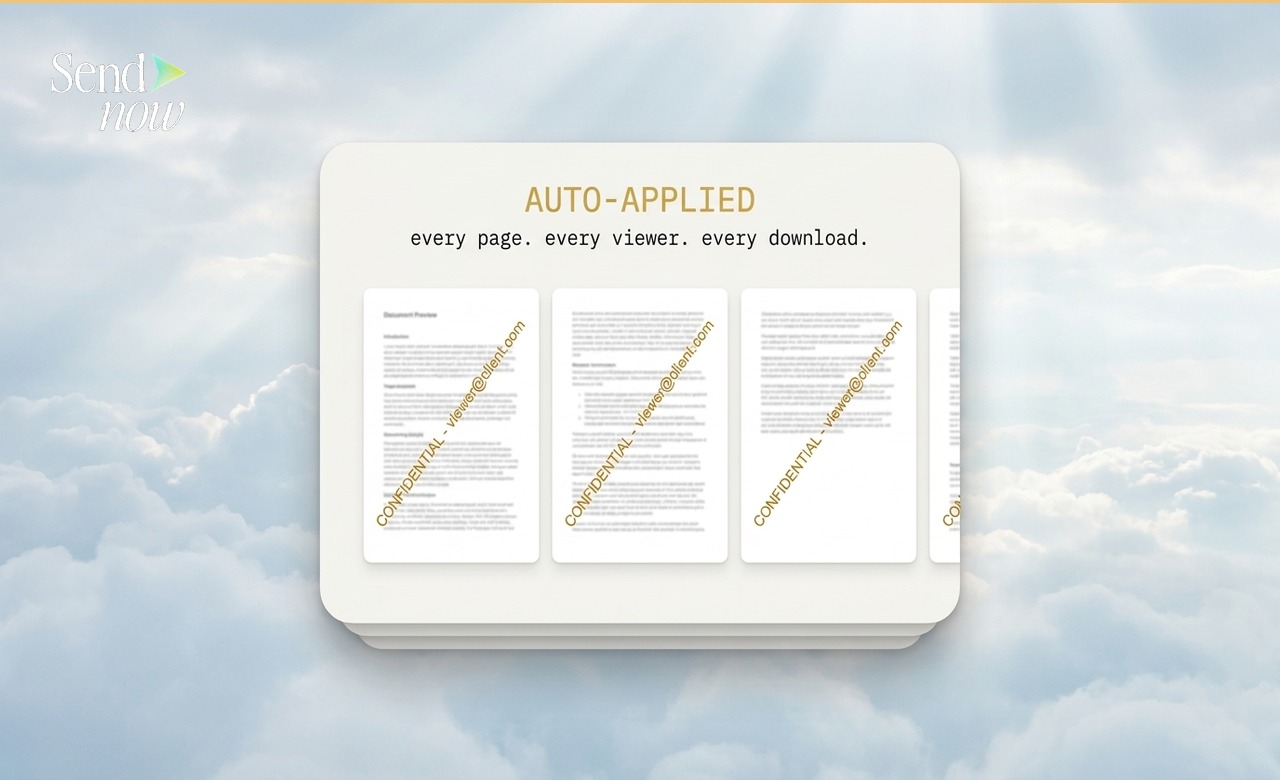
Watermarking. Dynamic watermarks stamped with the viewer's identity, deterring unauthorised distribution.

Q&A module. A structured question-and-answer tool allowing bidders to submit queries and receive answers without direct communication.
How to Set Up a Virtual Data Room
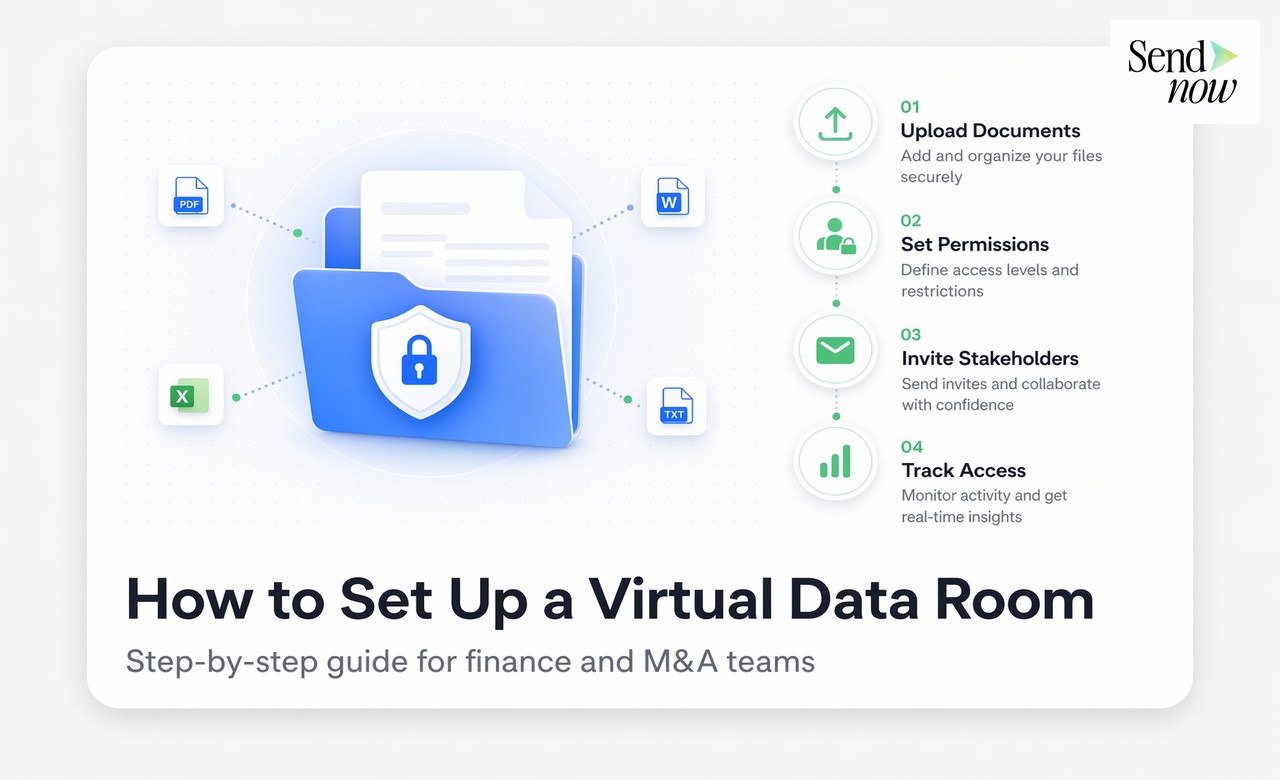
Setting up a VDR for a typical M&A process takes between 30 minutes and a few hours, depending on the volume of documents:
Step 1: Create the data room. Log in to SendNow and create a new data room, assigning a deal name and configuring global security settings.
Step 2: Build the folder structure. Standard deal room structures include: Executive Summary, Financial Statements, Legal Documents, Corporate Structure, HR and Management, Technology and IP, Commercial Contracts, and Environmental/Regulatory.
Step 3: Upload documents. Upload existing documents to the relevant folders. SendNow supports bulk upload.
Step 4: Configure access by party. Create access groups for each counterparty (e.g., Bidder A, Bidder B, Legal Adviser) and assign folder-level permissions.
Step 5: Enable the NDA gate. Set the global NDA for the data room. All new users must accept before entering.
Step 6: Invite users. Generate invitation links or send email invitations to the relevant parties.
Step 7: Monitor activity. Use the analytics dashboard to track engagement, identify the most active bidders, and flag any unusual access patterns.
Virtual Data Room Analytics: Your Competitive Advantage
One capability that physical data rooms and basic file-sharing tools never offered is real-time bidder analytics. With a VDR, you can see:
- Which bidder has spent the most time in the data room overall.
- Which documents drew the most attention (indicating concern areas or priority topics).
- Which bidder has not opened key documents (potentially indicating declining interest).
- At what time of day activity is highest.
Experienced M&A advisers use these insights to prioritise bidder engagement, time management presentations, and assess which parties are most serious.
Virtual Data Room vs Traditional Document Sharing
| Feature | Virtual Data Room | Email Attachments | Shared Drive |
|---|---|---|---|
| Organised folder structure | Yes | No | Yes |
| NDA gate | Yes | No | No |
| Per-user access control | Yes | No | Limited |
| Document analytics | Yes | No | No |
| Audit trail | Yes | No | Limited |
| Instant revocation | Yes | No | Partial |
| AES-256 encryption | Yes | No | Partial |
| GDPR-compliant | Yes | Partial | Partial |
| Q&A module | Yes (some VDRs) | Manual | No |
GDPR and EU Compliance for Virtual Data Rooms
EU finance professionals operating under GDPR must ensure any third-party platform processing personal data does so lawfully. For a VDR, the relevant data includes user emails, access logs, and any personal data contained within the documents themselves.

SendNow processes personal data under GDPR Article 6(1)(f) for access logs, and acts as a data processor under Article 28 when handling documents containing personal data. Data is stored in EU-compliant infrastructure, and audit logs are exportable for regulatory review.
Choosing the Right VDR for Your Deal
For small to mid-market deals (under £100m), the full capabilities of enterprise VDR platforms costing thousands of pounds per month are unnecessary. SendNow provides the core VDR functionality required for finance transactions at accessible pricing with a 24-hour free trial.
For large-cap transactions with hundreds of bidders, complex Q&A requirements, and dedicated deal room administrators, enterprise VDR providers may be more appropriate. For everything below that level, SendNow covers the requirement completely.
Related Resources
- Best Free Virtual Data Room Alternatives in 2026
- Virtual Data Room vs Google Drive: Which Is Actually Secure?
Build Your Data Room Today
SendNow's virtual data room is free to start. Upload your first documents and share them securely in under 10 minutes.
Start your free trial at sendnow.live
Frequently Asked Questions
What is a virtual data room used for? A VDR is primarily used for M&A transactions, due diligence, fundraising rounds, and any process requiring the controlled sharing of large volumes of confidential documents with multiple external parties.
How is a VDR different from a shared drive like Google Drive? A VDR adds NDA gates, document-level analytics, detailed audit trails, instant access revocation, and AES-256 encryption that standard shared drives do not provide. See our full comparison at Virtual Data Room vs Google Drive.
How much does a virtual data room cost? Costs vary widely. Enterprise VDR platforms charge from £1,000 to £10,000+ per month. SendNow offers a 24-hour free trial for evaluating VDR functionality risk-free.
How long does it take to set up a virtual data room? A basic data room can be ready in under 30 minutes using SendNow. A comprehensive room for a complex M&A process may take a few hours to structure and populate.
Is a virtual data room GDPR compliant? SendNow's VDR is GDPR compliant. Personal data in access logs and documents is handled under appropriate lawful bases, and data is stored in EU-compliant infrastructure.
What document types can I upload to a VDR? SendNow supports all common business document formats including PDF, DOCX, XLSX, PPTX, and image files.
Can I restrict some bidders from seeing certain folders? Yes. Per-user and per-group folder permissions allow you to show only the relevant sections of the data room to each party.
What happens to documents in the data room if I close the deal? You retain full control. You can archive the room, revoke all access, or delete documents. All audit logs remain available in your account for your records.
About the Author: Rifana Hameem
Rifana is the founder of SendNow. She leads the team in building secure, compliant, and analytics-rich document sharing tools for finance and professional teams worldwide.
Connect on LinkedIn