How to Set Up a Due Diligence Data Room Step by Step

How to Set Up a Due Diligence Data Room Step by Step
A due diligence data room is a secure, organised repository where a target company or vendor shares financial, legal, and operational documents with potential buyers, investors, or lenders during a transaction process. To set one up with SendNow, create a data room, build your folder structure, upload documents, configure NDA and access controls, and invite counterparties. The entire process takes under 10 minutes for an initial setup.
Why a Proper Due Diligence Data Room Matters
The quality of your data room sends a signal before a single document is read. A well-organised, professionally gated data room communicates that the vendor team is prepared, the transaction is serious, and the information provided is credible. A disorganised shared drive with inconsistent naming and no access controls sends the opposite signal.
Beyond presentation, the data room serves legal and commercial functions:
- It establishes a formal record of what information was shared and when.
- It provides the audit trail that supports representations and warranties in the transaction documentation.
- It limits information leakage through access controls and NDA gates.
- It enables the vendor team to monitor bidder engagement and prioritise accordingly.
Step 1: Plan Your Folder Structure
Before uploading a single document, plan the folder hierarchy. A standard due diligence data room structure for an M&A or fundraising process includes:
| Section | Contents |
|---|---|
| 01 Executive Summary | Teaser, IM, management presentation |
| 02 Financial Statements | Annual accounts, management accounts, forecasts |
| 03 Legal and Corporate | Articles, shareholder agreements, cap table |
| 04 Commercial Contracts | Customer agreements, supplier contracts, key terms |
| 05 HR and Management | Org chart, employment contracts, option pool |
| 06 Technology and IP | IP register, tech stack overview, licences |
| 07 Regulatory and Environmental | Licences, compliance certificates, regulatory correspondence |
| 08 Real Estate | Lease agreements, property documentation |
| 09 Insurance | Current policies, claims history |
Adapt this structure to your specific transaction type. A fundraising round may combine sections 3 and 4. An asset sale may add a dedicated section for the target assets.
Step 2: Create the Data Room in SendNow
Log in to SendNow and navigate to Data Rooms. Click "Create New Data Room" and:
- Name the room clearly (e.g., "Project Atlas - Due Diligence Room").
- Set the global NDA for the room. All users must accept before entry.
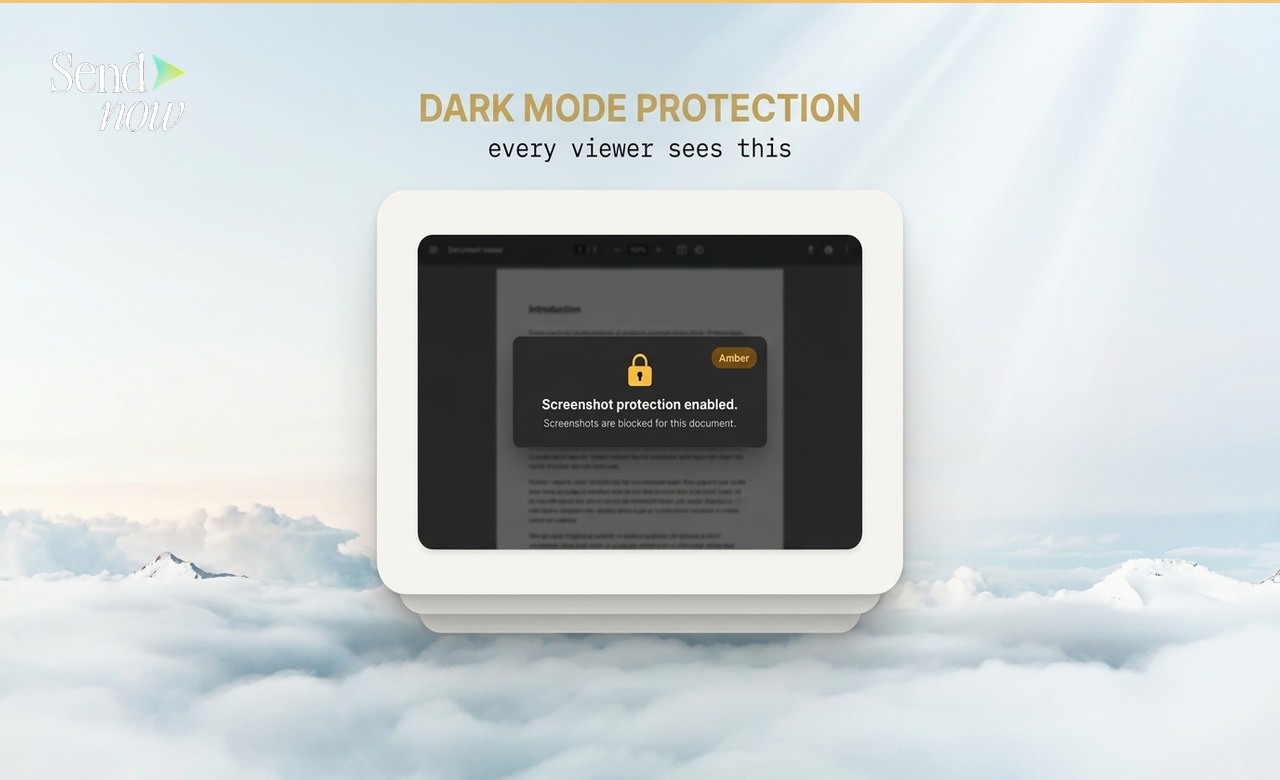
- Configure global security settings: disable downloads for sensitive sections, enable screenshot blocking.
- Set the room status to "Draft" while you populate it.
Step 3: Build Folders and Upload Documents
Create your folder structure before uploading. Consistent naming prevents confusion during the due diligence process. Use numbering to enforce section order.
Upload documents to the correct folders. Before uploading, check:
- All files are the final, board-approved versions.
- Sensitive personal data (employee salaries, individual names in HR documents) is appropriately redacted if sharing early-stage.
- File names are clear and professional.

SendNow supports bulk upload, so you can drop an entire folder in one action.

Step 4: Configure Per-Party Access
Most due diligence processes involve multiple parties with different access levels:
- Management team: Full access to all sections.
- Financial adviser / investment bank: Full access.
- Bidder A (pre-NDA): Access to executive summary only.
- Bidder A (post-NDA): Full access.
- Bidder B: Access to financial and commercial sections only.
- Legal advisers: Access to legal and contracts sections only.
In SendNow, create access groups for each party and assign folder-level permissions. Changes take effect immediately and can be adjusted at any stage of the process.
Step 5: Enable the NDA Gate
A data room NDA gate requires every new user to accept your confidentiality terms before entering the room. This is separate from any NDA your legal team may have negotiated as a standalone document.
The NDA gate:
- Prevents accidental or intentional access without formal agreement.
- Creates a timestamped acceptance record for every user.
- Links the acceptance to the specific IP address and device used.
Under EU GDPR, this acceptance record constitutes a demonstrable consent/agreement event, satisfying the documentation requirement under Article 7.
Step 6: Invite Users and Monitor Activity
With the data room populated and configured, invite counterparties:
- Generate unique invitation links or send email invitations.
- Set per-user access levels at the invitation stage.
- Enable access notifications so you receive alerts when new users enter.
Monitor the analytics dashboard regularly during the active due diligence period. You can see which parties are most engaged, which documents they are focusing on, and which sections have not been reviewed, all in real time.
Step 7: Manage the Process
During active due diligence:
- Add new documents as they are produced or requested.
- Adjust access permissions as parties move through process stages.
- Use the Q&A function (if available) to manage information requests formally.
- Revoke access immediately for any party that drops out of the process.
At transaction close or process end:

- Revoke all external access.
- Export the complete audit trail for your records.
- Archive the data room for the required retention period under your jurisdiction's rules.
GDPR Compliance in Your Due Diligence Data Room
A due diligence data room typically contains personal data: names, salaries, employment contracts, and customer details. Under GDPR, sharing this data with third parties (bidders, their advisers) must occur under a valid lawful basis.
The usual basis is Article 6(1)(b) (necessary for a contract) or Article 6(1)(f) (legitimate interests in a commercial transaction). Your legal team should ensure the data room access agreement and NDA cover the GDPR data-sharing dimension explicitly.
SendNow processes the access and audit data in EU-compliant infrastructure, satisfying the technical and organisational measures requirement of GDPR Article 32.
Related Resources
- Virtual Data Room: Complete Guide for Finance Professionals (2026)
- Best Free Virtual Data Room Alternatives in 2026
Set Up Your Due Diligence Data Room in 10 Minutes
SendNow gives you everything you need for a professional due diligence data room at no cost to start.
Start your free trial at sendnow.live
Frequently Asked Questions
What documents go in a due diligence data room? A standard data room includes financial statements, management accounts, forecasts, legal and corporate documents, commercial contracts, HR information, technology and IP documentation, regulatory compliance records, and real estate or asset documentation relevant to the transaction.
How long does it take to set up a due diligence data room? An initial setup using SendNow takes under 10 minutes. Populating a comprehensive data room with all documents typically takes several hours to a few days, depending on volume and the state of your existing document management.
How many users can access a due diligence data room? SendNow supports multiple concurrent users with per-user access controls. The number of users on the free and paid tiers is detailed on the sendnow.live pricing page.
Can I control which bidders see which sections? Yes. Per-group folder permissions allow you to restrict specific sections to specific parties. A bidder in early-stage discussions may see only the executive summary, while a bidder in advanced negotiations sees the full data room.
How do I handle a Q&A process in the data room? For structured Q&A, create a separate folder for information requests and responses, or use SendNow's built-in Q&A module if available on your plan. Documenting all information requests and responses in the data room creates a clean evidence trail.
What is the standard due diligence folder structure? Standard sections include: Executive Summary, Financial Statements, Legal and Corporate, Commercial Contracts, HR and Management, Technology and IP, Regulatory, Real Estate, and Insurance. Adapt to your transaction type.
Can I add documents to the data room after inviting bidders? Yes. You can add, edit, and remove documents at any time. Bidders see the current state of the data room at each login. Consider notifying key parties when significant additions are made.
Is a due diligence data room required for all M&A transactions? It is not a legal requirement but is considered best practice for any transaction of meaningful size. Even for small transactions, a data room creates a clear information record and professional process that supports transaction confidence.
About the Author: Rifana Hameem
Rifana is the founder of SendNow. She leads the team in building secure, compliant, and analytics-rich document sharing tools for finance and professional teams worldwide.
Connect on LinkedIn