
All plans
Delete your account
Permanent and immediate — there is no recovery period, no export step, and no confirmation email. Read this fully before you click through.
1
Go to Settings → Account
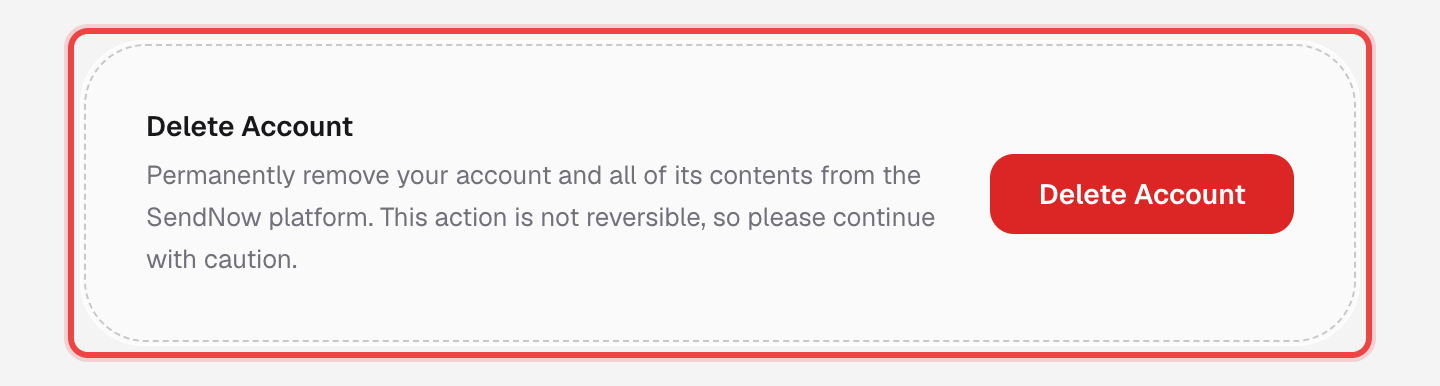
Scroll to the Delete Account card at the bottom.
2
Click "Delete Account"
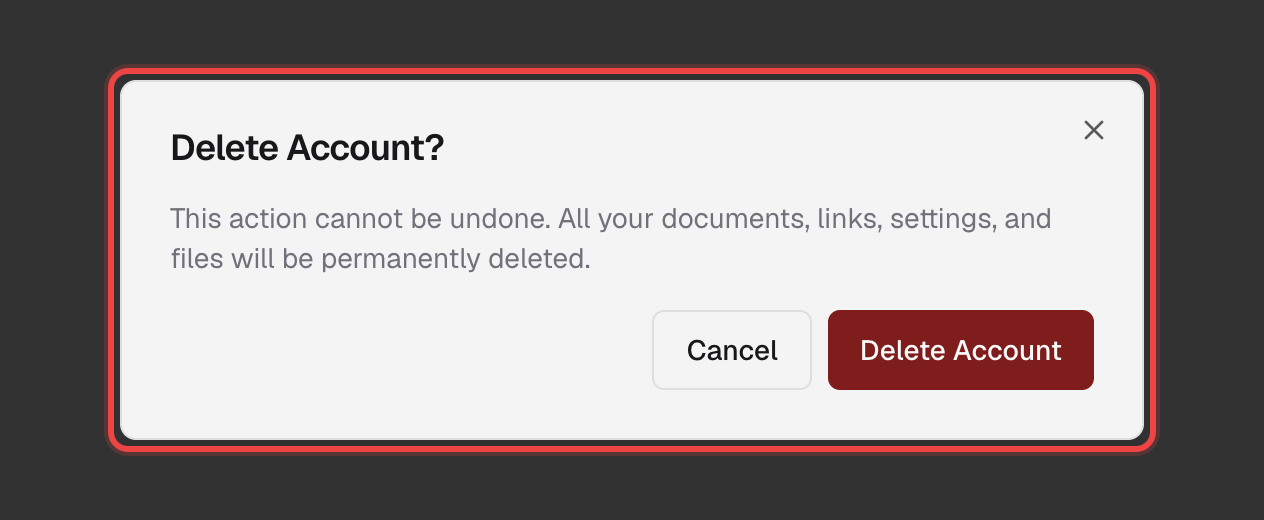
A confirmation dialog appears, spelling out exactly what gets deleted.
3
Confirm to permanently delete everything
Click Delete Account again in the dialog. Your account, documents, links, and settings are all removed at once.
Good to know
- This cannot be undone — there is no trash, no grace period, and no way to recover a deleted account.
- Every document, every link (and its analytics), and every setting tied to your account is deleted along with it.
- If you only want to stop being billed, that's a different, reversible action — see Cancel Your Subscription instead.
- Download or back up anything you need before you click through — there is no export step in this flow.