
All plans
Choose which email notifications you get
Account-wide defaults for the emails SendNow sends you — document activity, milestones, security alerts, and more. This is separate from the per-link notification toggle on individual links.
1
Open Settings → Notifications
From the sidebar in Settings, click Notifications.
2
Turn each category on or off
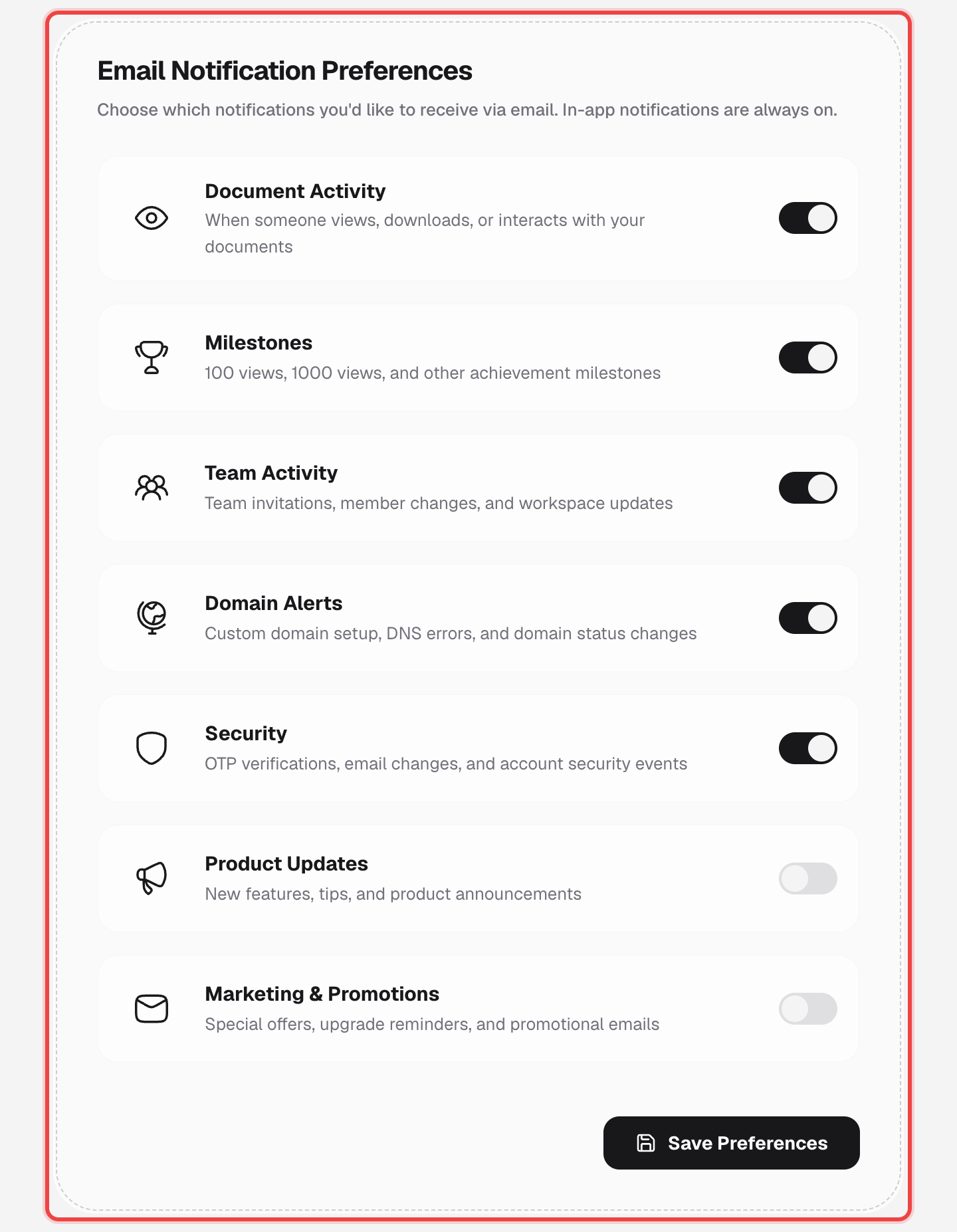
Seven categories, each its own switch: Document Activity, Milestones, Team Activity, Domain Alerts, Security, Product Updates, and Marketing & Promotions.
3
Click "Save Preferences"
Your choices apply immediately to every future notification email.
Good to know
- In-app notifications are always on — these switches only control what gets emailed to you.
- This is an account-wide default. It's different from the per-link "Email Notification" toggle you set while creating a link, which is about one specific link's view alerts.
- All seven categories are on by default when you sign up.
- Available on every plan.