
All plans
See how much of your plan you're using
Document count, document storage, and — if you have one — MicroSite usage, all in one place.
1
Open Settings → Usage
From the sidebar in Settings, click Usage.
2
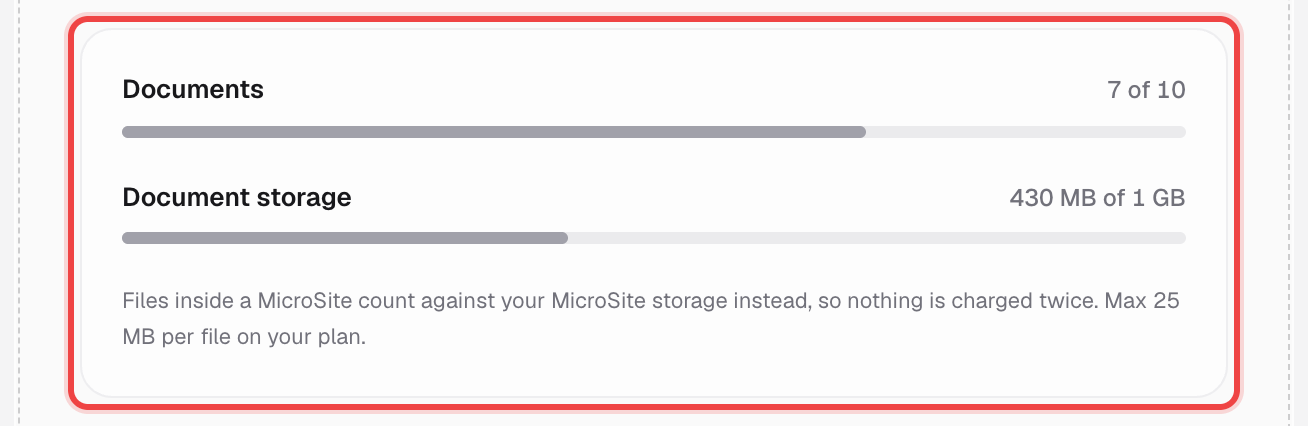
Check your documents and storage
Two meters: how many documents you've used against your plan's limit, and how much storage they take up. The bar darkens as you get close, and turns red once you're at 100%.
3
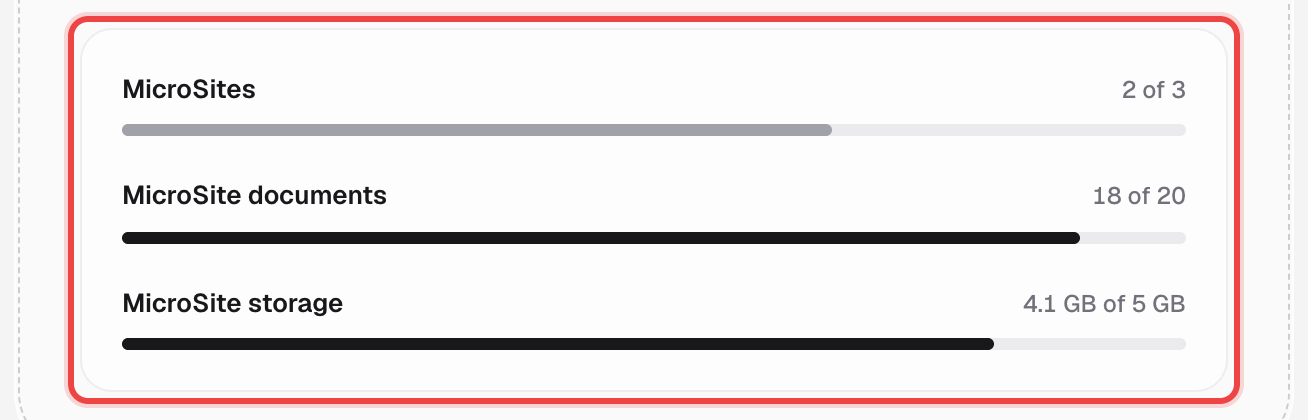
MicroSite usage shows separately, if you have a plan
MicroSites, MicroSite documents, and MicroSite storage — three more meters, only shown when you have an active MicroSite plan.
Good to know
- Files inside a MicroSite count against MicroSite storage instead of document storage, so nothing is charged twice.
- Storage limits are enforced at upload — an upload that would put you over the limit is refused, not silently trimmed.
- Maximum file size also depends on your plan, and is noted right under the document storage meter.
- On the free plan, upgrading raises both your document count and your storage limit.