
All plans
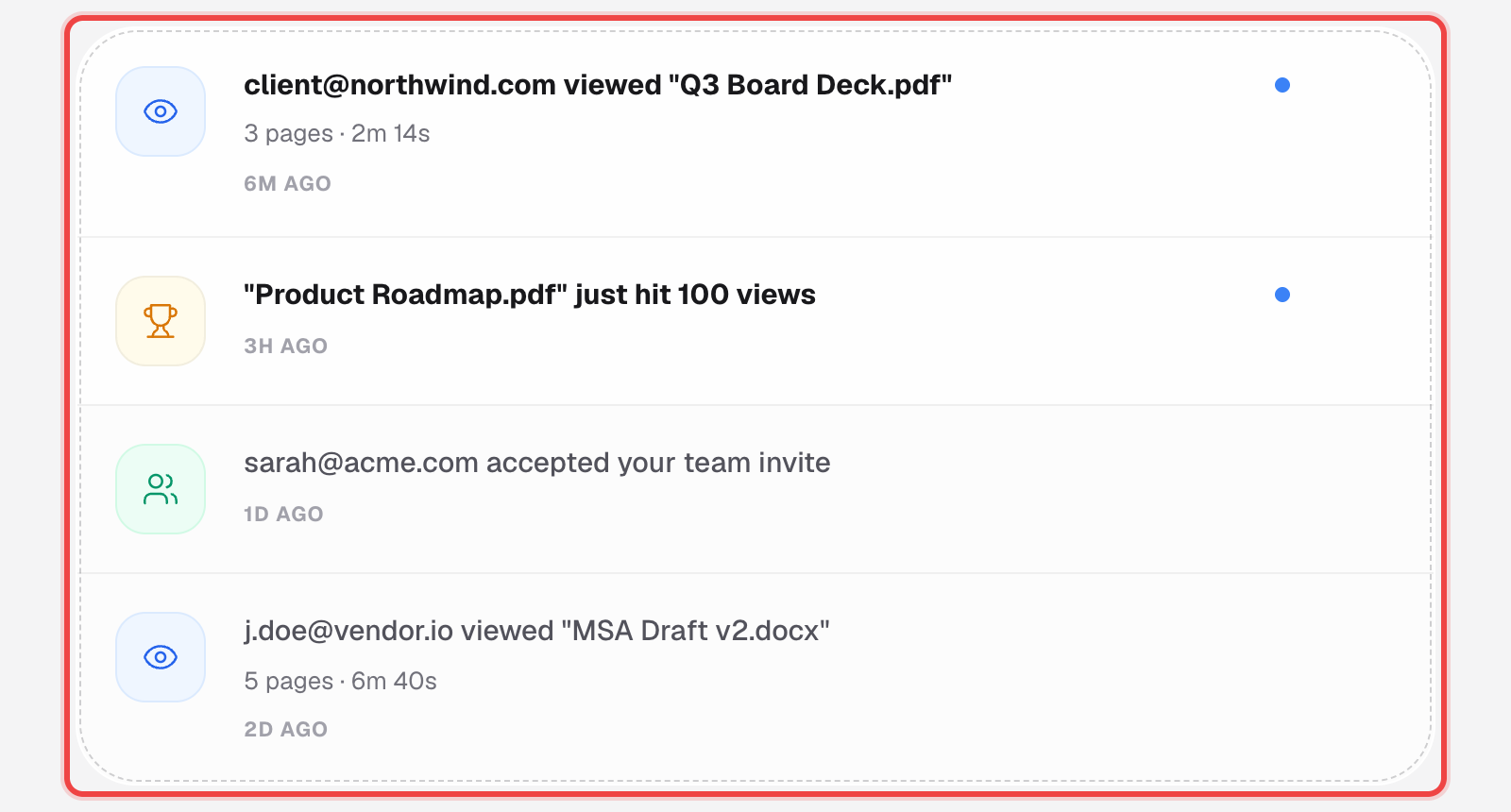
See a feed of your account activity
A running history of views, milestones, and account events, with its own filters and unread state. This is a separate page from your notification email preferences.
1
Open the Notifications page
Click the bell icon in the main navigation. This is its own page, not a tab inside Settings.
2
Filter what you see
Switch between All, Unread, Views, and Milestones.

3
Open an item, or mark everything read
Clicking an entry jumps straight to that link's or microsite's analytics and marks it read. Unread items carry a blue dot until you open them or use "Mark all read".
Good to know
- This is your activity history, not a settings screen — to control what triggers an email in the first place, use Notification Preferences instead.
- The list checks for new activity automatically every 30 seconds while the page is open.
- Clicking a document-view or milestone entry takes you straight to that link's analytics.
- Available on every plan.