
All plans
Break visitors down by location and device
On a link's own Analytics page, the Devices and Locations cards rank every visit by what it was opened on and from where — and clicking a row filters the whole page down to just that slice.
1
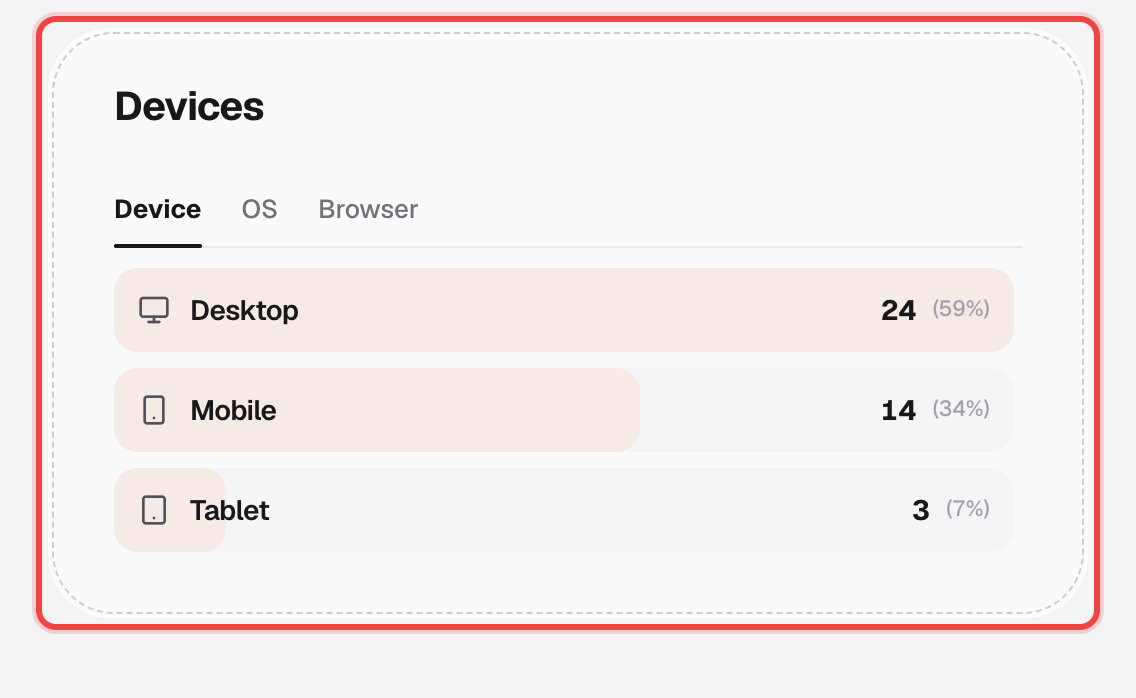
Open the Devices card
Three tabs — Device, OS, and Browser — each rank visits by share, with a real brand icon next to Chrome, Safari, Windows, and the rest, not a generic glyph.
2
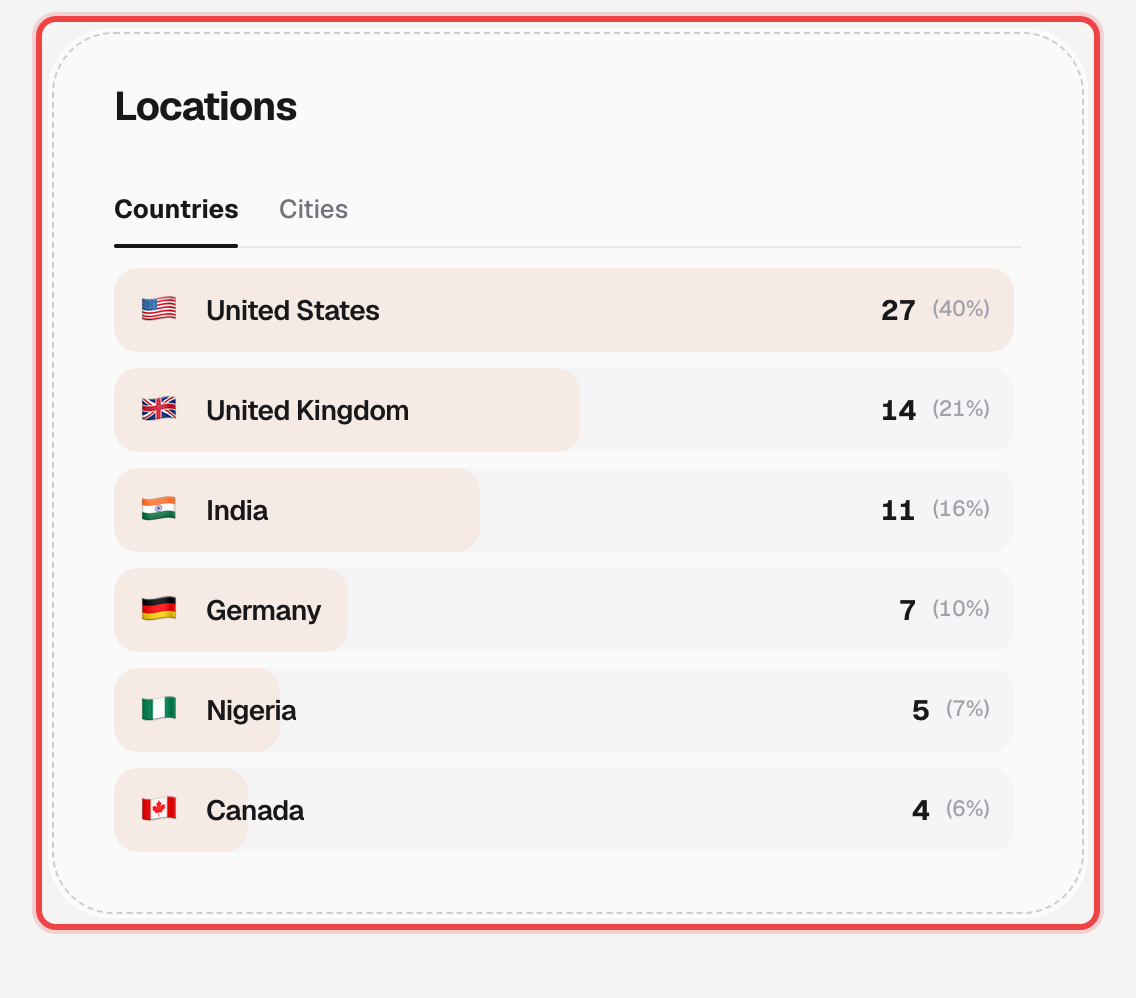
Open the Locations card
Countries and Cities tabs, each row showing the real flag and a proportional bar behind the count.
3
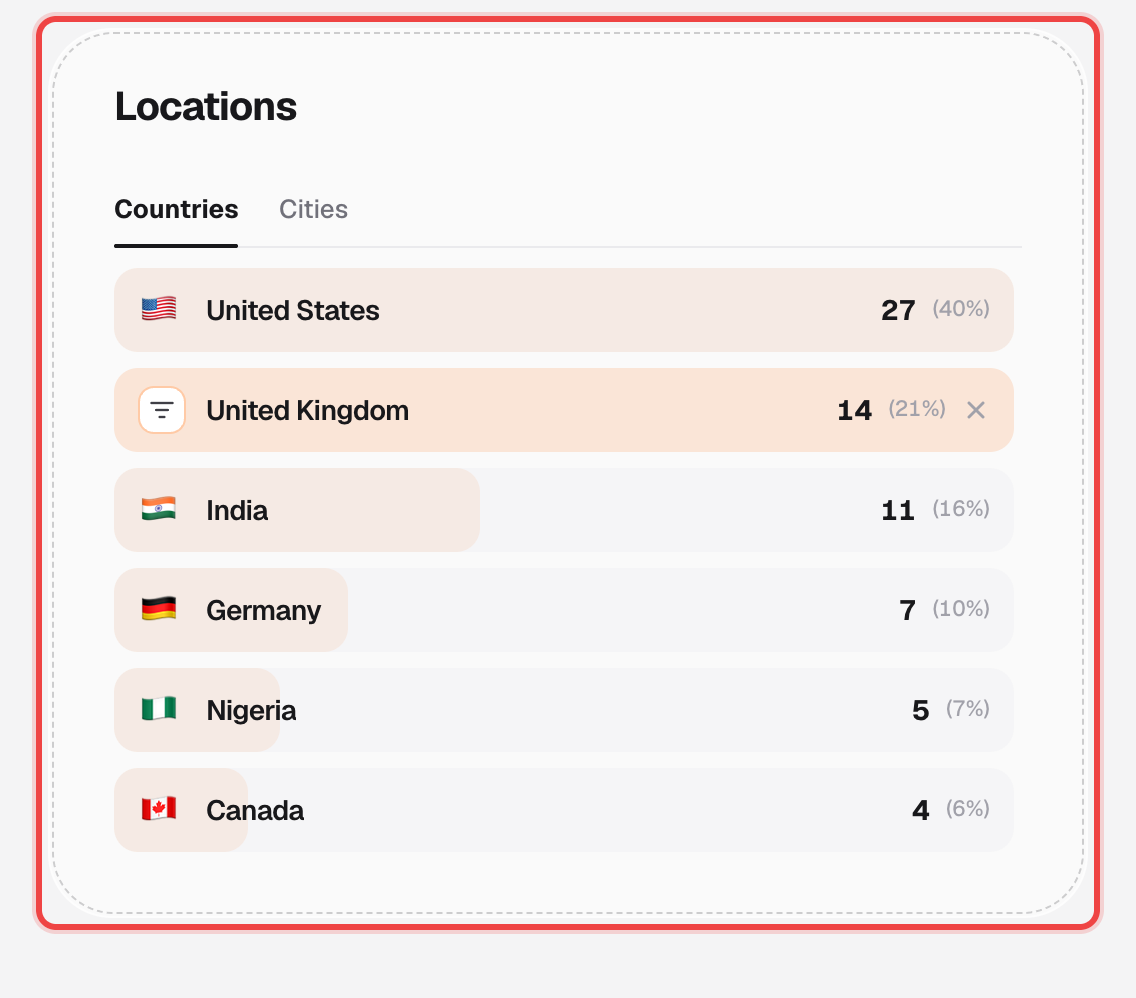
Click a row to filter the whole page
Click any row — a country, a device, a source — and every chart and stat card on the link's Analytics page narrows to just those visits. Click it again, or the × on the row, to clear it.
Good to know
- Filters stack across different breakdowns — filter to a country, then a device, and you're looking at that country on that device.
- Browser and OS icons are pulled from each brand's real favicon; anything unrecognized falls back to a plain globe rather than a guessed icon.
- These two cards live on a single link's Analytics page, not the account-wide overview — see analytics overview for the account-wide numbers.