
All plans
Duplicate a link
Reuse a link's full settings — access controls, watermark, expiry, everything — under a brand-new address, without rebuilding it from scratch.
1
Open the link you want to copy
Go to Links, find the link, and click the pencil icon to edit it.
2
Give it a new address
In Custom Slug, change the address to one that isn't already in use. Leave it unchanged and you'll see a warning instead.
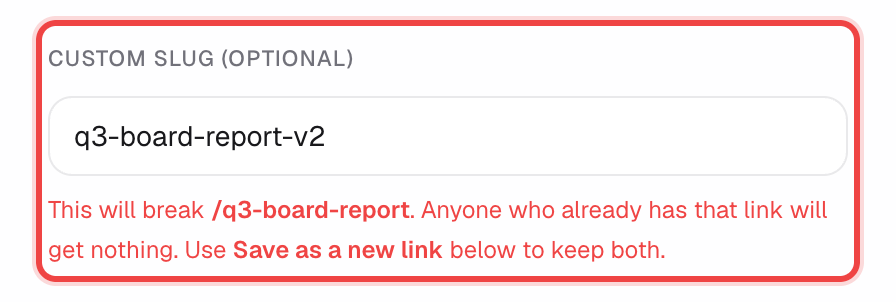
3
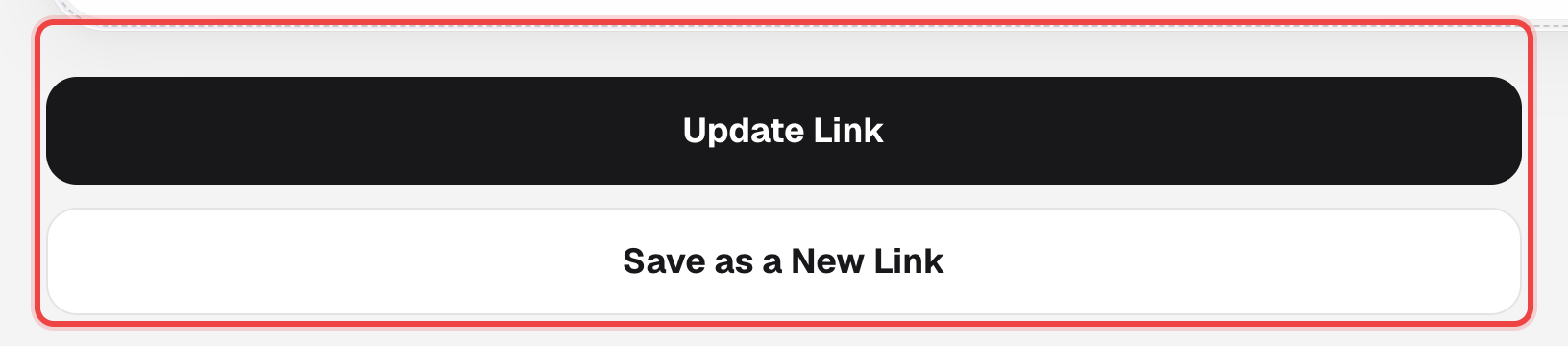
Click "Save as a New Link"
This creates a brand-new link carrying over every setting — Basic Settings, Access Control, Branding & Watermark, all of it — instead of overwriting the one you're editing.
Good to know
- Clicking "Save as a New Link" without changing the slug is blocked: "/<slug> belongs to the link you are editing. Give the new link its own address."
- The new link opens in its own edit view right after, so you can keep adjusting it without touching the original.
- Available on every plan — whatever settings you can normally change are the ones carried over.