
Everyone
Delete a document
Removes the file, every link to it, and its thumbnails for good. Past view history is kept for your records, but the file itself is gone.
1
Click the trash icon
On your dashboard, click the red trash icon on the document you want to remove.
2
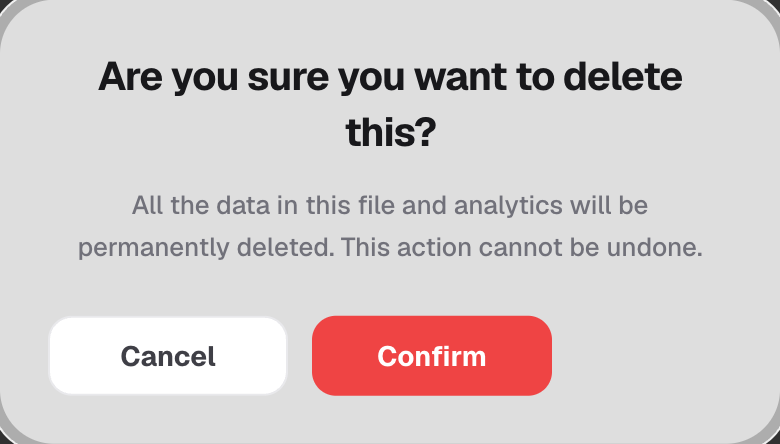
Confirm the deletion
A confirmation dialog appears — this extra step exists because deleting can't be undone.
3
It's gone everywhere at once
The file, its thumbnails, and every link pointing at it are removed immediately.
Good to know
- This can't be undone — there's no recovery for a deleted document.
- View history on the document is preserved for your records, even though the link itself stops working.
- Deleting a MicroSite is separate, with its own confirmation — it removes every file inside that MicroSite too.