
Everyone
See every link for one document
One file can have more than one link out — a general one, a client-specific one, an old one you retired. This page lists all of them.
1
Click the document's name
On your dashboard, click a document's name — it shows the link count once there's more than one.
2
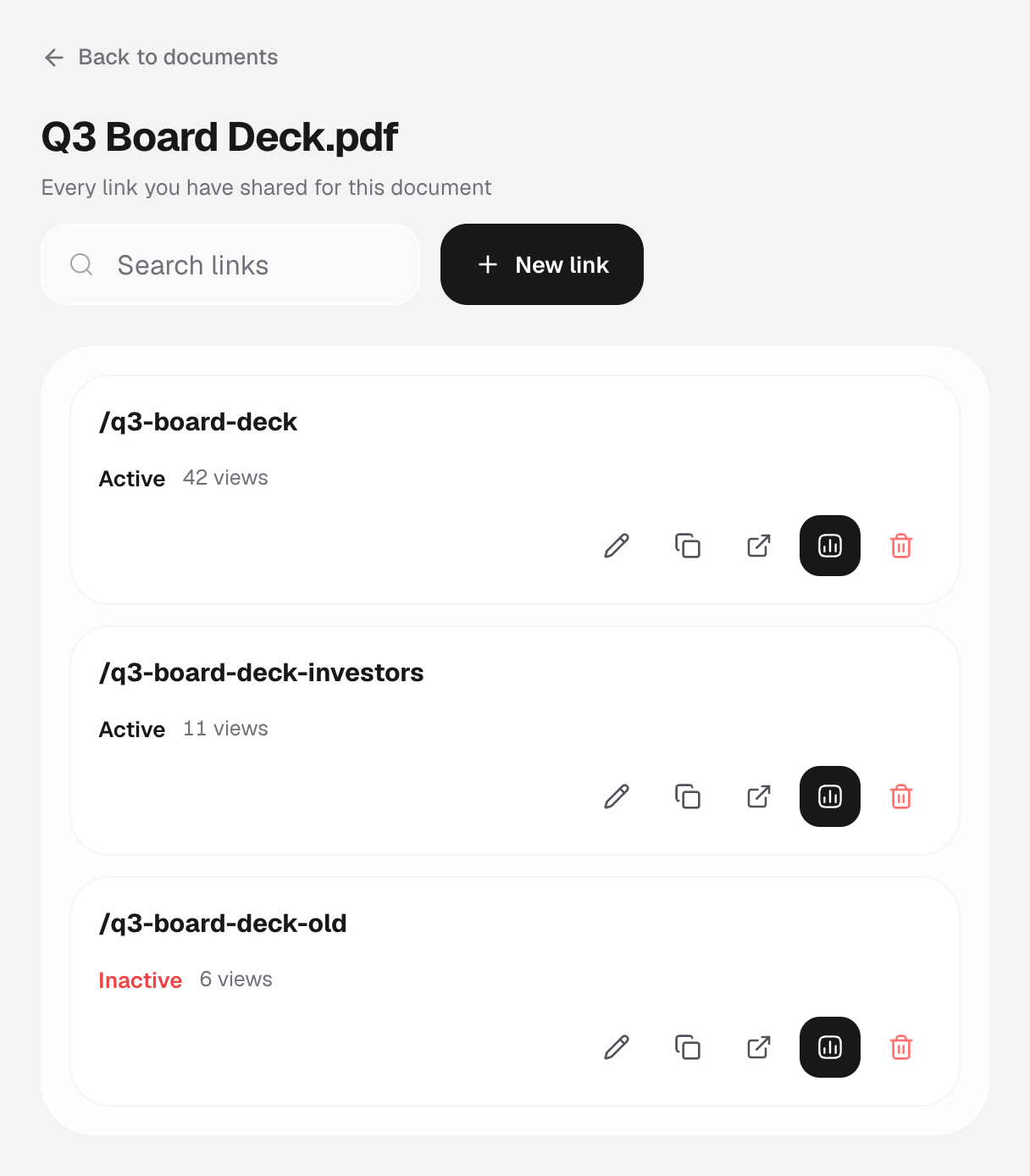
See every link, with its own stats
Each link's status, view count, and its own edit, copy, analytics, and delete actions are all listed.
3
Create another link from here
Click New link to share the same file a different way — a different audience, expiry, or access rule.
Good to know
- Deleting a link here only removes that link — the document and its other links are unaffected.
- The search box narrows the list by link address.