How to Add a Visible Watermark to a PDF Before Sharing It

How to Add a Visible Watermark to a PDF Before Sharing It
Adding a visible watermark to a PDF before sharing it takes seconds with a modern document platform and provides an immediate deterrent against unauthorised copying or redistribution. A watermark signals that the document is tracked and proprietary, which alone discourages most casual leaks. For finance professionals sharing sensitive reports, term sheets, or investment memoranda, watermarking is a baseline security measure that should be applied to every outbound file.
Why Watermarks Still Matter in a Digital-First World
In an era of access controls, link expiry, and audit logs, it might seem that a visible watermark is an old-fashioned protection. It is not. Watermarks serve a purpose that access controls cannot replicate: they survive outside the platform.
Access controls determine who can open a document. Watermarks act after that point. A watermark is present whether the document is viewed in a browser, downloaded, printed, or photographed. It is the last line of identification in a chain of security measures.
For finance teams, this matters because the most damaging leaks are rarely the result of external attacks. They occur when an authorised user, an investor, a counterparty, a junior employee, passes document content to someone they should not. A watermark confronts the potential leaker with a simple fact: this page identifies you.
Static Watermarks: What They Are and When to Use Them
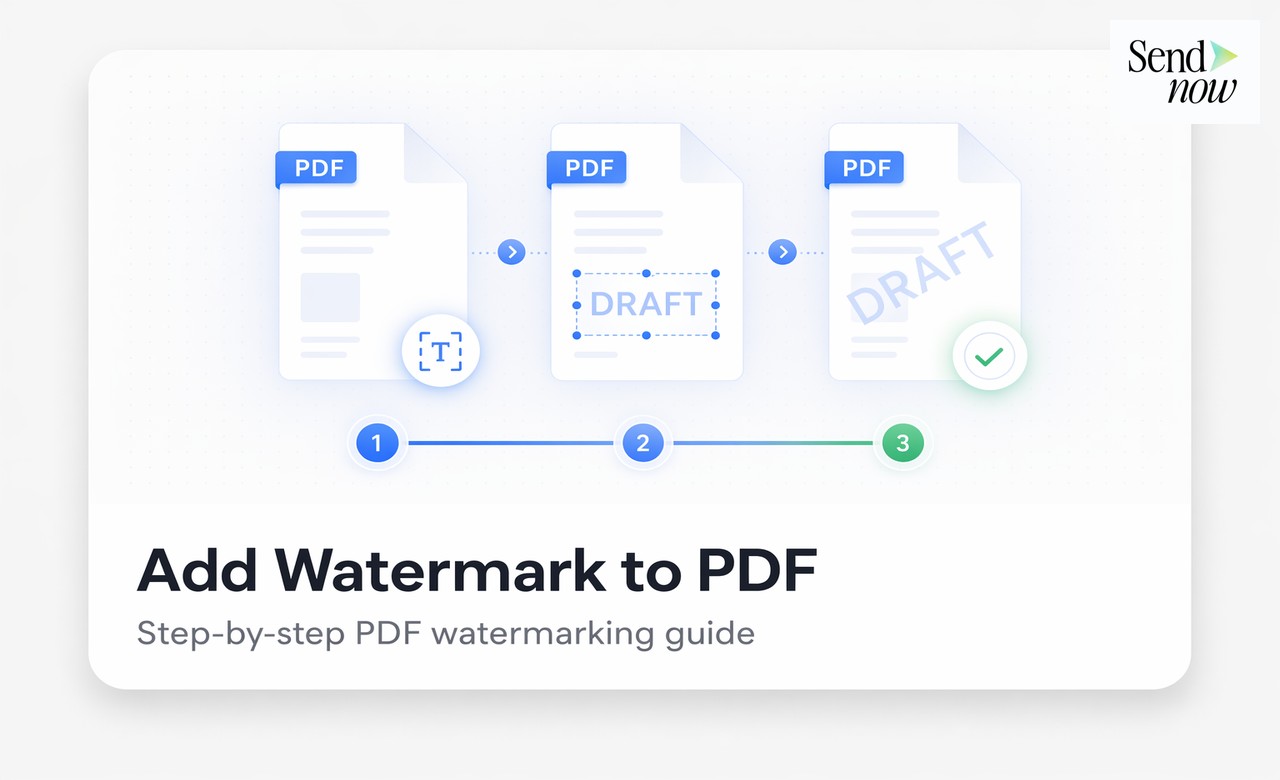
A static watermark is a text or image overlay that is the same for every copy of a document. Common examples:
- "CONFIDENTIAL" displayed diagonally across each page
- "DRAFT - NOT FOR DISTRIBUTION" in large text
- A company logo or "DO NOT COPY" notice
Static watermarks are appropriate when the document will be shared broadly, printed, or when the recipient base cannot be individually authenticated. They communicate the sensitivity of the document and may provide some legal protection by demonstrating that confidentiality was explicitly marked.
Their limitation, as noted in our guide to dynamic watermarking, is that they cannot identify which specific recipient leaked a document. Every copy is identical.
Dynamic Watermarks: The Better Choice for Sensitive Sharing
For sensitive financial documents shared with a specific counterparty or group, dynamic watermarks are significantly more effective. A dynamic watermark replaces generic text with viewer-specific information:
- The recipient's email address
- The date and time of access
- The recipient's IP address
This means every viewer sees a different watermark, and any leaked copy is immediately traceable to the individual who accessed it.

SendNow applies dynamic watermarks automatically at the point of viewing, without requiring you to create individual copies of the document for each recipient. One document, one link, a unique watermark for every viewer.
How to Add a Watermark to a PDF Using SendNow
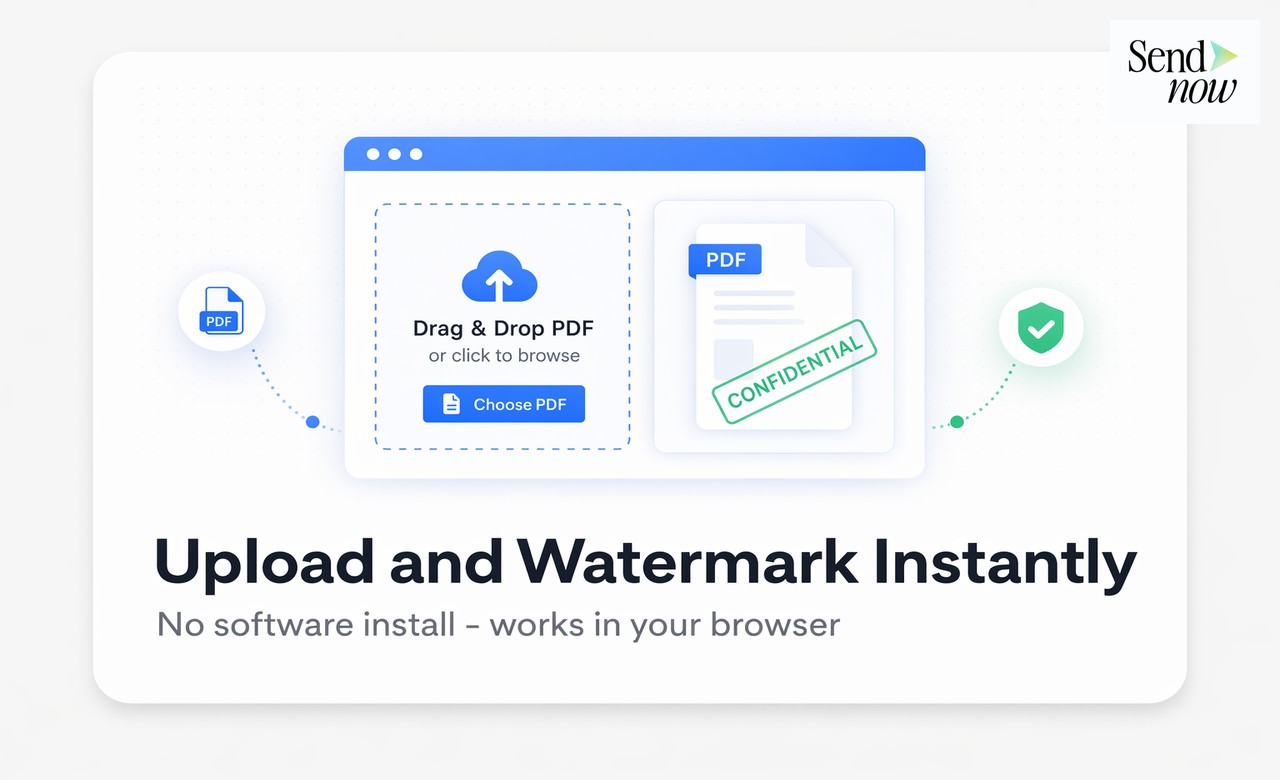
- Upload your PDF to SendNow.
- Click Create Link and navigate to the Watermark section.
- Enter your watermark text. For a static watermark, enter the text directly (e.g., "CONFIDENTIAL"). For a dynamic watermark, use variables such as
{viewer_email} | {date}. - Set the opacity (30 to 50 per cent recommended for legibility alongside content).
- Choose the position (centre-diagonal is standard for financial documents).
- Adjust the font size to suit your document format.
- Generate the link and share it.
The watermark is applied automatically to every page when a viewer opens the document. There is no per-page configuration required.
Watermark Configuration Options Compared
| Setting | Recommended Value | Purpose |
|---|---|---|
| Text content | {viewer_email} - CONFIDENTIAL - {date} | Dynamic identification |
| Opacity | 35–45% | Visible but not obstructive |
| Position | Centre diagonal | Maximum page coverage |
| Font size | Medium to large | Legible across page sizes |
| Colour | Dark grey or charcoal | Works on light and dark backgrounds |
Using Watermarks for GDPR Compliance Evidence
Finance teams operating under the EU's GDPR may be required to demonstrate that appropriate measures were taken to protect personal data contained within shared documents. A watermark, combined with an audit trail, forms part of that evidentiary package:
- The watermark demonstrates that the document was marked as confidential and that access was tracked to a specific individual.
- The audit trail records who viewed the document and when.
- Together, they provide a defensible record of controlled, accountable sharing.
If a data subject requests information about how their personal data was shared (under GDPR Article 15), you can provide the audit log showing the sharing events. If the sharing was limited and watermarked, this demonstrates proportionality and appropriate safeguards.
Adding a Watermark to a PDF Without a Platform
If you need to add a static watermark to a PDF before sending it as an email attachment (as opposed to sharing via a link), several tools allow you to do this:
- Adobe Acrobat: Tools > Edit PDF > Watermark > Add
- LibreOffice Draw: Open the PDF, add a text element, export as PDF
- Python (PyPDF2 or reportlab): Programmatic watermarking for batch processing
These methods produce a static watermark embedded in the PDF file. The watermark is permanent and cannot be removed by the recipient without specialist tools. However, as noted above, static watermarks cannot identify the specific recipient if the document is leaked.
For any document sharing scenario where accountability matters, a platform like SendNow that renders dynamic viewer-specific watermarks is the superior option.


Best Practices for Watermarking Financial Documents
- Apply watermarks to every document shared with external parties, regardless of the perceived trustworthiness of the recipient.
- Use dynamic watermarks for any document that is individually addressable to a specific person.
- Set opacity high enough that the watermark is clearly visible in a screenshot or photograph.
- Include the date in the watermark so time-sensitive leaks can be tied to a specific sharing event.
- Combine watermarking with link expiry so the document is no longer accessible after the relevant event.
Related Reading
- The Complete Guide to Secure Document Sharing for Finance Teams
- What Is Dynamic Watermarking and Why Does It Matter?
- How to Prevent Confidential Documents From Being Leaked
Frequently Asked Questions
Q: What is the best way to add a watermark to a PDF? A: For documents shared via link, use a platform like SendNow that applies dynamic watermarks automatically at viewing time. For PDFs sent as email attachments, use Adobe Acrobat or a similar tool to embed a static watermark before sending.
Q: Can a watermark be removed from a PDF? A: A static watermark embedded in a PDF can be removed using specialist PDF editing software, though this requires technical skill. A dynamic watermark applied by a viewing platform like SendNow cannot be removed because it is not part of the underlying file.
Q: Does adding a watermark reduce PDF quality? A: At standard opacity and size settings, a watermark has no meaningful effect on the quality of the underlying document content.
Q: What text should I use for a financial document watermark? A: For external sharing, a combination of the recipient's email, the word "CONFIDENTIAL," and the date is most informative. For internal documents, the department name and distribution restriction ("INTERNAL USE ONLY") is appropriate.
Q: Can I watermark every document automatically without configuring each one? A: Yes. SendNow allows you to set default watermark settings at the account level, so every new link you create applies your standard watermark configuration without manual setup.
Q: Is a watermark legally binding? A: A watermark itself is not a legally binding instrument, but it is strong evidence that a document was marked as confidential and that the recipient was aware of its sensitivity. This is relevant in NDA breach proceedings and regulatory enquiries.
Q: Does SendNow watermark all pages of a multi-page document? A: Yes. The watermark is applied to every page of the document automatically, regardless of page count.
Q: Can I use an image or logo as a watermark instead of text? A: SendNow's watermark system uses text with dynamic variables. For a logo watermark embedded in the PDF file before upload, use Adobe Acrobat or a similar tool to add the image overlay.
Add professional, traceable watermarks to every document you share. Start your free trial at sendnow.live and protect your files with viewer-specific marking.
About the Author: Rifana Hameem
Rifana is the founder of SendNow. She leads the team in building secure, compliant, and analytics-rich document sharing tools for finance and professional teams worldwide.
Connect on LinkedIn