How to See Where in the World Your Document Was Opened

How to See Where in the World Your Document Was Opened
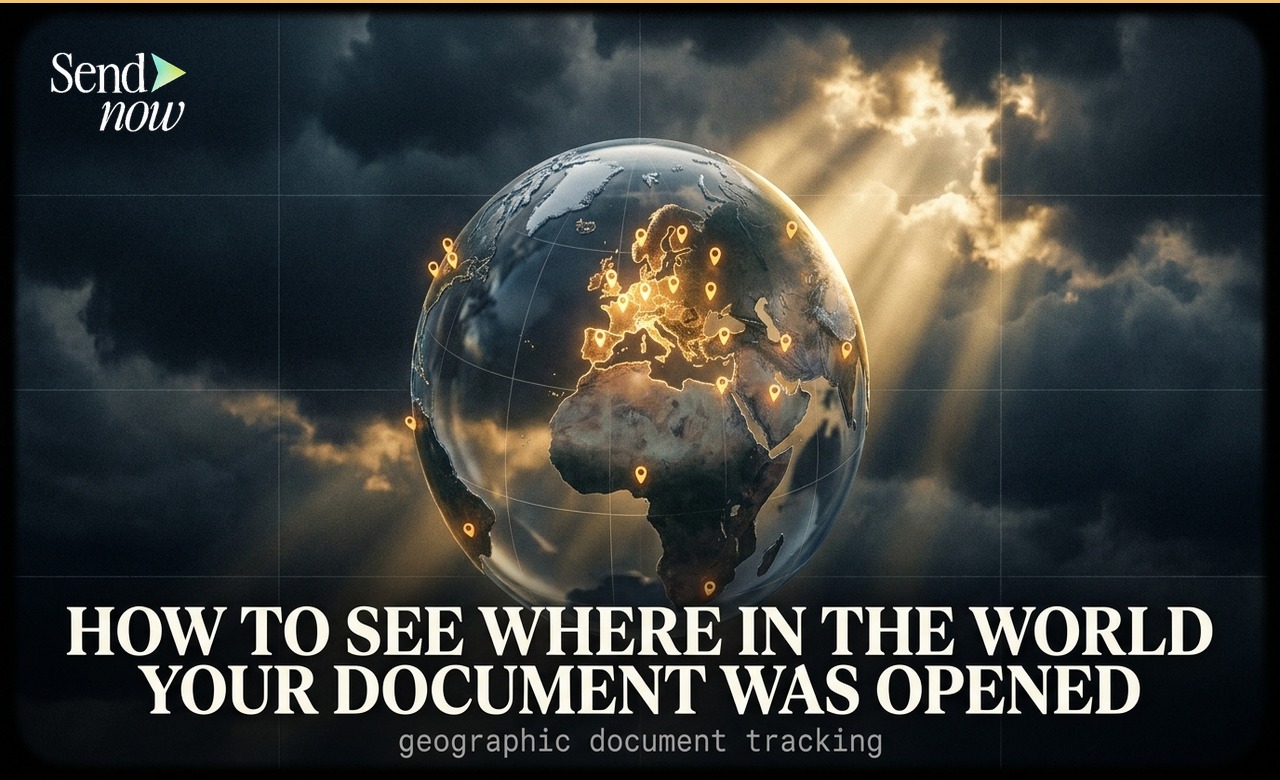
When you share a document through a tracking-enabled platform like SendNow, you can see exactly which country and city each viewer opened it from the moment they click the link. Geographic tracking logs the IP-based location of every visitor automatically, giving you a real-time picture of where your content is being read without any setup required.
Why Geographic Data Matters for Finance Professionals
If you regularly share investment proposals, fund reports, or due diligence packs, knowing where those files were opened is commercially useful. A pitch deck opened from a Frankfurt IP at 7am tells a different story to one opened from a residential London address at 11pm. Location context adds meaning to raw engagement data.
There is also a compliance dimension. Under EU GDPR, knowing where a document was accessed supports data residency decisions, helps flag access from outside approved regions, and contributes to the audit trail that regulated firms are expected to maintain for sensitive document sharing.
What Data Is Captured
Document geographic tracking records the following at the moment of each visit:
- Country (e.g. United Kingdom, Germany, Netherlands)
- City (e.g. London, Frankfurt, Amsterdam)
- Region (e.g. Greater London, Île-de-France)
- Timestamp (date and time in UTC)
The data is derived from the visitor's IP address. Country-level accuracy is high across almost all connection types. City-level data is reliable for direct corporate and residential connections, though VPNs and corporate proxies may produce less precise results.
How Geographic Tracking Works in SendNow
SendNow captures geographic data automatically for every document link. There is nothing to configure. As soon as a recipient opens your link, their location appears in the visitor log alongside time-on-page and completion percentage.
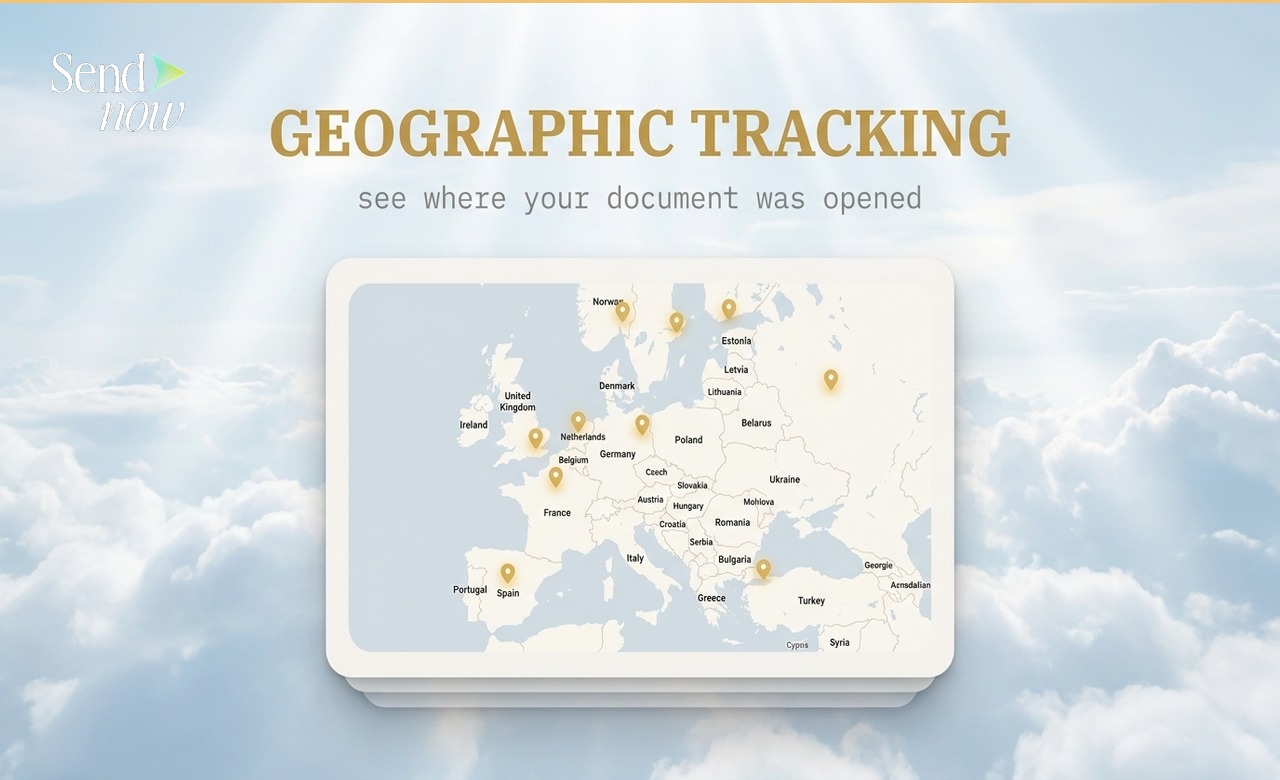

To view location data for a specific document:
- Log in to your SendNow dashboard
- Select the document you want to review
- Click the Visitors tab
- Each row shows a country flag, city name, and the time and date of access
You can view this data per link or aggregated across all links associated with a document.
Reading the Visitor Location Table
The visitor table gives you a row-by-row breakdown of everyone who has opened your document. The Location column shows country and city data next to the time of access and the percentage of the document each person read.
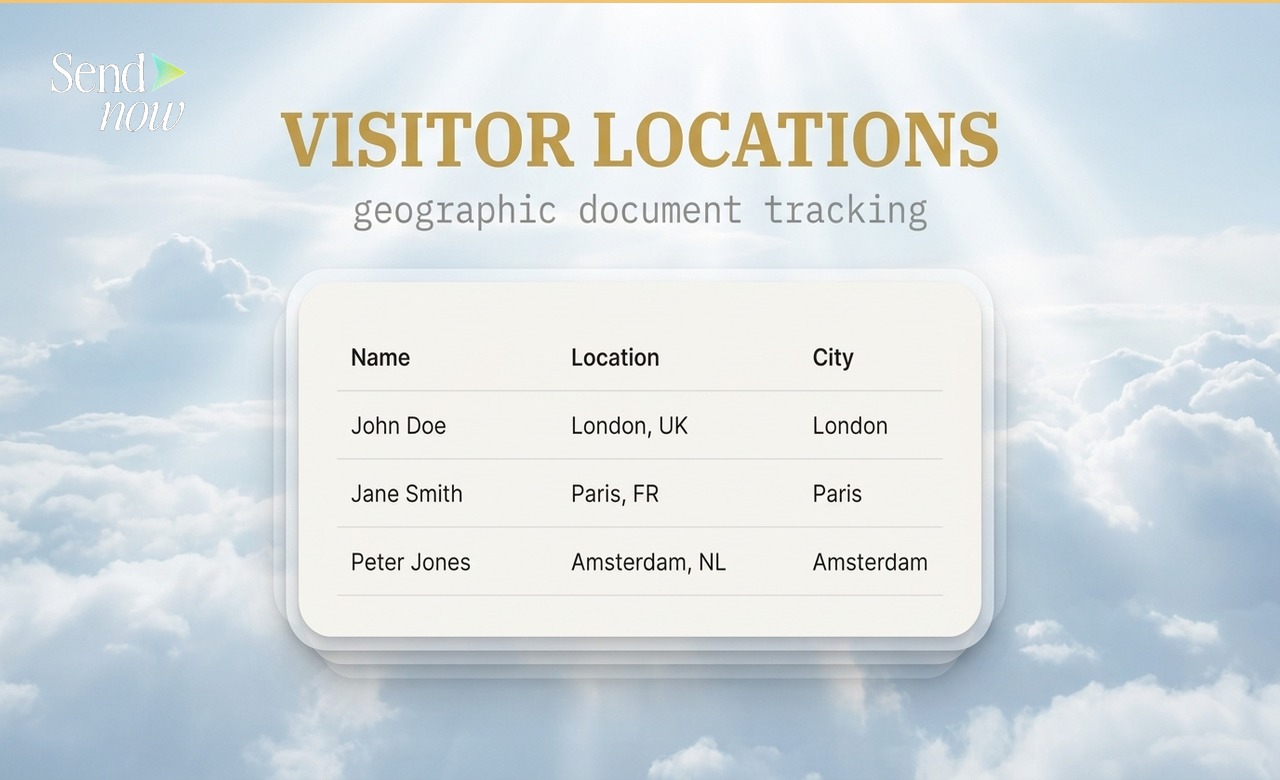
This makes it straightforward to check whether a document sent to a specific client was opened by someone in the expected location, or whether access came from somewhere you did not anticipate.
Common Use Cases
| Use Case | What to Look For |
|---|---|
| Client verification | Confirm access from the client's expected country |
| Forwarding detection | Spot opens from unexpected cities or countries |
| Regional engagement | Identify which markets engage most with your content |
| Compliance auditing | Build a geographic access log for regulated documents |
| Deal intelligence | Infer team involvement from multiple city-level opens |
Geographic Tracking Across Multiple Documents
If you share documents with clients across several countries, the geographic data builds into a useful picture over time. You might notice that a quarterly report shared with a UK investor is regularly opened from the Netherlands, suggesting it is being forwarded internally within the counterparty.
For a broader view of all your documents and their engagement metrics, the Complete Guide to PDF Tracking covers the full analytics picture. To track engagement by client across your entire document portfolio, see How to Track Document Engagement Across Every Client at Once.
Does a VPN Affect Location Data?

Viewers using a VPN or corporate proxy will appear at the location of the VPN exit node rather than their actual location. This is a known limitation of IP-based geographic tracking and applies to all document analytics tools. For most business senders, corporate networks without VPNs produce accurate country-level and reliable city-level data.
If precise identity verification matters more than approximate location, pairing geographic tracking with email-verified access gives you a stronger chain of evidence.
Frequently Asked Questions
Q1: Does geographic tracking require any setup in SendNow? No. Location data is captured automatically for every document link. It appears in your visitor log as soon as the first person opens the document.
Q2: How accurate is the city-level location data? City-level accuracy is high for direct connections. VPNs, corporate proxies, and some mobile networks may produce results that differ from the viewer's actual location. Country-level data is accurate in the vast majority of cases.
Q3: Can I see geographic data for all my documents at once? Yes. The SendNow dashboard shows location data across your entire document library. You can filter by document, date range, or individual link.
Q4: Is geographic tracking compliant with GDPR? SendNow processes IP-based location data in line with EU GDPR requirements. Location data is treated as personal data and handled with appropriate notices and data minimisation.
Q5: Can I get an alert when my document is opened from a specific country? SendNow sends real-time notifications for every document open, which include location information. You can review country data in the notification email or directly in your dashboard.
Q6: What if a viewer uses a VPN? The location recorded will be that of the VPN server exit node. This is a limitation of IP-based tracking and cannot be circumvented at the tracking level.
Q7: Is historic geographic data saved? Yes. SendNow stores your full visitor history, including location data, for the lifetime of your documents on the platform.
Q8: How does geographic tracking support deal intelligence? Multiple opens from different cities within the same company can indicate that your document is being circulated internally. This gives you useful signal about stakeholder interest before a formal response arrives.
To verify whether a specific named person opened your document, read How to Know If Someone Opened Your PDF.
SendNow offers a free trial — no credit card required. Start at sendnow.live
About the Author: Rifana Hameem
Rifana is the founder of SendNow. She leads the team in building secure, compliant, and analytics-rich document sharing tools for finance and professional teams worldwide.
Connect on LinkedIn