How to Permanently Delete a Shared Document From All Servers

How to Permanently Delete a Shared Document From All Servers
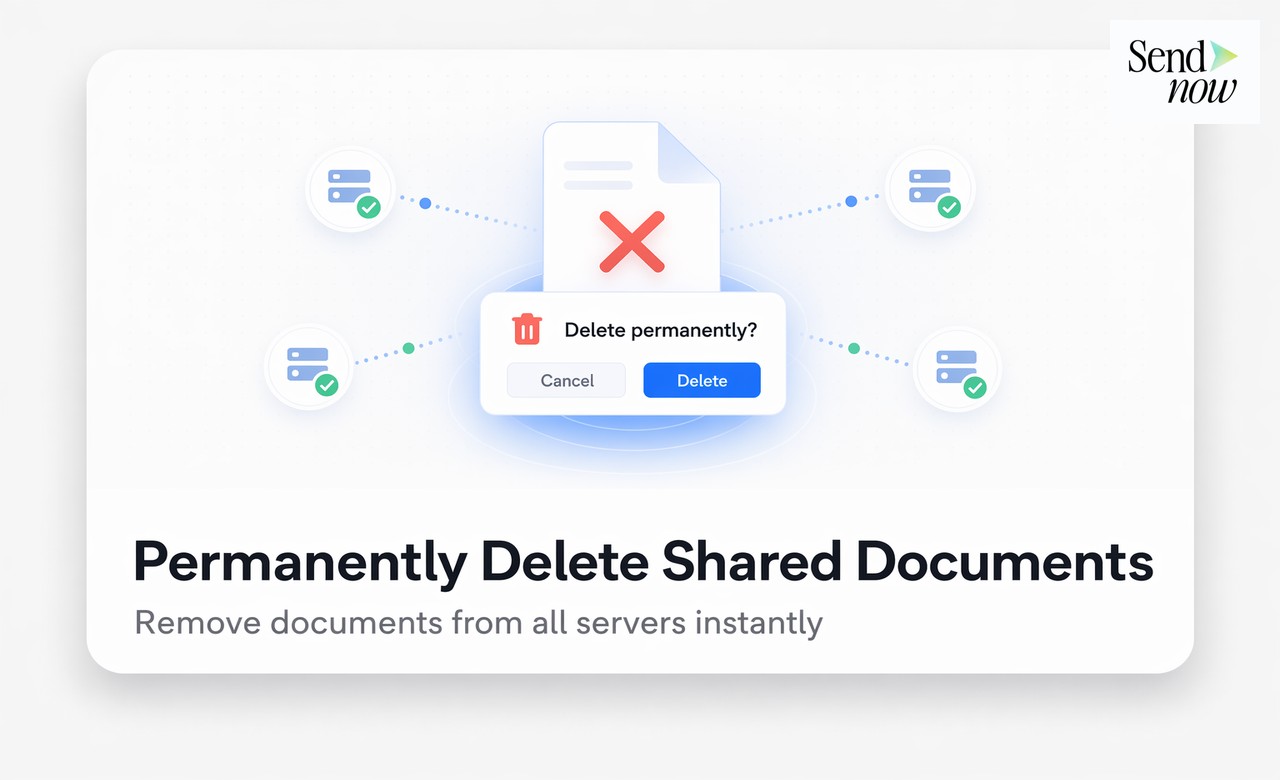
Permanently deleting a shared document means removing it from every storage server, CDN edge node, and cached copy so that no one can access it again through any previously shared link. Most cloud storage platforms do not offer true permanent deletion — files can linger in backup storage or CDN caches for days, weeks, or longer after the user clicks "delete." With the right document platform, you can trigger a complete, verifiable deletion across all infrastructure in seconds.
Why "Deleting" a File Is Not Always Permanent
When you delete a file from a standard cloud storage tool, the following may still retain a copy:
- CDN edge caches: Content delivery networks store cached copies of files at edge nodes around the world. Deleting the origin file does not automatically purge these caches unless the platform issues explicit cache-invalidation requests.
- Backup snapshots: Most cloud storage providers take periodic backups of their infrastructure. Your "deleted" file may persist in a backup snapshot for 30, 60, or even 90 days.
- Browser and device caches: Recipients who viewed the document may have a locally cached copy on their device, depending on how the file was delivered.
- Link previews: If the share link was sent via a messaging tool like Slack or Teams, link-preview bots may have fetched and cached a thumbnail or preview.
For finance teams operating under GDPR, this is a significant concern. The GDPR right to erasure (Article 17) requires that personal data be erased without undue delay when requested. If your platform cannot guarantee deletion across all infrastructure layers, you cannot demonstrate compliance with that obligation.
What True Permanent Deletion Looks Like
True permanent deletion involves three stages executed in sequence:
- Storage deletion: The master file is removed from the origin storage server, such as AWS S3.
- CDN purge: A cache-invalidation request is sent to every CDN edge node where the file or its derivatives may be cached.
- Link revocation: All shared links pointing to the document are deactivated, so that any attempt to access the URL returns a 404 or access-denied response rather than retrieving a cached version.
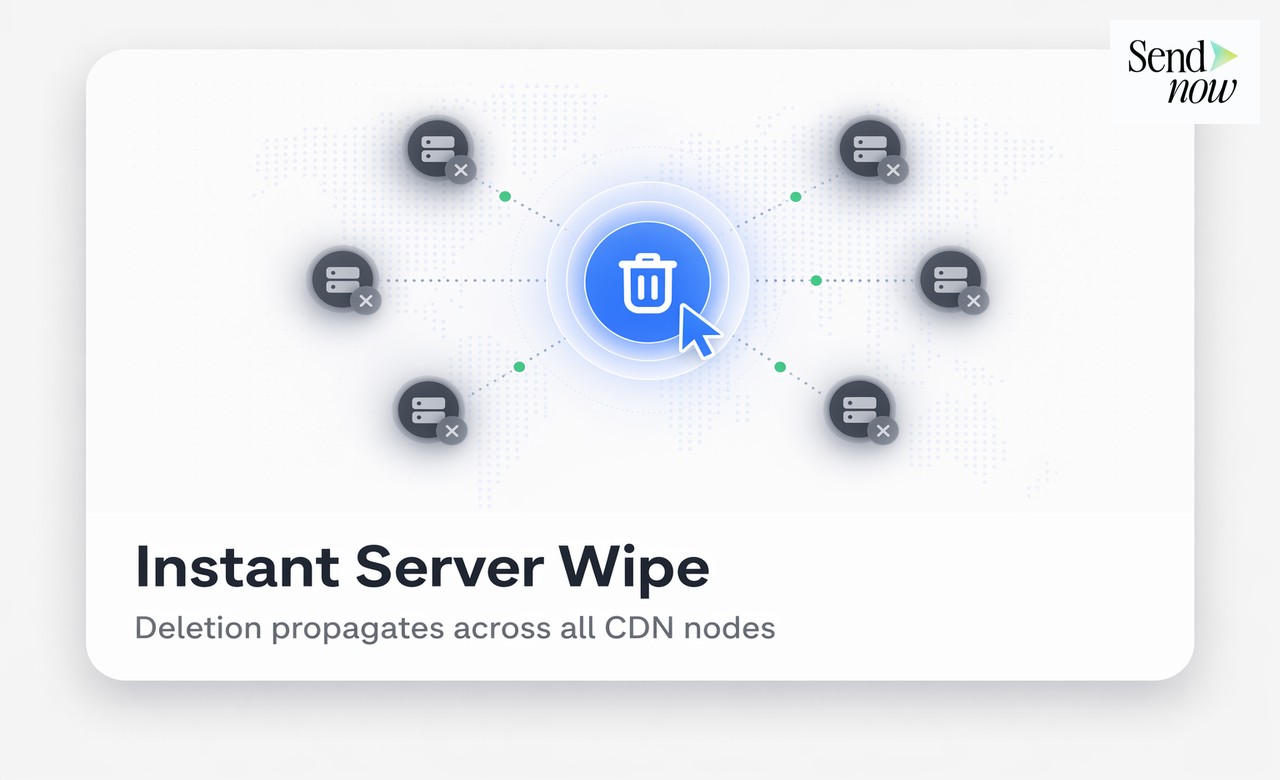
Platforms that skip the CDN purge step are the most common source of "deleted" files remaining accessible. A user clicks delete, the origin file is gone, but anyone with the old link can still retrieve a cached copy from an edge node for hours or days.
How to Permanently Delete a Document on SendNow
SendNow handles all three stages automatically when you trigger a permanent deletion. The process is straightforward:

- Open the document in your SendNow dashboard.
- Navigate to Document Settings.
- Click Permanently Delete and confirm in the modal dialogue.
- SendNow immediately removes the file from storage, issues a CDN cache purge, and deactivates all associated share links.
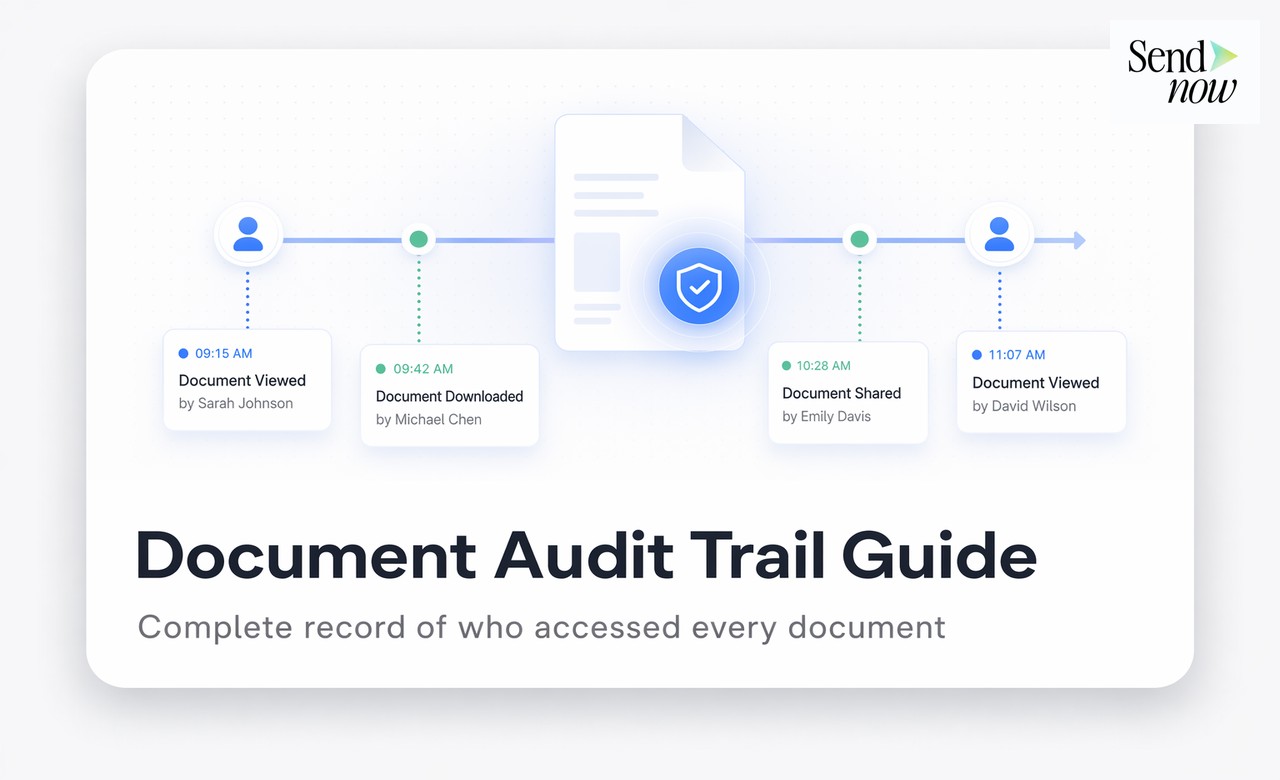
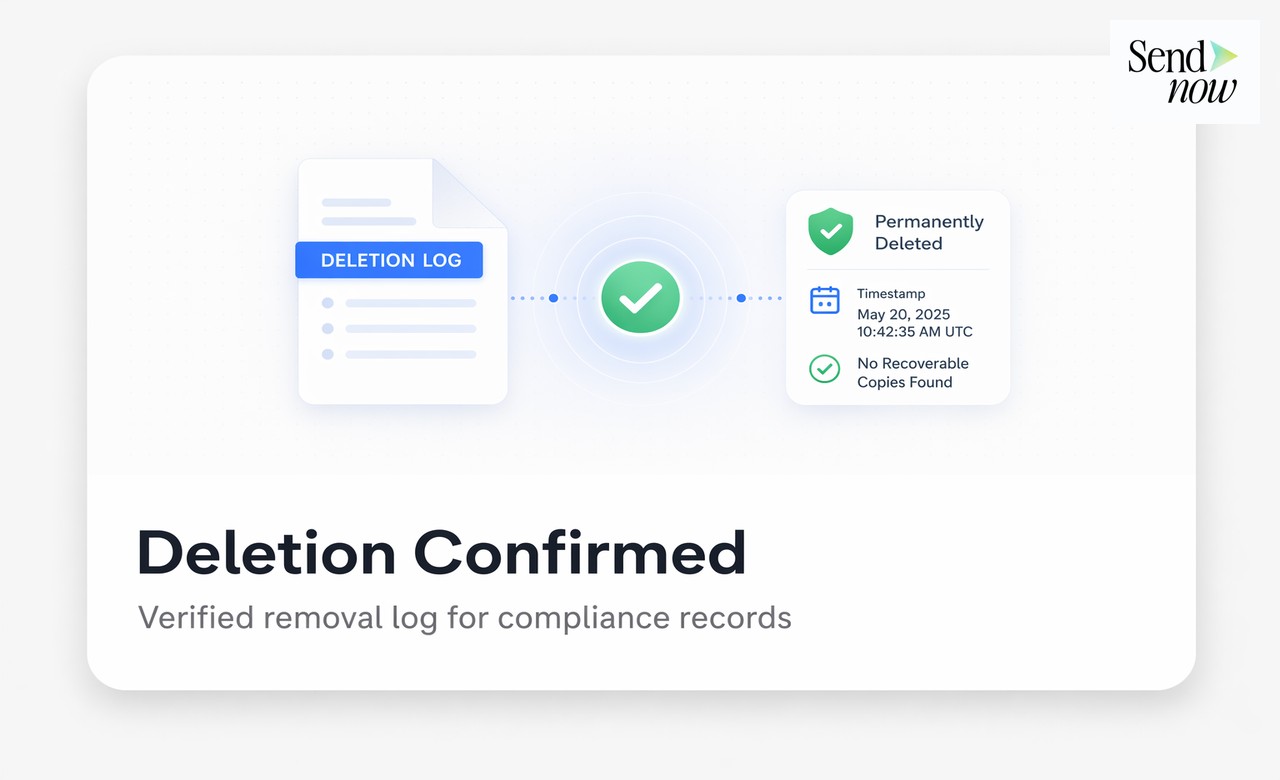
- A deletion confirmation is logged in your audit trail with a timestamp.
The audit log entry serves as a verifiable record that deletion occurred, which is useful for demonstrating GDPR compliance or responding to a right-to-erasure request.
Deletion vs. Revocation: Understanding the Difference
| Action | What It Does | Link Still Active? | File Still Stored? |
|---|---|---|---|
| Revoke link | Disables a specific share link | No | Yes |
| Archive document | Hides from dashboard | Yes (if links exist) | Yes |
| Permanently delete | Removes file + purges CDN + kills links | No | No |
Revoking a link is the right action when you want to stop access temporarily or selectively. Permanent deletion is the right action when the document should no longer exist on any server and no form of access should ever be possible again.
When Finance Teams Need Permanent Deletion
Several scenarios in financial practice call for verified, permanent deletion:
- Deal collapses: A term sheet or investment memo was shared during a deal that has since fallen through. The receiving party should no longer have access to the document.
- NDA breach concerns: You suspect a recipient has shared your document with an unauthorised party and you want to close access for all.
- Document versioning: An earlier draft of a board report was shared before the final version was ready, and you need to ensure no one can access the outdated copy.
- GDPR erasure requests: A data subject has exercised their right to erasure, and the document in question contains their personal data.
In each case, simply revoking a link or archiving the document is insufficient. Permanent deletion ensures no path to the file remains.
How to Respond to a GDPR Right-to-Erasure Request
If a data subject requests erasure of their personal data under GDPR Article 17, and that data is contained within a document you have shared via SendNow, the process is:
- Identify all documents containing the individual's data using your SendNow document library and audit logs.
- Permanently delete each relevant document using the steps above.
- Export the deletion audit log entries as evidence of compliance.
- Respond to the data subject within the required 30-day window, including the deletion records as supporting documentation.
This process is significantly easier to execute and evidence when you use a platform that logs every deletion with a timestamp and stores those records independently of the file itself.

Related Reading
- The Complete Guide to Secure Document Sharing for Finance Teams
- What Is AES-256 Encryption? Why Your Document Platform Needs It
- What Is a Document Audit Trail and Why Do Finance Teams Need One?
Frequently Asked Questions
Q: Does deleting a Google Drive file permanently remove it from all servers? A: No. Google Drive retains deleted files in the Trash for 30 days, and backup snapshots of Google infrastructure may persist longer. CDN caches for publicly shared files may also remain active for a period after deletion.
Q: What is a CDN purge and why does it matter for document deletion? A: A CDN (Content Delivery Network) distributes cached copies of files to edge servers around the world for faster delivery. A CDN purge sends an invalidation request to all these edge nodes, forcing them to remove the cached copy. Without a purge, a deleted file can remain accessible via old links.
Q: Can permanently deleted documents be recovered? A: On SendNow, permanent deletion is irreversible. There is no recycle bin or recovery option once the deletion is confirmed. This is intentional: the purpose of permanent deletion is to ensure the file cannot be retrieved by anyone.
Q: Is permanent document deletion required under GDPR? A: GDPR Article 17 grants individuals the right to request erasure of their personal data. When a document containing personal data is subject to such a request, permanent deletion from all servers is the appropriate technical measure to comply.
Q: How long does CDN cache take to clear without an explicit purge? A: Depending on the CDN provider and cache-control headers, cached content can persist for anywhere from a few minutes to several days. Without an explicit purge request, there is no guaranteed timeline.
Q: Can I delete individual pages of a document rather than the whole file? A: SendNow manages documents as complete files. To remove specific content, you would need to upload a redacted version and permanently delete the original.
Q: Does permanent deletion remove all audit log entries too? A: No. SendNow retains audit log entries for deleted documents. The log records that the document existed, was shared, and was permanently deleted. The file itself is gone, but the compliance record remains.
Q: How do I prove to a regulator that a document has been permanently deleted? A: Export the audit log from SendNow, which includes the deletion event, timestamp, and the identity of the user who triggered it. This serves as a timestamped record suitable for regulatory or legal purposes.
Need to guarantee complete document deletion across all servers? Start your free trial at sendnow.live and take full control of your shared files.
About the Author: Rifana Hameem
Rifana is the founder of SendNow. She leads the team in building secure, compliant, and analytics-rich document sharing tools for finance and professional teams worldwide.
Connect on LinkedIn