How to Require a Signed NDA Before Anyone Views Your File

How to Require a Signed NDA Before Anyone Views Your File
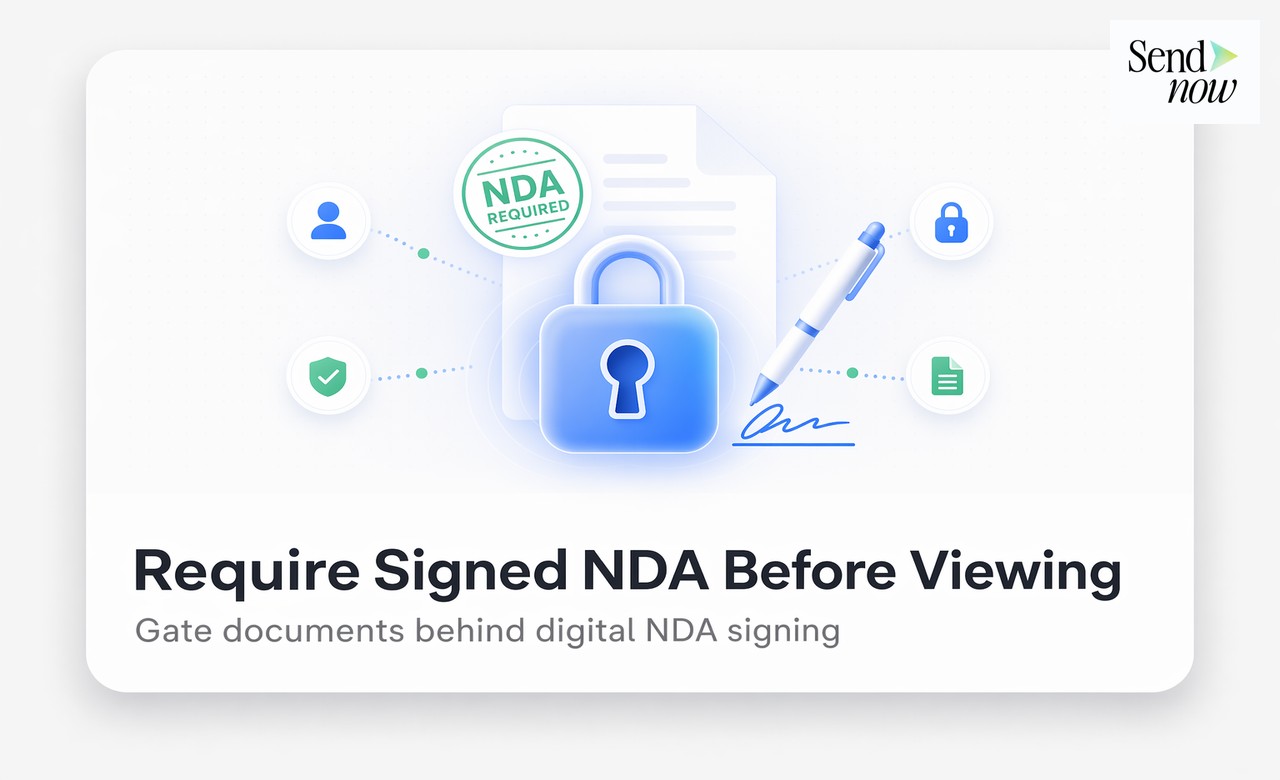
To require a signed NDA before anyone views your file, upload your document to SendNow, create a share link, enable the NDA gate in link settings, and paste your NDA text. The viewer must accept the agreement before the document opens, and their acceptance is recorded with a timestamp, IP address, and device details automatically.
Why Requiring an NDA at the Point of Access Matters
Most finance professionals know they should use an NDA when sharing sensitive documents. The gap is in execution. The traditional approach sends the NDA as a separate email, waits for a signed copy to return, and then delivers the file. This creates three problems:
Timing gaps. The document is sometimes sent before the signed NDA arrives, defeating the purpose.
Enforcement weakness. Even a signed paper NDA does not stop the recipient from forwarding the file once received.
No audit trail. There is no automatic record linking a specific NDA acceptance to a specific document view event.
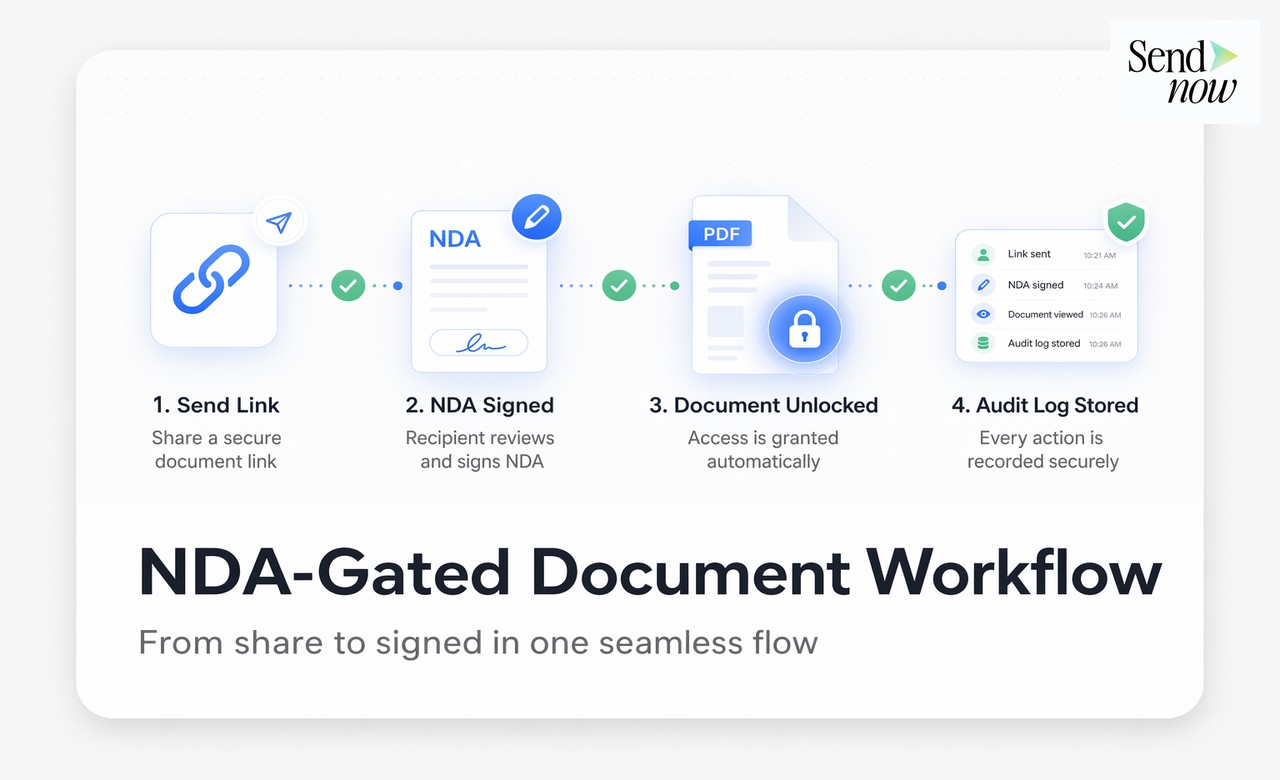
Requiring an NDA at the point of access using a gate solves all three. The recipient cannot open the file without first agreeing, and every agreement is logged against the document view.
Step-by-Step: Requiring an NDA Before Document Access
Step 1: Log in to SendNow at sendnow.live and navigate to your document library.
Step 2: Upload or select the document you want to protect. PDF, DOCX, PPTX, and XLSX files are all supported.
Step 3: Click "Share" to open the link settings panel.
Step 4: Enable "Require NDA Agreement" using the toggle. A text field appears below.
Step 5: Paste your NDA text into the text field. You can use the free template available in our NDA gate guide or your own legal language.
Step 6: Optionally configure additional security: password protection, download restriction, screenshot blocking, and link expiry are all available in the same panel.

Step 7: Copy the share link and send it via email, WhatsApp, or any channel you prefer.
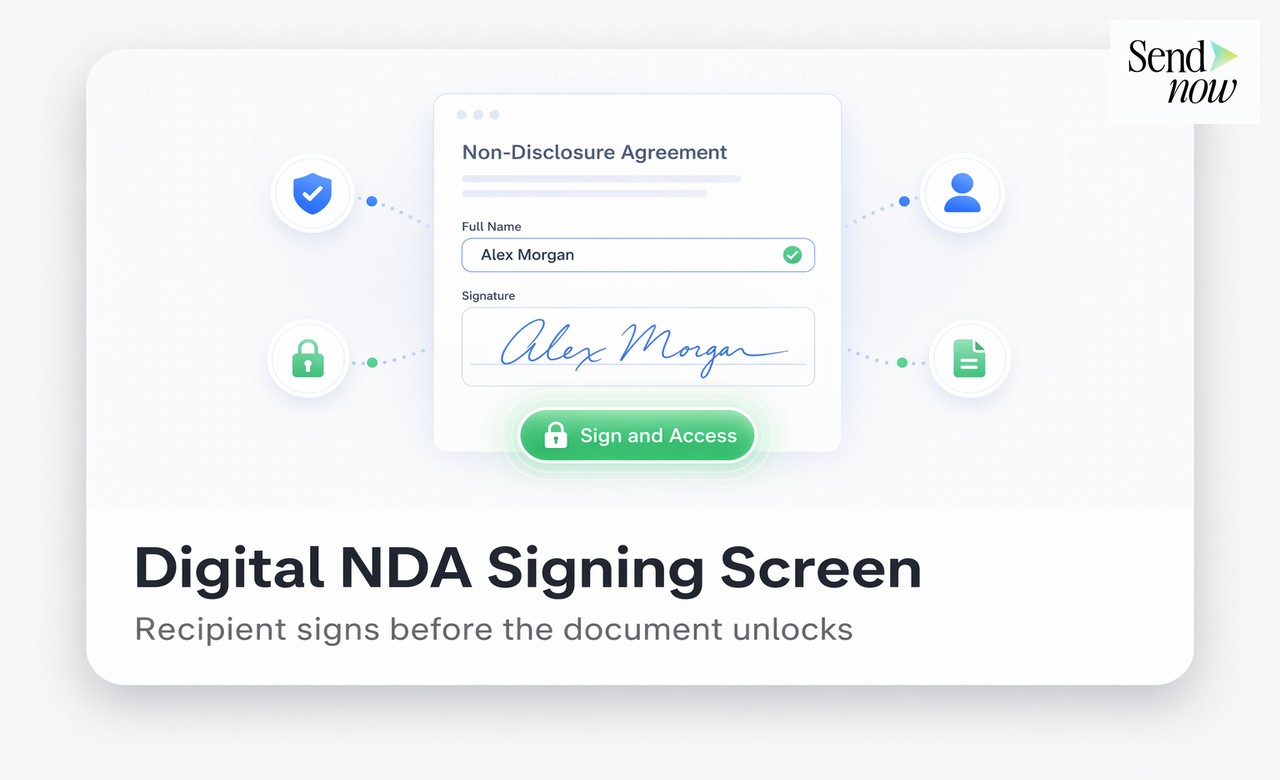
What the Viewer Experiences
When your recipient opens the link, they do not see the document. Instead, they see:
- Your NDA text displayed in full.
- A checkbox or button labelled "I Agree to the NDA" or "Accept and Continue".
- A timestamp confirming when the agreement will be recorded.
Only after clicking "Accept" does the document load. If they close the page without accepting, the document remains inaccessible. The acceptance event is immediately logged in your SendNow audit trail.
This experience is clean and professional. It communicates to the recipient that you take confidentiality seriously, which itself discourages casual forwarding.
NDA Gate vs Traditional NDA Delivery
| Dimension | NDA Gate (SendNow) | Email NDA | Verbal NDA |
|---|---|---|---|
| Agreement before access | Always | Often after | Never captured |
| Timestamped record | Yes | Partial | No |
| Linked to document view | Yes | No | No |
| Enforcement if forwarded | Gate + revocation | Contractual only | None |
| Setup time | Under 2 minutes | 1-3 days | None |
| GDPR-compliant log | Yes | Partial | No |
Combining NDA Gate with Download Restriction
An NDA only protects against knowing disclosure. If the viewer can download the file, they can forward it to anyone regardless of the NDA. For maximum protection:
- Enable the NDA gate (requires agreement before viewing).
- Disable downloads (prevents local copies).
- Enable screenshot blocking (prevents screen capture).
- Set a link expiry (limits the window of access).
This combination means the recipient can read the document in the browser, has formally agreed to your NDA, cannot save a copy, and loses access on your schedule.
GDPR and EU Compliance for NDA Records
Under EU GDPR, recording a viewer's NDA acceptance creates a data processing event. SendNow handles this under the legitimate interests basis (GDPR Article 6(1)(f)), as recording agreement to a confidentiality obligation is a proportionate and necessary measure for document protection.

Acceptance records include the timestamp, IP address, and device information of the event. These are stored securely and are available in your account dashboard for export at any time.
Related Resources
- How to Gate Any Document Behind an NDA (Free Template Included)
- Free NDA Template for Sharing Confidential Business Documents
Require Your First NDA in Under 2 Minutes
No contracts, no setup fees, no legal team required. Start gating your documents with SendNow today.
Start your free trial at sendnow.live
Frequently Asked Questions
Can I require an NDA on any file type? Yes. SendNow supports NDA gates on all file types the platform accepts, including PDFs, PowerPoint presentations, Excel files, and Word documents.
What happens if the recipient refuses the NDA? The document remains inaccessible. You are notified that the link was opened but the NDA was not accepted, which is itself useful intelligence.
Is a click-through NDA as enforceable as a signed NDA? In EU jurisdictions, click-through agreements are generally enforceable when the terms are clearly presented and the user affirmatively accepts them. For high-value deals, consult a solicitor.
Can I require different NDAs for different recipients? Yes. You can create multiple share links for the same document, each with a different NDA text, allowing you to tailor the agreement to different recipient categories.
How do I access the NDA acceptance logs? NDA acceptance records appear in the SendNow audit trail for each document link. Navigate to "Links", select the relevant link, and open "Audit Log".
Can I add an NDA to a link I have already shared? Yes. You can edit link settings at any time, including enabling an NDA gate on a link that was previously sent without one. New visitors will see the NDA; existing acceptances are unaffected.
Does the NDA gate work on mobile devices? Yes. The NDA screen renders responsively across all devices and browsers. Mobile viewers see the same gate as desktop users.
Can I export NDA acceptance records for legal proceedings? Yes. Acceptance records are exportable from the SendNow dashboard as a CSV or PDF report, suitable for submission in legal proceedings or regulatory enquiries.
About the Author: Rifana Hameem
Rifana is the founder of SendNow. She leads the team in building secure, compliant, and analytics-rich document sharing tools for finance and professional teams worldwide.
Connect on LinkedIn