How to Share Confidential Files Without Losing Control After You Hit Send

How to Share Confidential Files Without Losing Control After You Hit Send
The answer is to share a link, not a file. When you send a document via SendNow, the file stays on secure servers under your control. The recipient reads it through a tracked viewer, but cannot download, print, or forward the content without your permission. You can revoke access at any moment, and you receive a detailed account of every interaction after it is sent.
The Core Problem with Email Attachments
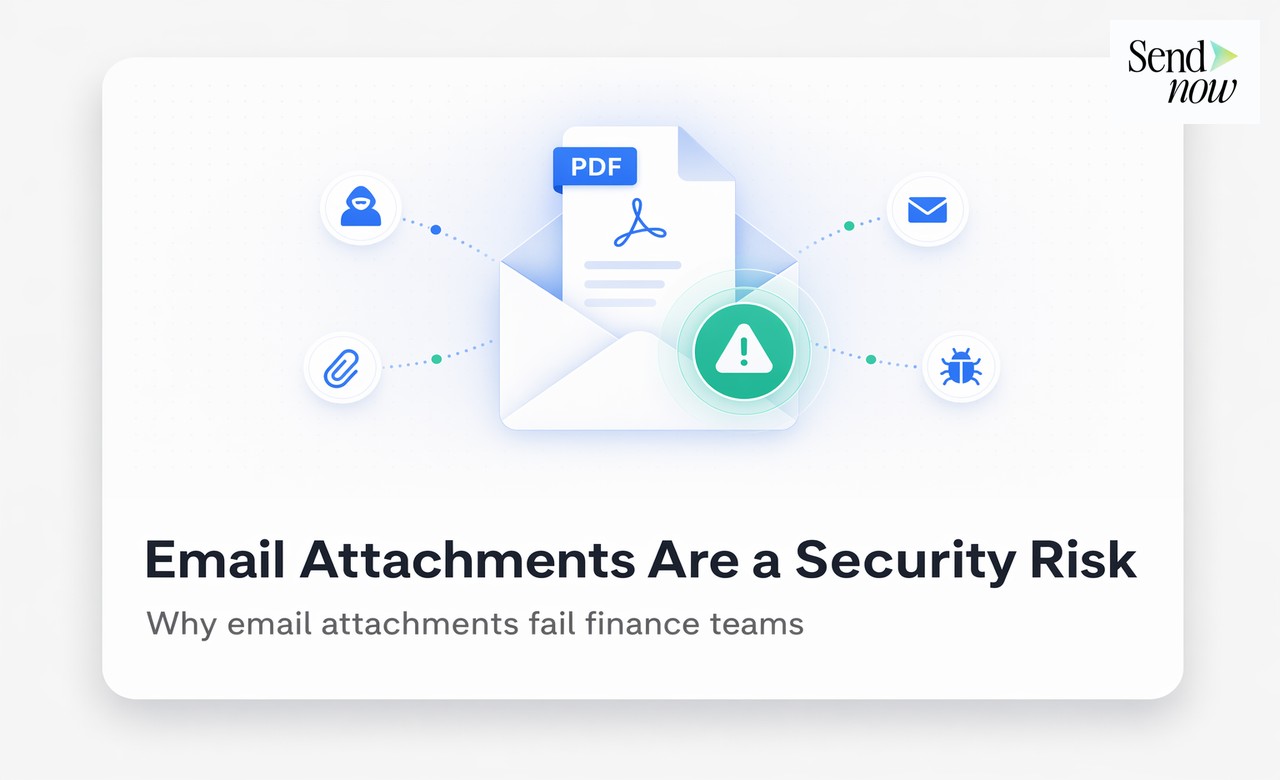
When you send a confidential PDF as an email attachment, control transfers to the recipient the instant the email leaves your outbox. You cannot revoke it, you cannot see whether it was opened, and you cannot prevent it from being forwarded to ten other people. That is not a theoretical risk — it is the operational reality of uncontrolled file sharing in professional services.
For finance professionals sharing term sheets, pitch decks, fund documents, or due diligence materials, this absence of post-send control is a meaningful commercial and compliance risk. Sensitive information can reach unintended audiences. Confidential pricing can persist on devices long after a deal has concluded. There is no audit trail to show regulators or clients.
How Link-Based Sharing Changes the Equation
When you share a document via SendNow, you share a link to a secure viewer — not the file itself. This architectural difference gives you several capabilities that email attachments cannot provide:
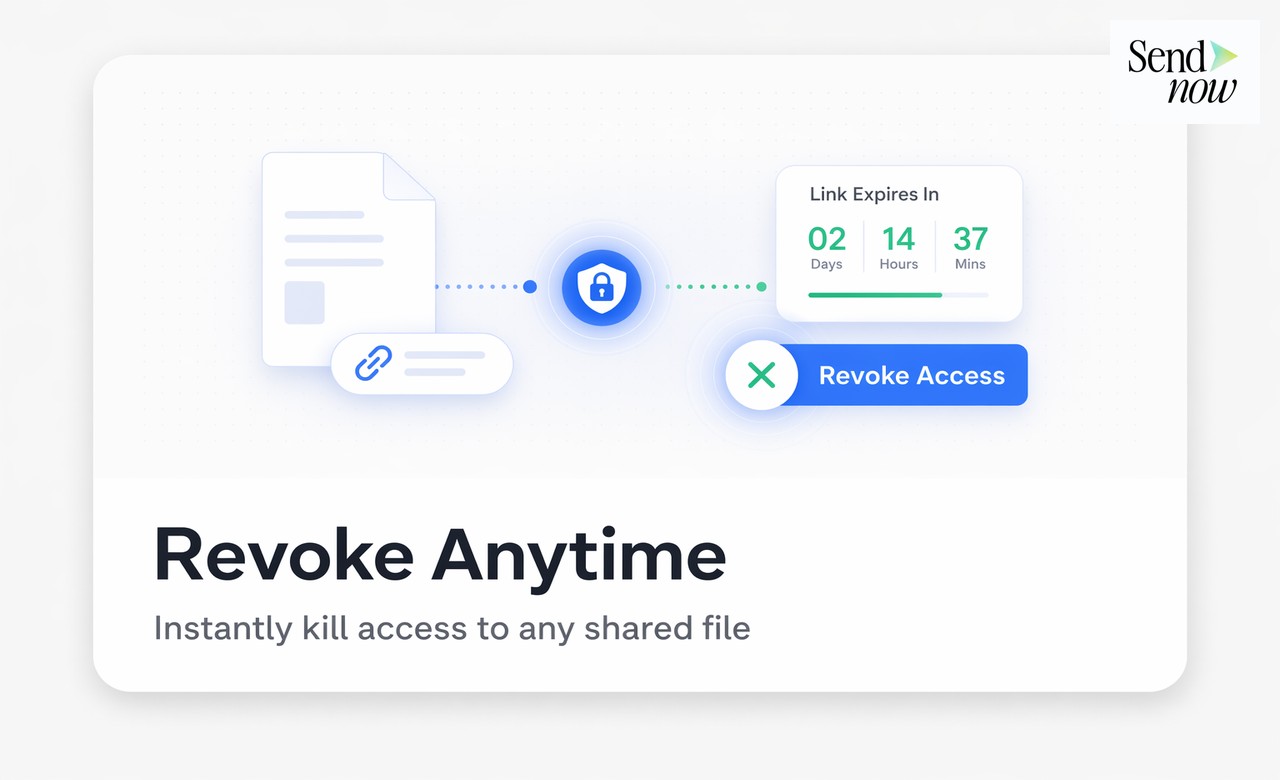
- Revoke access at any time. Deactivate the link and it stops working immediately, everywhere.
- See every interaction. Every open, every page, every return visit is logged.
- Prevent downloads. The viewer can read but not save a local copy.
- Block screenshots. An additional deterrent for the most sensitive content.
- Set access to expire. Access ends automatically at a date and time you define.
- Restrict to named recipients. Only the email addresses you approve can open the link.
Together, these controls give you a degree of post-send authority that is impossible with attachment-based sharing.
Configuring Total Access Control in SendNow
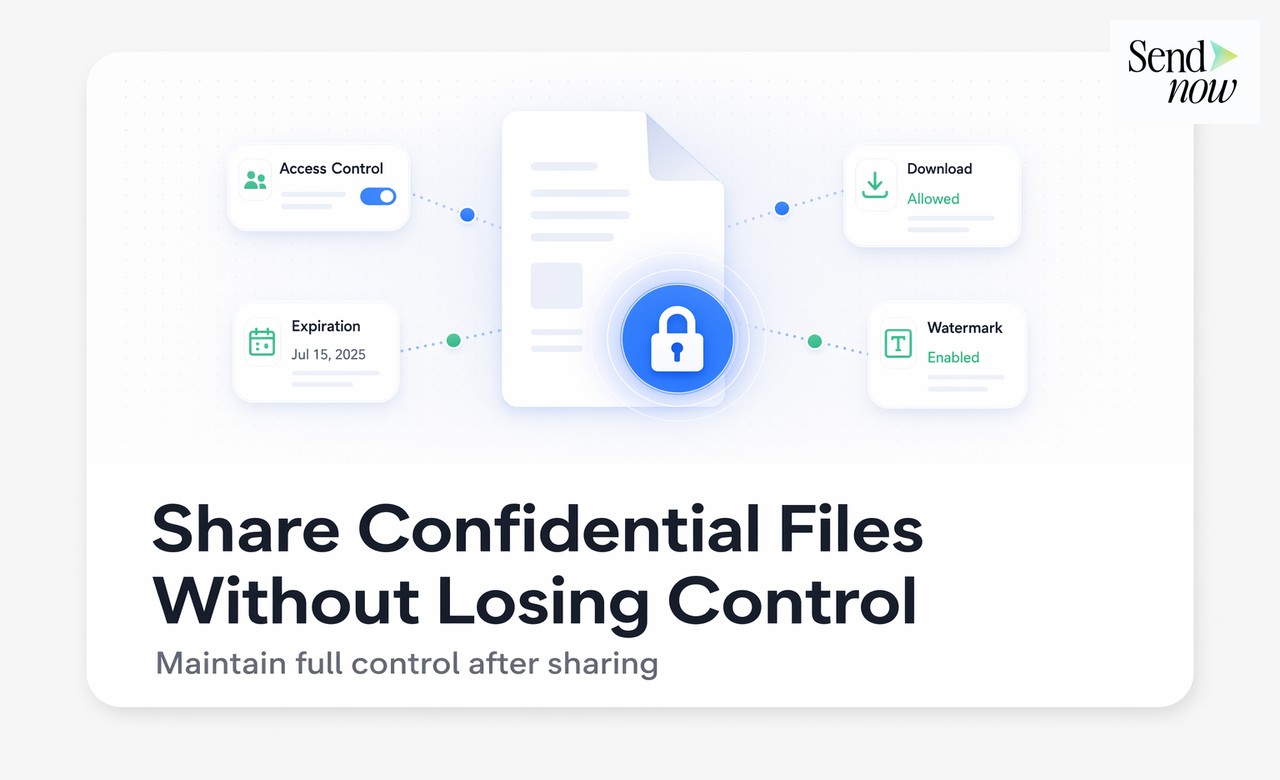
The Access Control panel in SendNow brings all security settings into one interface. For a confidential document, a typical configuration might look like this:
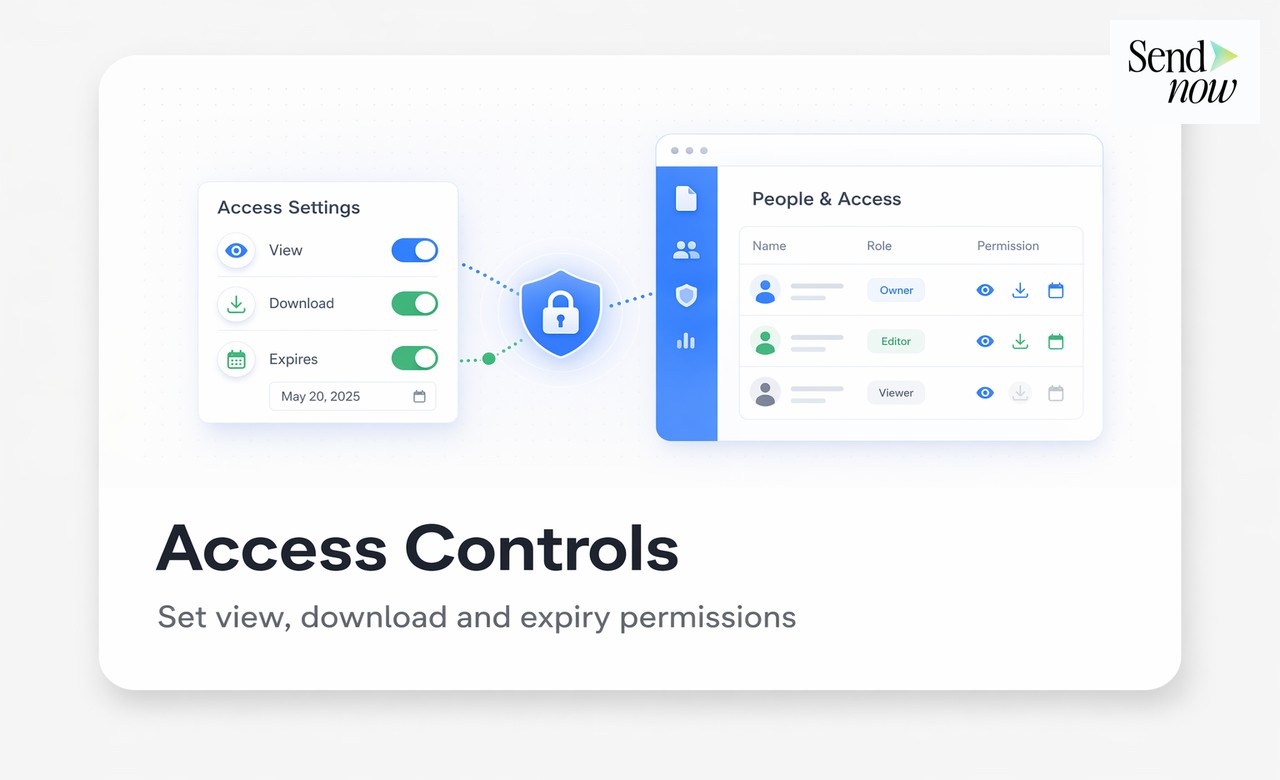
- Email allowlist: the named recipient only
- Downloads: disabled
- Screenshot blocker: on
- Expiry date: set to 14 days from today
- NDA acceptance: required before viewing
- Watermark: viewer's email address on every page

This configuration means the document can only be read by the named person, only in the secure viewer, only for 14 days, only after accepting an NDA, and any redistribution carries their email as a visible watermark. The level of control is fundamentally different from sending an attachment.
What You See After You Hit Send
After sharing a confidential document via SendNow, your dashboard shows you everything that happens:
For each visitor you can see:
- Full name and email (if verification was required)
- Date and time of every open
- Country and city of access
- Pages viewed and time spent on each
- Overall completion percentage
- Return visits and how many times they came back
This is not just useful for curiosity — it is commercially and legally valuable intelligence. You know whether a counterparty actually read your proposal. You know which sections they spent time on. You know whether the document was forwarded. You have a timestamped record for your compliance files.
What "Control After Send" Looks Like in Practice
| Scenario | Action Available in SendNow |
|---|---|
| Deal falls through | Revoke the link immediately |
| Recipient forwards to an unwanted party | Blocked if email allowlist is active; logged if not |
| You need to update the document | Upload new version, link updates automatically |
| Access window should end | Expiry date enforces this without manual action |
| You want to check if someone has read it | Dashboard shows open status in real time |
| Regulatory audit requires access log | Full timestamped visitor history is exportable |
AES-256 Encryption: What It Means in Practice
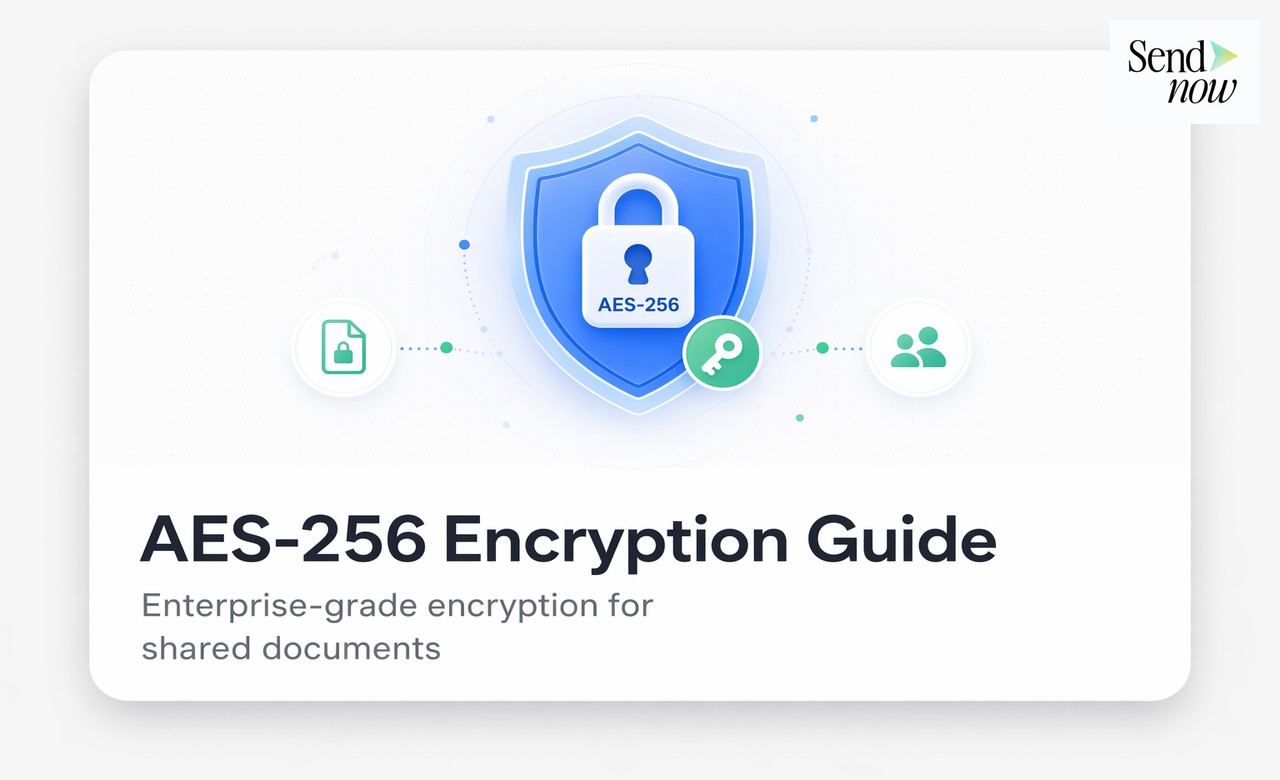
Every document stored in SendNow is encrypted at rest using AES-256, the encryption standard used by banks and government agencies. Documents in transit are protected by TLS. This means that even if an attacker gained access to the underlying storage infrastructure, your documents would be unreadable without the keys.
For EU-based firms and their counterparties, SendNow's encryption and GDPR-compliant data processing provide the technical security baseline expected by regulators and sophisticated institutional clients.
Building Secure Sharing Into Your Workflow
The most effective approach is to make secure sharing a default habit rather than an exception applied only to the most sensitive documents. Using SendNow's Security Defaults, you can set a baseline configuration — download prevention, watermarking, and a standard expiry window — that applies to every document you share unless you override it.
This means that even a routine document shares benefits from the audit trail and access controls, without requiring you to configure anything manually.

A Layered Security Summary
| Control | What It Protects Against |
|---|---|
| Email allowlist | Unauthorised recipients and forwarding |
| Download prevention | Local copies and email redistribution |
| Screenshot blocker | Screen capture and partial captures |
| Expiry date | Documents persisting beyond their intended window |
| One-time view | Any access beyond the intended single read |
| NDA acceptance | Disputed non-disclosure claims |
| AES-256 encryption | Infrastructure-level data breach |
| Audit trail | Regulatory queries and dispute resolution |
For guides to each individual control, visit the Secure Document Sharing Guide.
Frequently Asked Questions
Q1: Can I revoke access to a document I sent as a link? Yes. Deactivating a link in SendNow makes it immediately inaccessible to all viewers, regardless of where the link exists.
Q2: What if the recipient forwards the link to someone not on my allowlist? If an email allowlist is active, the forwarded recipient will be blocked when they attempt to verify their email. If no allowlist is set, the forwarded link will work — which is why allowlists are recommended for confidential material.
Q3: Can I update the document after sharing the link? Yes. Uploading a new version of a document in SendNow can be configured to update an existing link. Recipients then see the latest version when they next open the link.
Q4: Is SendNow suitable for sharing documents with EU-regulated financial counterparties? Yes. SendNow's GDPR-compliant data processing, AES-256 encryption, and named audit trail are designed for the requirements of EU financial services professionals.
Q5: How does SendNow's security compare to a standard password-protected email? A password-protected email attachment still delivers the file to the recipient's device. SendNow keeps the file on secure servers, tracks every interaction, and allows revocation at any time — capabilities that email cannot provide.
Q6: Can I see if someone tried to access a document they were not authorised to open? Yes. Blocked access attempts are logged in your dashboard with the email address used and the timestamp.
Q7: What happens to the analytics data if I revoke a link? Revoking a link stops future access but does not delete historical analytics. Your full visitor and engagement data is retained.
Q8: Is there an audit log I can export for regulatory purposes? SendNow stores a full access history for every document and link. Contact the team for information on exporting audit log data for compliance or legal purposes.
For download prevention details, see How to Stop Anyone From Downloading Your Shared Documents. For expiry date controls, see How to Share a Document That Expires Automatically.
SendNow offers a free trial — no credit card required. Start at sendnow.live
About the Author: Rifana Hameem
Rifana is the founder of SendNow. She leads the team in building secure, compliant, and analytics-rich document sharing tools for finance and professional teams worldwide.
Connect on LinkedIn