How to Track Who Watched Your Video Proposal and For How Long

How to Track Who Watched Your Video Proposal and For How Long
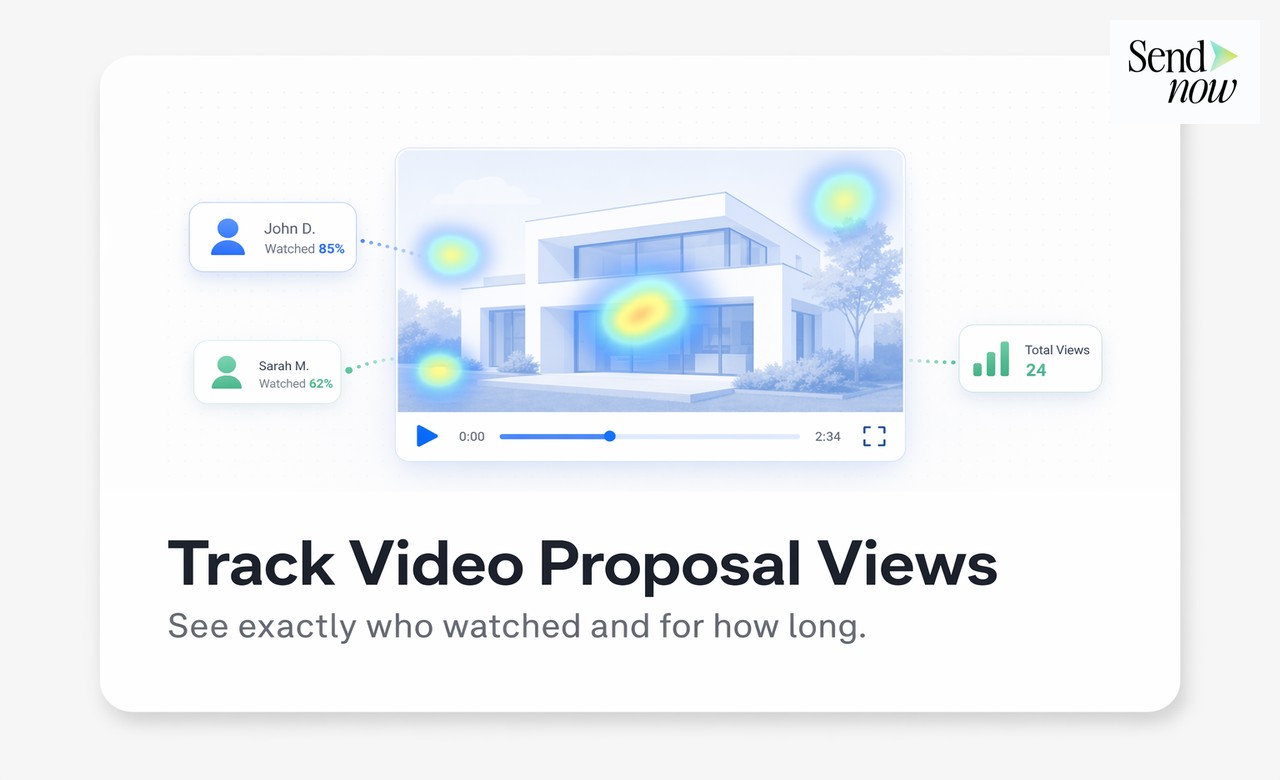
Tracking who watched your video proposal tells you, in concrete terms, who is engaged and who has gone cold — without needing to chase anyone for an update. With the right tool, you can see each viewer's name, how many minutes they watched, which sections they replayed, and whether they shared the link with a colleague. This guide covers exactly how to set that up.
Why Standard Video Links Tell You Nothing
When you send a video proposal via a standard file host or cloud storage link, you receive one data point: whether the file was opened. You learn nothing about engagement depth. Did the prospect watch for 30 seconds and move on? Did they replay the pricing section three times? Did they forward the link to their CFO?
For finance and professional services teams, this ambiguity is costly. Follow-up timing, proposal adjustments, and escalation decisions all depend on knowing how interested someone actually is. A viewer who watched 95% of a six-minute proposal is a very different prospect from one who dropped off after 40 seconds.
What Video Proposal Tracking Actually Measures
A dedicated tracking tool captures far more than a simple open notification. Here is what you should expect from a proper solution:
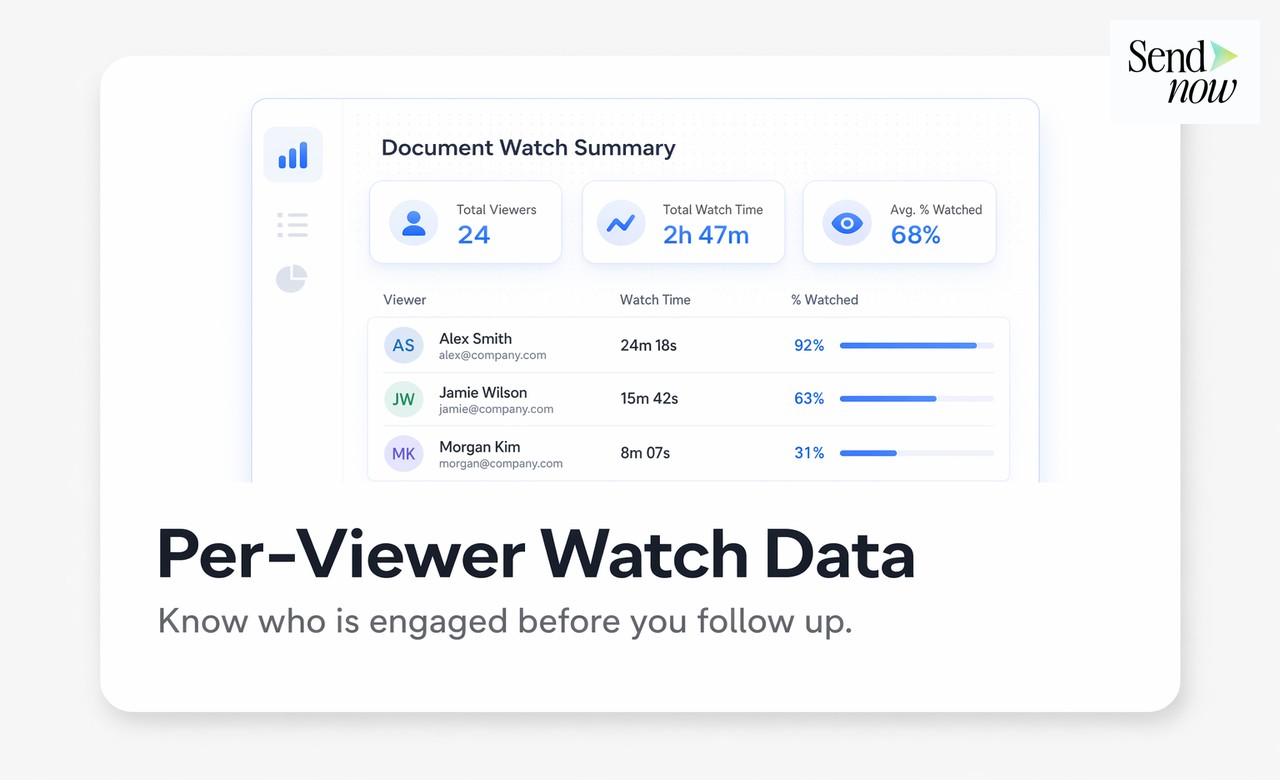
- Watch duration per viewer — exact minutes and seconds watched, expressed as a percentage of total length
- Replay behaviour — which sections were scrubbed back and rewatched, indicating areas of high interest or confusion
- Drop-off points — where viewers stopped, helping you identify weak sections of your proposal
- Viewer identity — name and email of each person who opened the link, if identity gates are enabled
- Forwarded views — whether a second or third party accessed the link after the original recipient shared it
- Device and location — browser, device type, and approximate geography of each viewing session
How to Share a Video Proposal with Tracking Enabled
The process with SendNow takes under two minutes:

- Upload your video file to SendNow or paste the hosted video URL into a tracked document
- Set access controls: require an email address or NDA acceptance before viewing begins
- Generate a trackable link — this link is unique and records all viewing activity
- Send the link to your prospect as you normally would
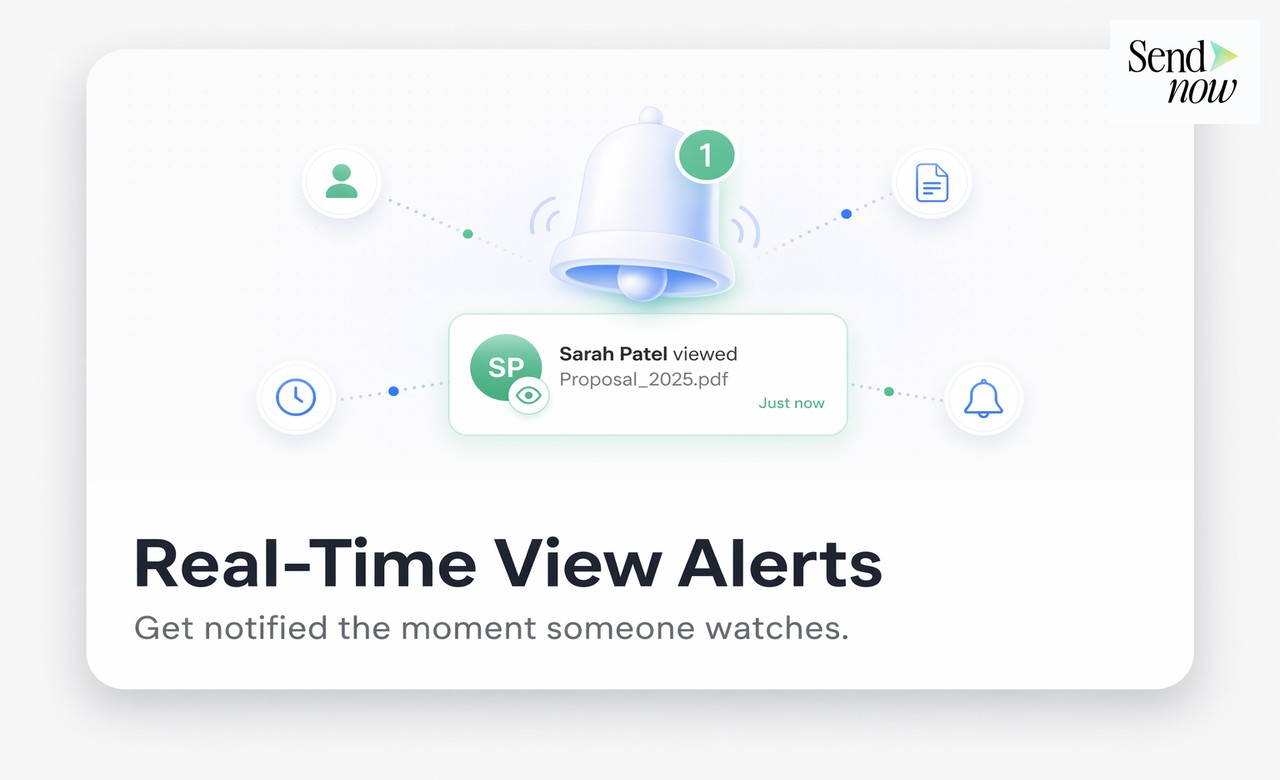
- View real-time analytics from your SendNow dashboard: who opened, when, and for how long
Every viewing session is logged individually, so if your prospect forwards the link to two colleagues, each session appears as a separate row in your analytics panel.
Comparison: Video Tracking Capabilities by Tool
| Feature | SendNow | Basic Cloud Storage | Generic Video Host |
|---|---|---|---|
| Per-viewer watch time | Yes | No | Aggregate only |
| Identity gate (email required) | Yes | No | Paid tiers only |
| Replay / scrub detection | Yes | No | Limited |
| Forward tracking | Yes | No | No |
| GDPR-compliant data | Yes | Varies | Varies |
| Real-time notifications | Yes | No | Some |
| Branded viewing experience | Yes | No | No |
| NDA gate before playback | Yes | No | No |
Using Watch Data to Time Your Follow-Up
Knowing when and how much someone watched transforms your outreach from guesswork into informed action. Practical triggers to act on:
- Watched 80% or more: follow up within the same business day. They are engaged and likely forming a decision
- Watched 20% or less: the proposal may have missed the mark. Consider a revised version or a shorter summary video
- Rewatched the pricing segment: they are evaluating cost. Lead your follow-up with value justification or a tailored pricing note
- Multiple viewers on one link: an internal review is happening. Ask who else is involved in the decision
GDPR Considerations for Video Proposal Tracking
If you are sharing proposals with recipients in the EU, any tracking that records personal data — including an individual's viewing behaviour — requires a lawful basis under the GDPR. Best practice is to:
- Disclose tracking in your link landing page or in the access gate copy
- Use email-based identity confirmation so the viewer explicitly provides their data
- Store viewing records only for as long as is commercially necessary
- Ensure your tracking tool stores data on EU servers
SendNow is built with GDPR compliance as a core requirement, not an add-on. Data is stored within the EU, and all tracking is tied to explicit user consent at the point of link access.

Frequently Asked Questions
Q: Can I track a video proposal sent via email? Yes. You share a trackable link rather than an attachment. The recipient clicks the link, and all viewing activity is recorded in your dashboard.
Q: Does the viewer know they are being tracked? With SendNow, viewers are informed at the access gate, keeping your tracking practices transparent and GDPR-compliant.
Q: What if multiple people use the same link? Each session is recorded separately. If an NDA or email gate is enabled, each viewer must identify themselves before watching, giving you individual-level data.
Q: Can I track video proposals shared on LinkedIn or WhatsApp? Yes. The trackable link works anywhere it is shared, regardless of the channel the recipient uses to open it.
Q: How do I know if someone replayed a section? SendNow records scrub and replay events within a session, visible in the visitor detail panel for each view.
Q: Is there a time limit on how long I can track a link? You control the link expiry. You can set links to expire after a date, after a number of views, or leave them open indefinitely.
Q: Does video proposal tracking work for PDF proposals too? Yes. SendNow tracks any document type — PDF, video, slide deck, or spreadsheet — using the same analytics infrastructure.
Q: Can I require the viewer to sign an NDA before watching? Yes. SendNow supports NDA gates that require digital acceptance before the video or document becomes accessible.
Start Tracking Your Video Proposals Today
Stop guessing whether your proposal landed. Start knowing. Try SendNow free at sendnow.live and get full viewing analytics on your next proposal, no credit card required.
Related reading:
About the Author: Rifana Hameem
Rifana is the founder of SendNow. She leads the team in building secure, compliant, and analytics-rich document sharing tools for finance and professional teams worldwide.
Connect on LinkedIn