
Commercial Property NDA Deal Room: The Complete Tutorial (2026)

Commercial Property NDA Deal Room: The Complete Tutorial (2026)
Short answer: When you market a commercial property, the brochure can go to anyone. The rent roll, leases, title report, and trailing financials cannot. The practical fix is one deal room split into two tiers: an open preview any broker can reach after an email check, and a second, NDA-gated tier that only opens for a buyer who has accepted your non-disclosure agreement. This tutorial builds that exact structure, step by step, with a free downloadable checklist PDF.
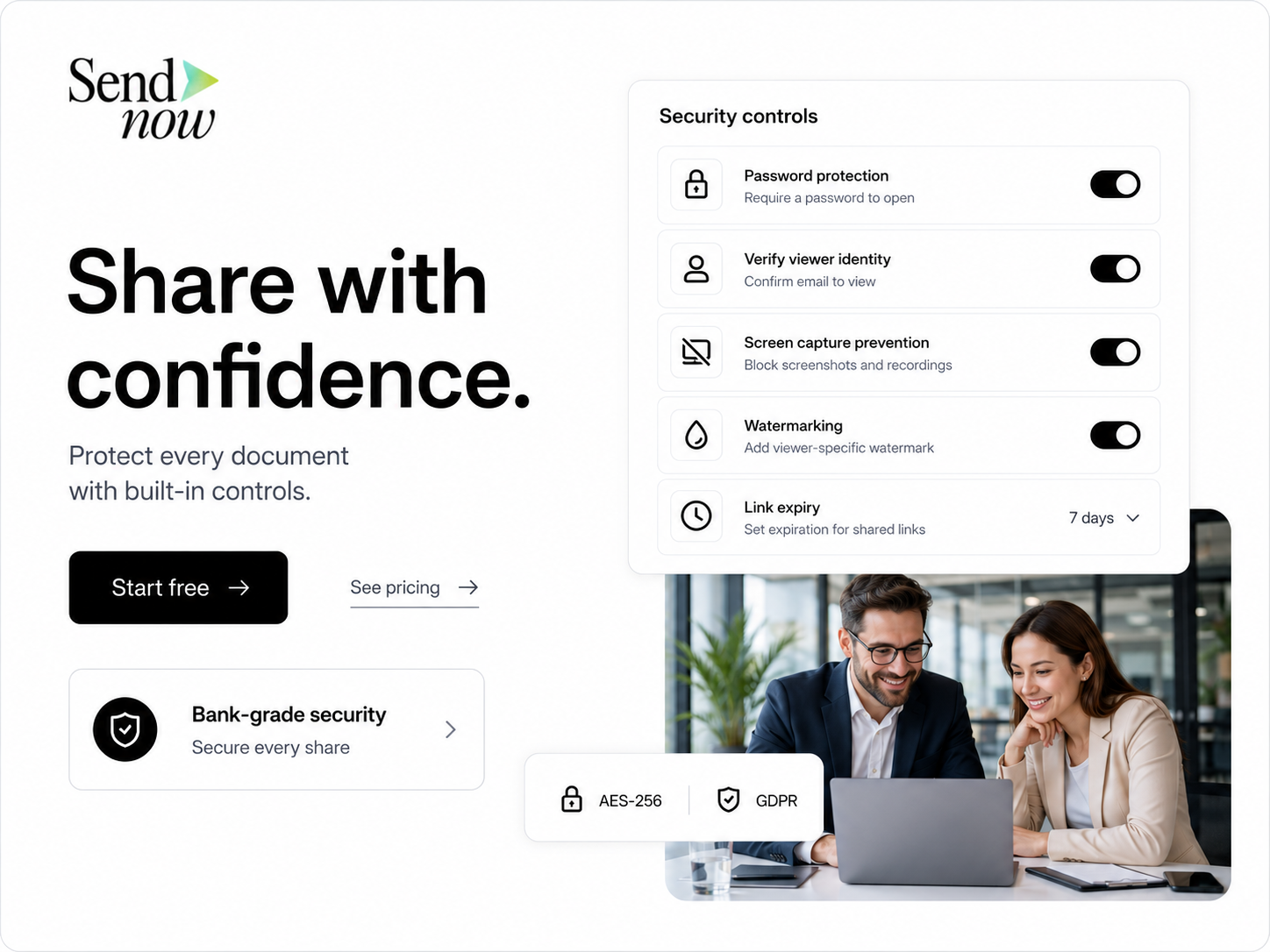
Follow the hands-on tutorial
This hands-on tutorial walks through building an NDA-gated commercial property deal room with SendNow from an empty account to a shared, traceable link.
The sections below match the lesson step by step, written out so you can copy the exact settings alongside it.
Why a flat folder of files fails on a property sale
A commercial property listing almost never starts with a request for everything at once. It starts with one PDF: the offering memorandum (OM) or a short teaser. A broker forwards it, a buyer skims it, and within a day or two a serious prospect replies asking for the rent roll, the trailing-twelve-month operating statement, copies of the leases, the title report, and the Phase I environmental assessment.
This is the point where most sell-side processes go wrong in one of two directions.
Email everything to everyone who asks, and you have handed your tenant list, your actual rents, and your renewal dates to anyone who requested the package, including a buyer's broker who also represents your competitor two blocks over. Commercial tenants talk to each other. A leaked rent roll can trigger renegotiation conversations before you have even accepted an offer.
Require a signed paper NDA before sharing anything, and you add days to every serious inquiry while a broker chases a signature through their legal department. Meanwhile, a competing listing that answers faster keeps the buyer's attention. In a market where sponsors are evaluating five or six properties in parallel, slow access loses deals that have nothing wrong with the asset itself.
The structural fix is neither of these. It is a single deal room with two access tiers, built once per listing, that lets a broker self-serve the open material immediately while gating the sensitive material behind a digital NDA that a buyer accepts in seconds, not days.
What belongs in the open tier vs. the NDA tier
Use this split as your default. Adjust it for the specific asset class, deal size, and your broker's house process.
Open tier — reachable after an email check only
- Offering memorandum / investment summary
- Property brochure or teaser flyer
- Exterior and interior photography
- A high-level rent summary (total square footage, occupancy rate, in-place vs. market rent range — not tenant-by-tenant figures)
- Area and submarket overview
- Broker contact sheet
NDA-gated tier — opens only after NDA acceptance
- Full, tenant-by-tenant rent roll
- Trailing-twelve-month operating statement and historical P&L
- Tenant estoppel certificates
- Executed leases and lease abstracts
- Title report and preliminary title commitment
- Phase I environmental site assessment
- Property condition report / capital expenditure and deferred maintenance schedule
- Survey
- Zoning confirmation and any variance documentation
- Utility consumption and property tax history
The logic behind the split is simple: the open tier should be enough for a buyer to decide whether to spend their underwriting time on the asset at all. The gated tier is what they need to actually underwrite it, and it is also the material that would hurt you most if it reached a competitor, a current tenant, or a buyer who was never serious.
Building the room, step by step
Step 1: Create the deal room and name it clearly
Name the room after the property address, not an internal deal code. "123 Main Street Offering" is instantly recognizable to every buyer and broker in the chain; "Project Falcon" is not, and forces people to ask what it refers to.

Step 2: Group documents into four sections
- Offering — OM, brochure, photos, rent summary
- Financials — rent roll, operating statements, trailing 12
- Property — floor plans, environmental report, survey, condition report
- Legal — leases, title report, zoning documentation
Keep numbering consistent (01 through 04) so the structure is predictable across every listing you run, which matters once you are managing more than one deal room at a time.
Step 3: Set the Offering section to require an email check
An email check is enough friction to know who is looking without slowing anyone down. A broker can forward this link to their entire buyer list without re-contacting you first.
Step 4: Put Financials, Property, and Legal behind an NDA gate
This is the single setting that does the most work in the entire structure. Once a buyer accepts the NDA on your terms, the gated sections open automatically, no separate email exchange required.
Step 5: Upload the gated documents and turn on watermarking
Apply a dynamic watermark to the rent roll, operating statements, and lease files specifically — these are the documents a buyer has the strongest incentive to forward to a lender, a partner, or, less innocently, a competitor.
Step 6: Send one labeled, traceable link per buyer
Resist the urge to use one shared link for the whole buyer pool. A link labeled "Northgate Capital" that gets forwarded internally still ties every open back to that buyer's organization. A single generic link tells you nothing about who actually looked.
Step 7: Set every link to expire on the bid deadline
Align expiry to your call-for-offers date. After that date, links stop opening on their own. If one finalist needs continued access during exclusivity or closing, extend that one buyer's link without touching anyone else's.
Step 8: Revoke access once the property is under contract or sold
Revoking closes off further viewing while keeping the full activity history on record, which is the right default the moment a deal is signed or the listing is pulled.
See it live: a working sample deal room
Reading the structure is one thing. Here is an actual SendNow deal room, built using the exact folder layout and tiering described above, so you can click through it yourself instead of imagining it. Every document inside — the offering memorandum, rent roll, leases, title report and the rest — is a sample file for a fictional property named "123 Main Street." Nothing in it is real.
Explore the live sample deal room
The NDA gate: what it actually does and does not do
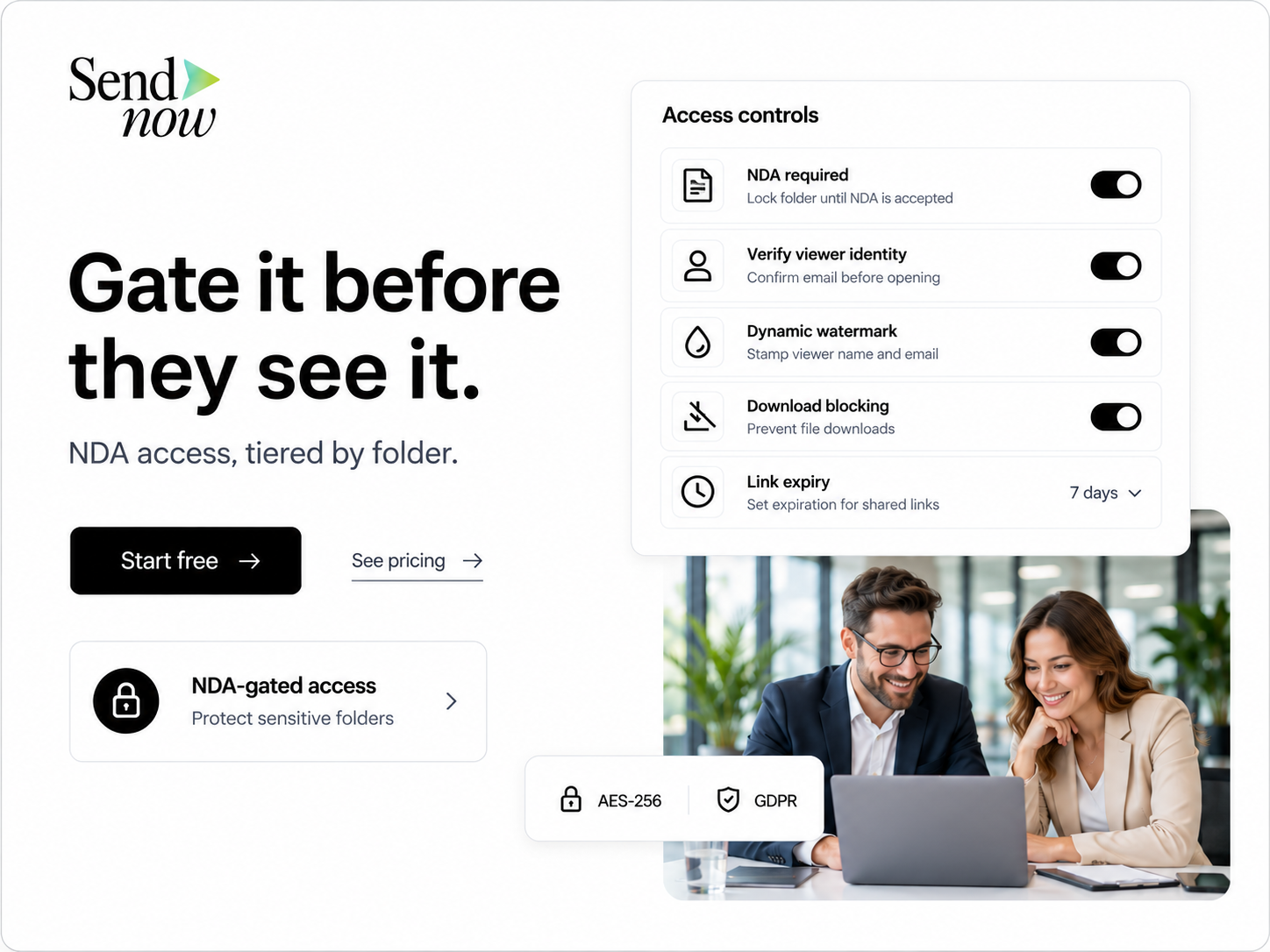
An NDA gate presents the document you upload and records that a specific buyer, identified by name and email, accepted it before the gated folders opened. That record is useful if you ever need to show who had access and when.
What it does not do is draft or negotiate the agreement itself. Use your own NDA template, or have counsel review one, before it goes live on the room. If a buyer's counsel wants a mutual NDA instead of your one-way form, that negotiation happens outside the deal room; once agreed, you simply swap the document the gate presents.
A buyer who declines the NDA keeps access to the open tier only. They can still review the brochure and photos, but the gated folders remain closed to them, which is the correct outcome for anyone unwilling to accept confidentiality terms before seeing real numbers.
Watermarking financials and leases
A static "Confidential" stamp is easy to ignore because it identifies the document, not the person looking at it. A dynamic watermark prints the viewer's own name, email address, and the access timestamp across every page of the document they are viewing.
That distinction changes behavior. A buyer considering forwarding the rent roll to an unauthorized third party now knows that the copy in front of them is traceable to their own account. In practice, this is the control that does the most to deter casual leaks, more than any download restriction on its own, because it attaches accountability directly to the file rather than relying on access policy alone.
Apply it selectively: the rent roll, operating statements, and lease files benefit most from a watermark. Floor plans and surveys rarely need one, since they carry little competitive sensitivity on their own.
Staged access across the sale timeline
Not every buyer who clicks the brochure link deserves the same access on day one. Access should deepen as interest becomes verified and serious, matching three natural stages of a sale process.

Stage 1 — First inquiry. The buyer has the offering memorandum, brochure, photos, and a high-level summary. The goal here is to let them decide whether the asset fits their investment criteria at all, without requiring any commitment from them yet.
Stage 2 — Verified interest. The buyer's email is verified, they have the rent summary, and a broker call is typically scheduled. The goal is to confirm they are a qualified, serious party before the gated tier opens to them specifically.
Stage 3 — NDA accepted. The full rent roll, operating statements, leases, title, and environmental reports are now available. The goal is to support real underwriting and a credible, informed offer.
This is a working model, not a rigid rule. A well-known institutional buyer with an existing relationship might move straight to stage 3; a first-time inquiry from an unfamiliar entity should move through all three.
Reading buyer activity instead of guessing
Sending documents is only half the process. The other half is knowing what a buyer actually did with them.
Per-link activity shows whether a document was opened, how long a viewer spent on it, and whether they returned to it later. A buyer who opens the rent roll once for thirty seconds is sending a different signal than one who returns to the operating statements three times across two days. The second buyer is underwriting the deal seriously; the first may simply be building a comp set.
This activity data is also useful defensively. If a document surfaces somewhere it should not have, your per-buyer link history tells you exactly which link it came from, without needing to ask anyone to admit anything.
Security checklist before you send the first link
Run through this before any link goes out, and again before you send a link to a new buyer:
- Is this buyer's identity email-verified?
- Has this specific buyer accepted the NDA on the gated tier?
- Is the financials folder watermarked?
- Are downloads disabled on the most sensitive files?
- Does this link have an expiry date, and is it aligned to the bid deadline?
- Is this a unique link labeled with the buyer's name, not a shared link?
- Have outdated OM or rent-roll versions been removed from the room?
- Are file names clear, dated, and free of "FINAL_v7" style naming?
- Can you review who opened what, after the fact?
- Can this one buyer's link be revoked on its own, without affecting others?
- Have you opened the room yourself as a test buyer before sending it to a real one?
Download the free checklist PDF
The steps above, plus the full folder structure, the open-vs-NDA tier split, the staged access model, and this 11-point security checklist, are laid out in a single printable PDF you can keep next to your working folder during a live listing.
Download the free Commercial Property NDA Deal Room checklist PDF
Doing this with an AI assistant
If SendNow is already connected to Claude or ChatGPT, every step in this tutorial can be done by describing it in plain language instead of clicking through settings one at a time: creating the room, tiering the folders, generating a per-buyer link, and setting expiry on the bid deadline. See the full prompt pack in AI data room prompts for commercial real estate, or read how to connect Claude and ChatGPT to a data room with MCP if you have not set that up yet.
Frequently asked questions
Do all buyers need to sign the exact same NDA?
Use one NDA template per listing so terms stay consistent across the buyer pool, but track acceptance individually, per buyer, not per document. If a buyer's counsel insists on changes, that negotiation happens outside the room, and you update the document the gate presents once agreement is reached.
Can a broker forward the open-tier link to their own buyer list?
Yes. The open tier only requires an email check, so a broker can pass it along to qualified buyers who verify themselves before viewing, without needing to come back to you for a separate link.
What happens if a buyer declines the NDA?
They retain access to whatever sits in the open tier, such as the brochure, photos, and the high-level summary. The gated financial, property, and legal folders stay closed to them.
How do I know if a buyer actually reviewed the rent roll, instead of just downloading it?
Per-link activity shows whether a document was viewed, downloaded, or reopened later, and how long the viewer spent on it, which is a far better signal of real interest than a download count alone.
What if one finalist needs more time after the bid deadline?
Links are set individually, so you can extend or modify the expiry on that one buyer's link during exclusivity or closing without changing anything for the rest of the buyer pool.
Should I watermark every document in the room?
No. Watermark the documents that carry real competitive sensitivity if leaked, such as the rent roll, operating statements, and leases. Floor plans, surveys, and photos rarely need it.
Is a digital NDA gate legally the same as a signed paper NDA?
A digital NDA gate records that a named, verified buyer accepted the document's terms before viewing gated material, which creates a timestamped record of acceptance. Whether that satisfies your specific legal requirements depends on your jurisdiction and your own counsel's guidance; this is not legal advice.
What happens to access once the property is sold?
Revoke every active link once the deal closes or the listing is pulled. Revoking preserves the viewing history for your records while closing off any further access, which is the correct default the moment a transaction concludes.
Related
About the Author: Rifana Hameem
Rifana is the founder of SendNow. She leads the team in building secure, compliant, and analytics-rich document sharing tools for finance and professional teams worldwide.
Connect on LinkedIn