What Is Dynamic Watermarking and Why Does It Matter?

What Is Dynamic Watermarking and Why Does It Matter?
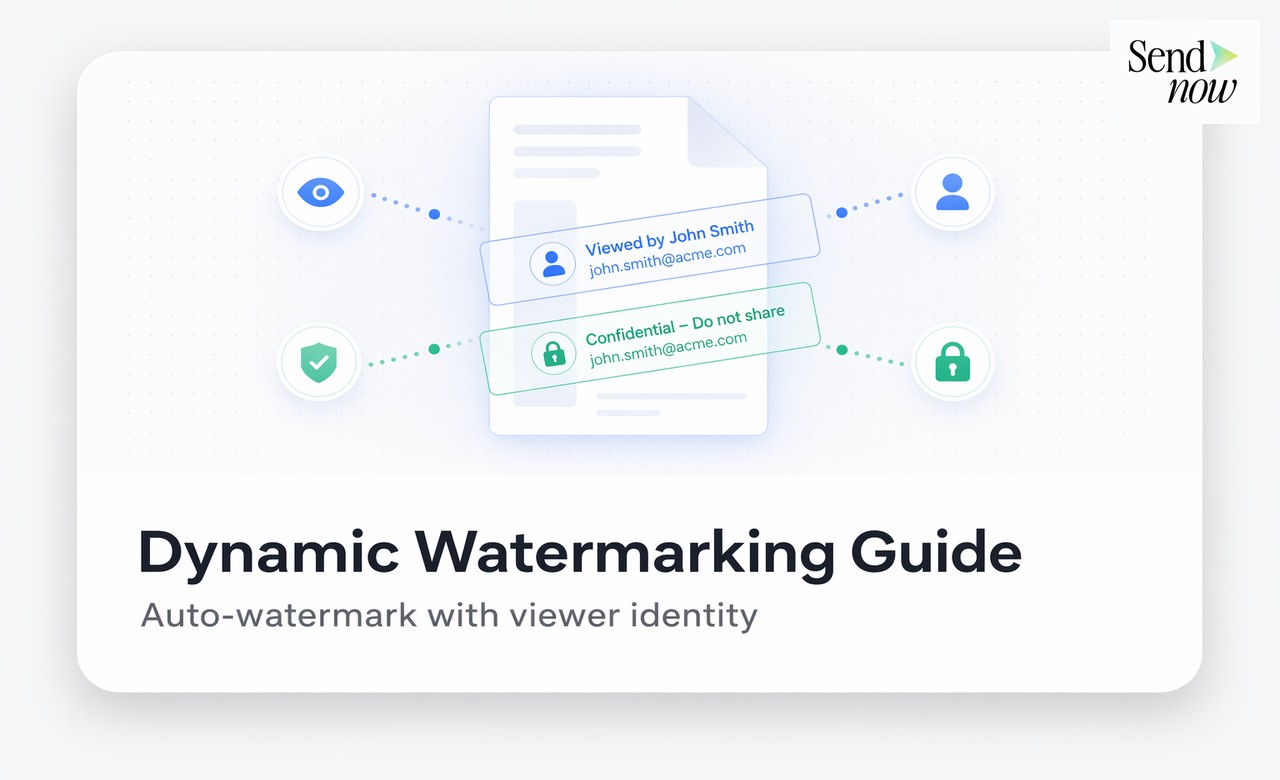
Dynamic watermarking automatically applies a personalised, viewer-specific mark to every page of a document based on who is viewing it. Unlike a static watermark that displays the same text for every recipient, a dynamic watermark embeds identifying information such as the viewer's email address and the date of access into the document at the moment of viewing. This makes it possible to trace any leaked screenshot, printed page, or photographed screen directly back to its source.
Static vs. Dynamic Watermarks: A Critical Distinction
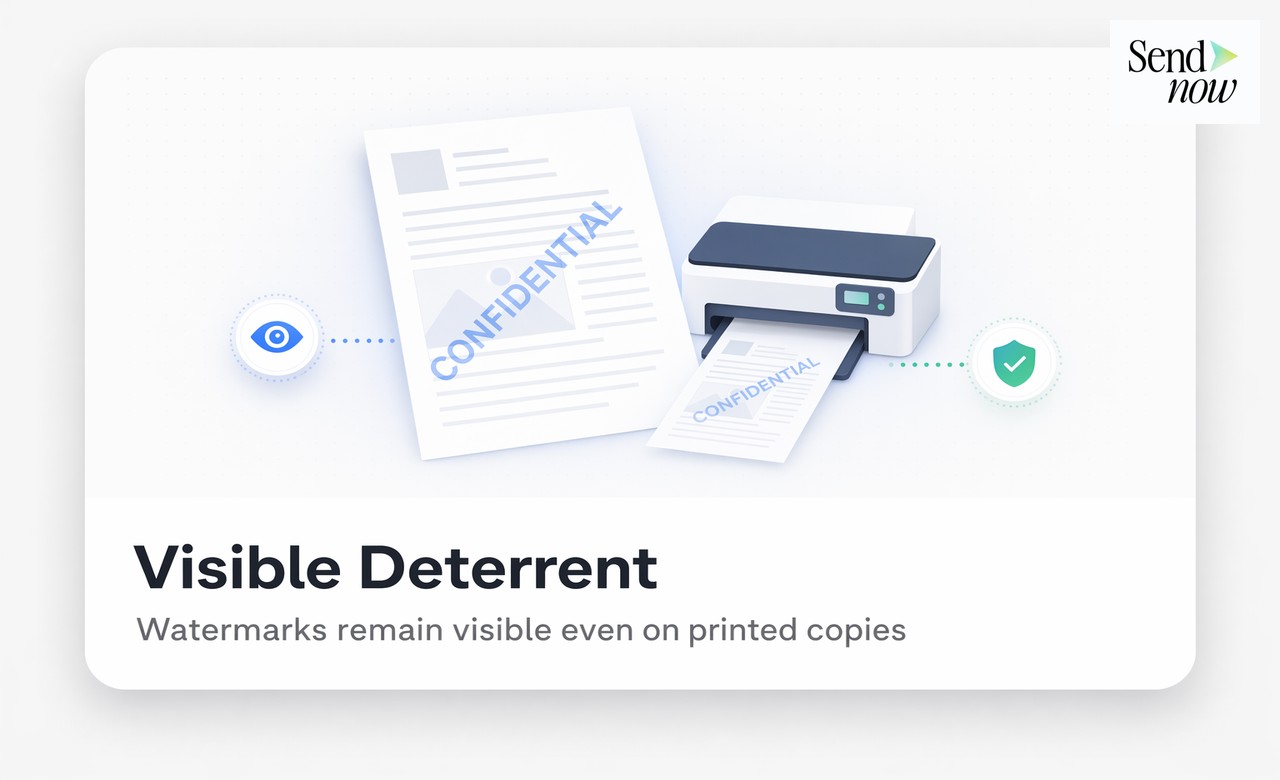
Most finance professionals are familiar with static watermarks. These are text or image overlays applied to a document before sharing, showing words like "CONFIDENTIAL" or the company logo. Static watermarks communicate intent, but they do not communicate identity.
The limitation of a static watermark is straightforward: if five different people receive a watermarked document and one of them leaks it, the watermark provides no information about which of the five was responsible. Every copy looks identical.
A dynamic watermark solves this problem by generating a unique watermark for each viewer. When alex@counterparty.com opens a document, they see a watermark that says "alex@counterparty.com - 21 Apr 2026 - CONFIDENTIAL." When a different recipient opens the same link, they see their own details. If either version of the document is subsequently found in the wrong hands, the watermark is a forensic fingerprint pointing directly at the source.
How Dynamic Watermarks Are Generated
Dynamic watermarks are rendered by the document viewer at the time of access, rather than being baked into the file at upload. This has two important implications:
- The sender does not need to create individual copies for each recipient. One document, one link — the watermark is generated per session.
- The watermark cannot be removed by editing the PDF. Because it is applied by the viewer layer rather than embedded in the file, there is no PDF editing tool that can strip it.
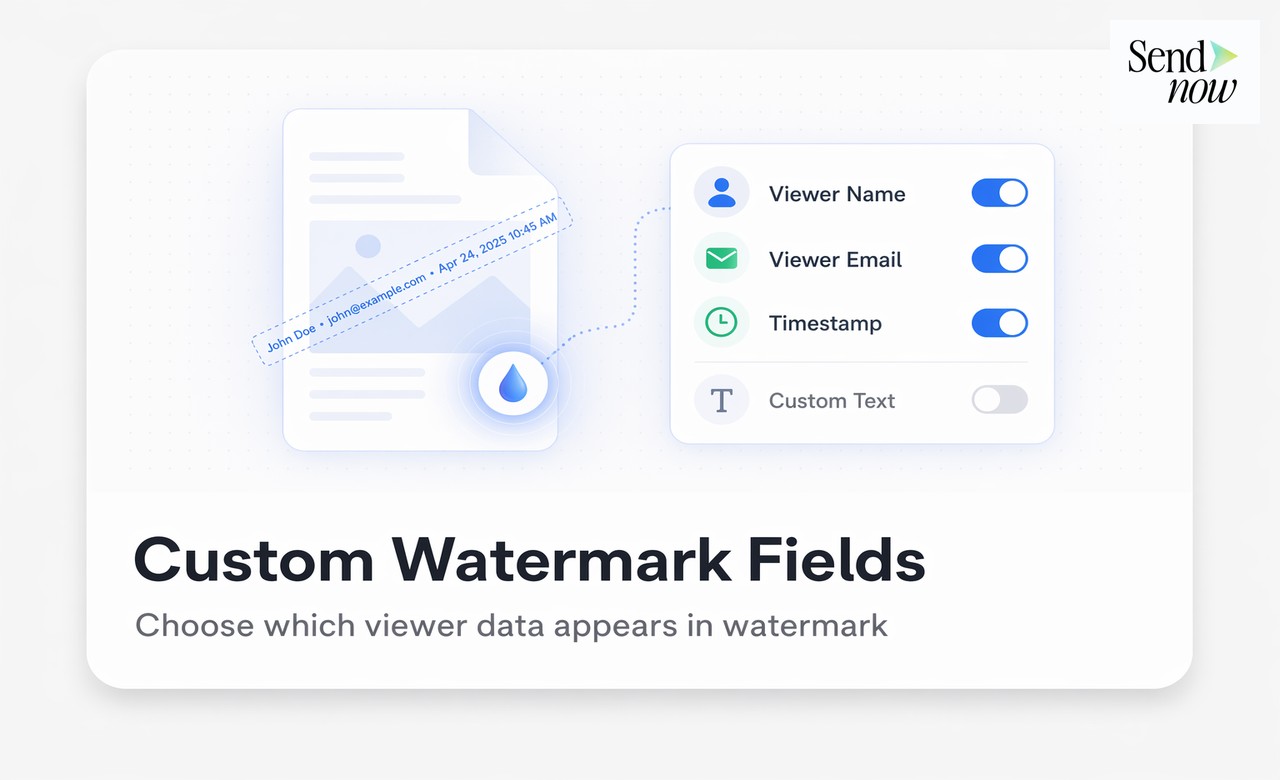
The watermark typically consists of variables that are replaced with live data at viewing time:
{viewer_email}- the authenticated email address of the viewer{date}- the date and time of access{ip_address}- the viewer's IP address{document_name}- the title of the document
These variables can be combined in any order and styled to suit the document format.
Why Dynamic Watermarking Deters Leaks

The deterrence effect of a dynamic watermark operates on multiple levels.
Awareness deters casual leaking. When a recipient sees their own email address on every page of a document, they understand they are being tracked. Most casual leaks, such as forwarding a document to a colleague without thinking, are deterred by this awareness alone.
Identification enables accountability. For deliberate leaks, the watermark shifts the risk calculation. A leaker knows that the leaked document will carry their identity, creating a clear line of evidence that can be used in legal proceedings, NDA enforcement, or regulatory submissions.
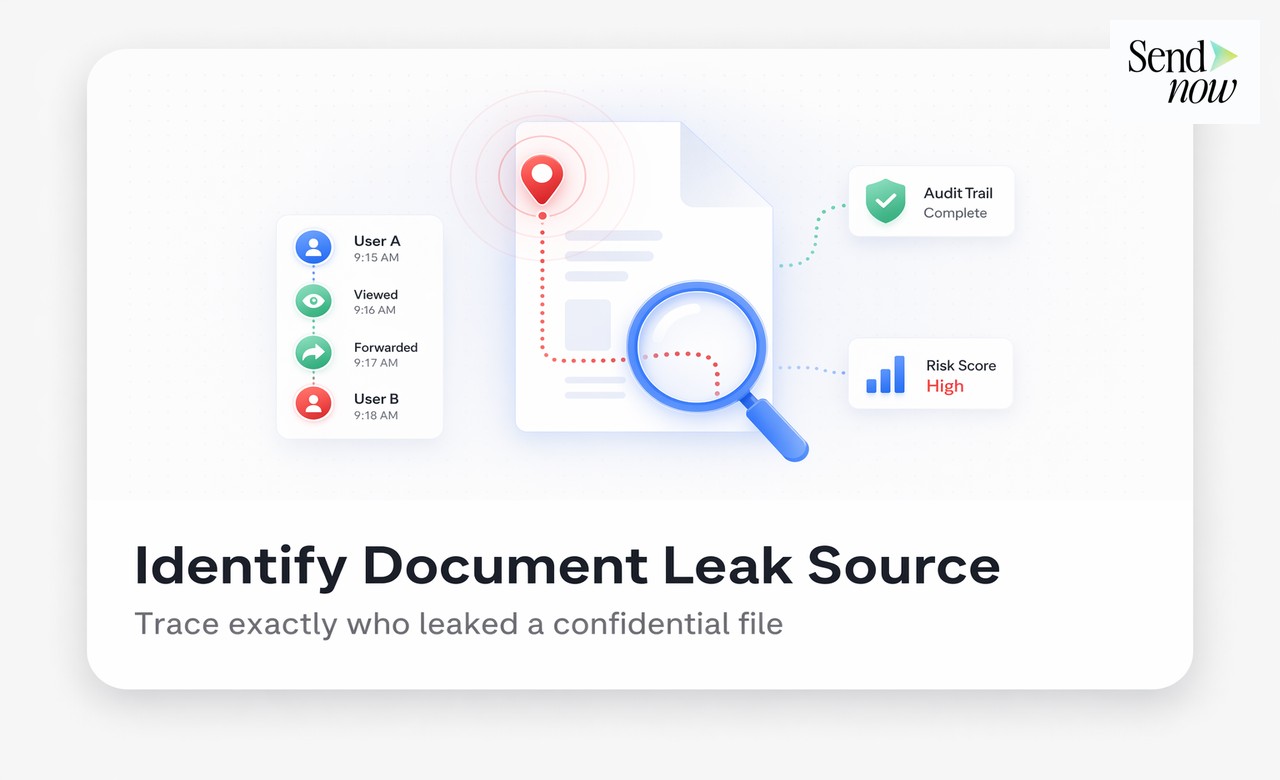
Combined with audit logs, it provides a complete evidence trail. The audit trail records the authenticated session from which a document was accessed. If a dynamically watermarked document appears in an unauthorised context, the watermark identifies the viewer and the audit trail corroborates the viewing event with timestamp, IP address, and device details.
Implementing Dynamic Watermarks in SendNow
SendNow applies dynamic watermarks automatically based on the settings configured at the link level. To enable dynamic watermarking:
- Upload your document and click Create Link.
- Navigate to the Watermark settings section.
- Configure the watermark text using dynamic variables (e.g.,
{viewer_email} | {date} | CONFIDENTIAL). - Set the opacity, font size, and position (typically centre-diagonal for maximum coverage).
- Generate and share the link.
Every viewer who opens the link will see a watermark that reflects their own authenticated identity. The watermark settings are applied in real time by the viewer layer, so there is nothing to pre-process or batch-generate.
| Watermark Variable | Example Output |
|---|---|
{viewer_email} | alex@counterparty.com |
{date} | 21 Apr 2026 14:32 UTC |
{ip_address} | 82.15.xxx.xxx |
{document_name} | Q1 2026 Investment Memo |
Use Cases in Financial Document Sharing
Investor communications. Share financial reports and fund updates with a dynamic watermark so each LP's copy is uniquely identified.
M&A due diligence. Apply viewer-specific watermarks to all documents in a data room so that if any document surfaces during the process or after, the source is immediately identifiable.
Board materials. Board minutes and resolutions often contain sensitive information. Dynamic watermarks ensure that any leak can be traced back to a specific board member's access session.
Pitch decks. When sharing a deck with multiple potential investors, dynamic watermarking allows you to share a single link while maintaining visibility over which version of the document appears if content is redistributed.
Dynamic Watermarking and GDPR

Dynamic watermarks involve embedding personal data (the viewer's email address) into the document view. Under EU GDPR, this processing should be disclosed to the recipient. SendNow's access flow includes a notice that document access may be logged and watermarked, satisfying the transparency requirement.
The use of dynamic watermarking is also consistent with GDPR's principle of data minimisation: the embedded personal data is proportionate to the purpose (protecting confidential documents) and is not retained in the document file itself.
Related Reading
- The Complete Guide to Secure Document Sharing for Finance Teams
- How to Prevent Confidential Documents From Being Leaked
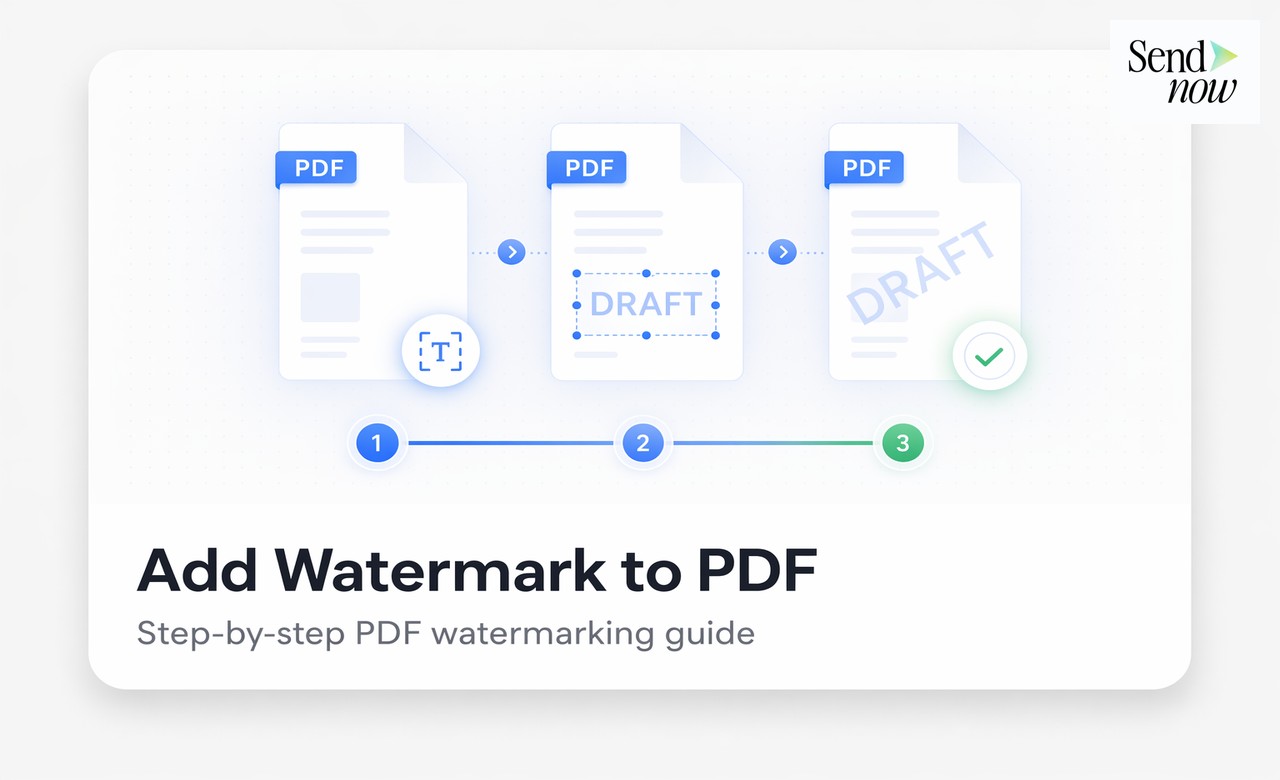
- How to Add a Visible Watermark to a PDF Before Sharing It
Frequently Asked Questions
Q: What is a dynamic watermark on a document? A: A dynamic watermark is a viewer-specific overlay applied to a document at the moment of viewing. It typically includes the viewer's email address and access date, making every copy of the document uniquely traceable.
Q: Can a dynamic watermark be removed from a PDF? A: No. Because the dynamic watermark is applied by the viewing platform rather than embedded in the PDF file, it cannot be removed using PDF editing tools. It exists only in the rendered view.
Q: Does a dynamic watermark affect the readability of a document? A: At standard opacity settings (30 to 50 per cent), a dynamic watermark is visible but does not obscure the underlying text. Opacity is configurable in SendNow.
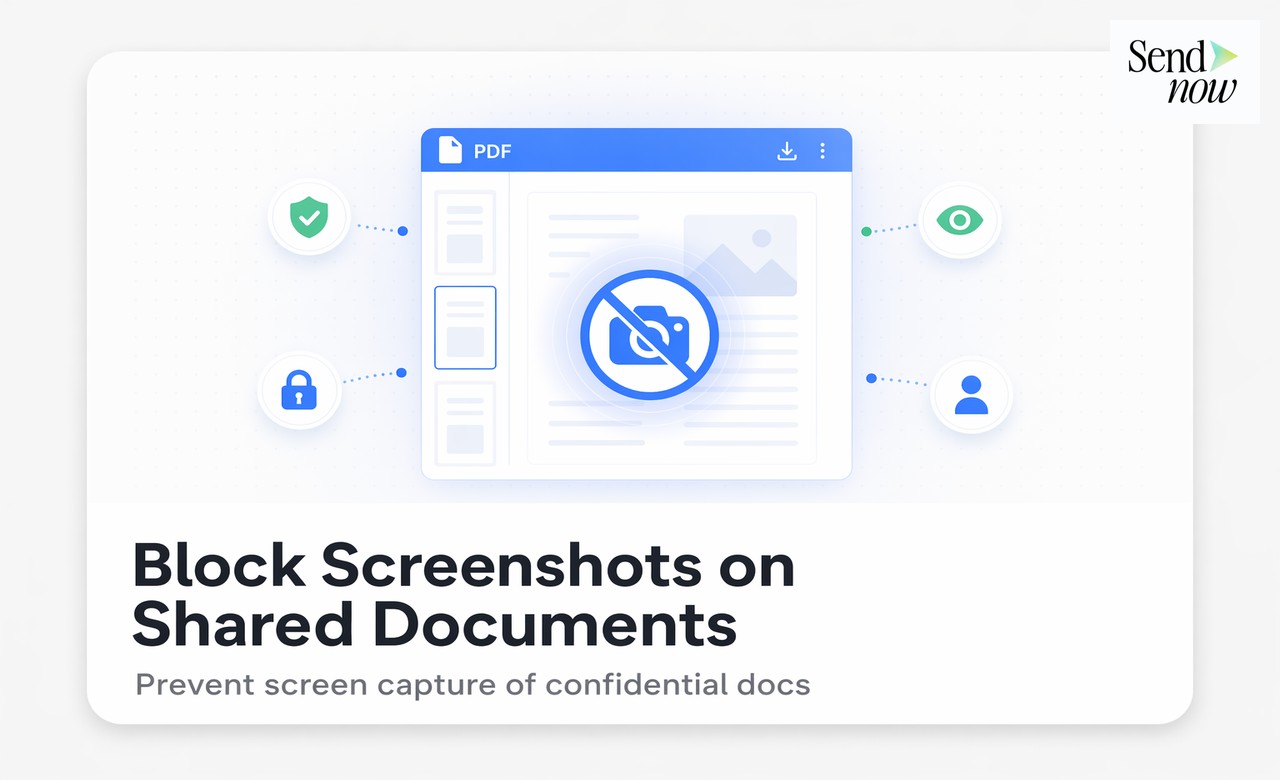
Q: What happens if a recipient takes a screenshot of a watermarked document? A: The screenshot will contain the watermark, including the viewer's email address and access date. This is precisely what makes dynamic watermarking effective against screenshot-based leaks.
Q: Can I use dynamic watermarking with other security controls? A: Yes. Dynamic watermarks work in combination with OTP authentication, screenshot blockers, NDA gates, and access expiry on SendNow.
Q: Does dynamic watermarking work on all devices? A: Yes. The watermark is applied by the browser-based viewer, so it functions on any device and operating system that can run a modern browser.
Q: Is dynamic watermarking the same as DRM? A: Not exactly. Digital rights management (DRM) attempts to enforce technical restrictions on what can be done with a file. Dynamic watermarking is a forensic control that identifies the source of a leak rather than preventing the leak at a technical level. Both serve complementary roles.
Q: Can I vary the watermark for different recipients using the same link? A: Yes. If multiple people access the same link and they are individually authenticated via OTP or email restriction, each person sees a watermark that reflects their own identity.
Apply viewer-specific watermarks to every document you share. Start your free trial at sendnow.live and make every page traceable.
About the Author: Rifana Hameem
Rifana is the founder of SendNow. She leads the team in building secure, compliant, and analytics-rich document sharing tools for finance and professional teams worldwide.
Connect on LinkedIn