How to Send Financial Statements Securely Without Email Attachments

How to Send Financial Statements Securely
Financial statements are often sent through the same channel as ordinary office documents: email.
That is convenient, but convenience creates copies.
Once a balance sheet or P&L leaves your inbox as an unrestricted attachment, you cannot reliably revoke it or understand what happens next.
For confidential financial information, a controlled sharing link is often a better default.
What financial statements are commonly shared?
- balance sheet,
- profit & loss statement,
- cash-flow statement,
- management accounts,
- monthly reporting package,
- forecast,
- investor reporting.

Recipients can include clients, investors, lenders, auditors, buyers, and advisers.
The safest workflow is proportional
Not every financial statement requires the maximum possible security.
Ask:
- How sensitive is the information?
- Who is receiving it?
- Should they be able to download it?
- How long should access remain open?
- Do I need proof of who viewed it?
- Should the document be watermarked?
Controlled link vs attachment
A controlled link may allow:
- recipient verification,
- password access,
- expiration,
- revocation,
- download control,
- dynamic watermarks,
- engagement analytics.
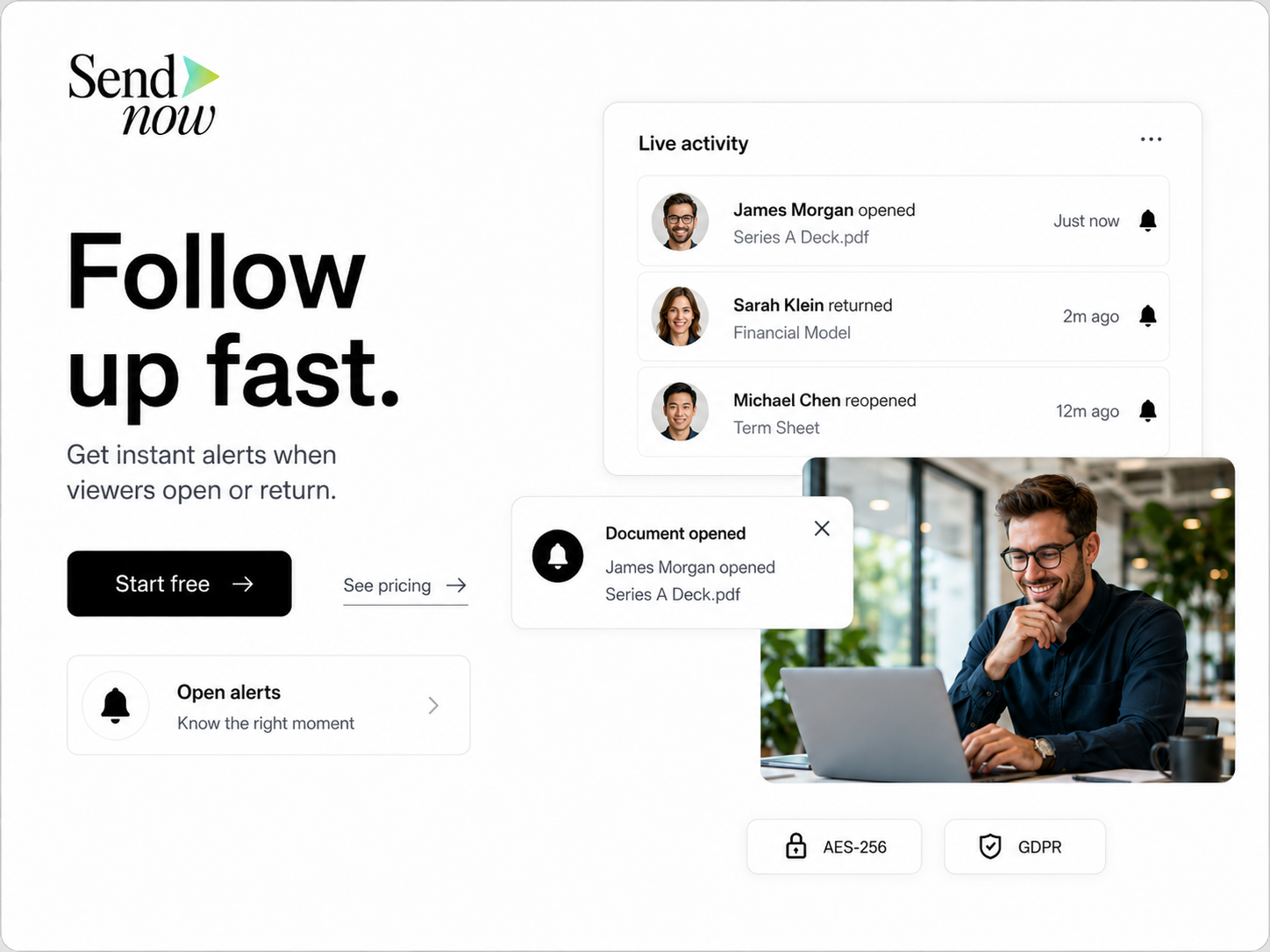
Use only the controls appropriate to the document.
Step-by-step workflow
- Finalize the financial statement.
- Remove unnecessary personal or confidential data.
- Upload it to a secure sharing platform.
- Configure access.
- Add expiration if time-sensitive.
- Enable a watermark when accountability matters.
- Share the link.
- Review access/activity where necessary.
- Revoke or archive when the process ends.
FAQ
Is email safe for financial statements?
Email can be secure, but an unrestricted attachment creates a persistent copy and limited post-send control. Use a controlled link when ongoing access management matters.
Can I prevent someone from screenshotting a financial statement?
No browser-based system can guarantee absolute screenshot prevention. Use practical controls such as viewer verification, watermarking, and download restrictions.
Can I revoke a financial report after sending?
A hosted document link can usually be disabled or expired. A traditional attachment cannot be remotely revoked after download.
Final takeaway
Secure financial sharing is less about the file format and more about the access model.
About the Author: Rifana Hameem
Rifana is the founder of SendNow. She leads the team in building secure, compliant, and analytics-rich document sharing tools for finance and professional teams worldwide.
Connect on LinkedIn