How to Share CSV Data as a Clean Interactive Table

How to Share CSV Data as a Clean Interactive Table
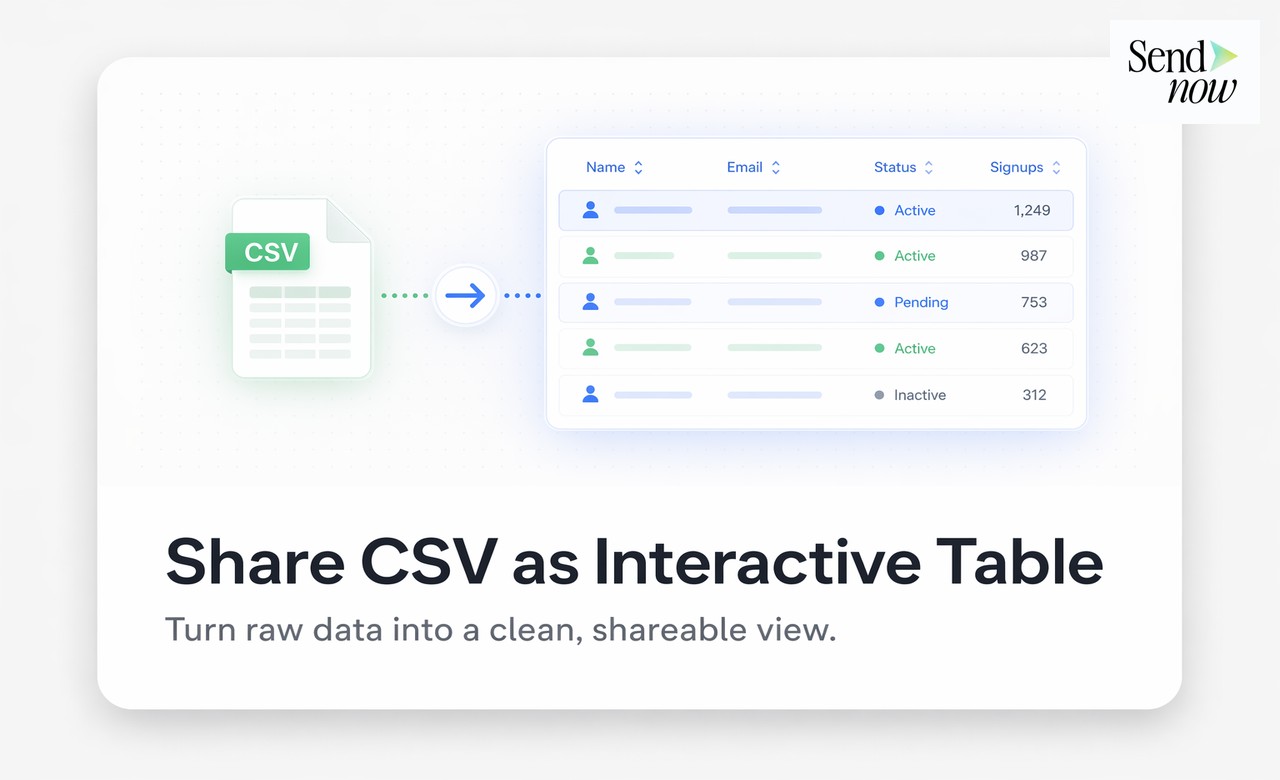
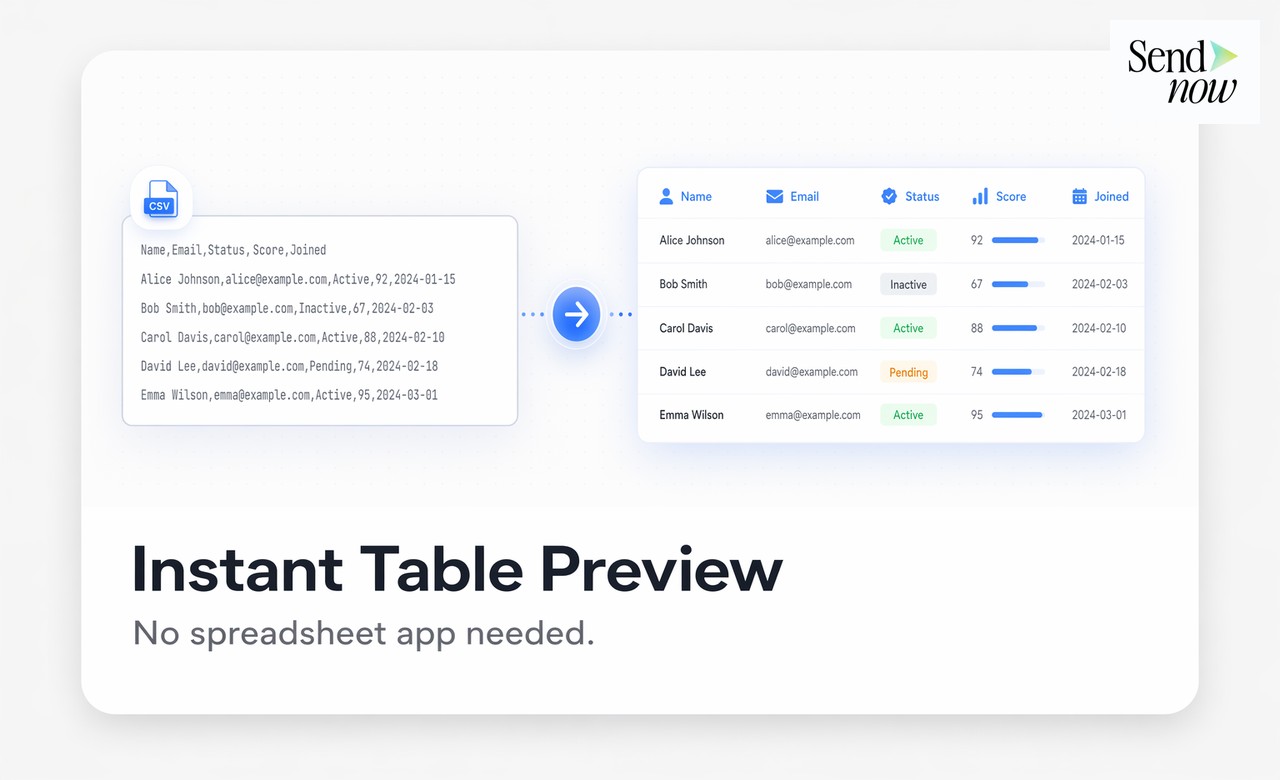
SendNow displays your CSV file as a formatted, readable interactive table in the browser, so recipients can review structured data without opening a spreadsheet application or receiving a raw comma-separated file. This guide explains how to share CSV files online using SendNow, what the viewer supports, and when a tracked CSV link is more useful than a file attachment.
The Problem With Sharing CSV Files Directly
CSV files are the standard format for exporting structured data: transaction records, portfolio holdings, reporting datasets, and analytical outputs. But a CSV file sent as an email attachment is one of the most unfriendly formats to receive. The file opens in Excel or another spreadsheet application, requiring the recipient to apply column widths, filters, and formatting before they can even read the data properly.
Recipients who do not have a compatible spreadsheet application see raw comma-separated text. Recipients on mobile devices often cannot open CSV files at all. And once the file is downloaded, you have no idea whether the data was reviewed, ignored, or forwarded to parties outside your intended audience.
A browser-based CSV viewer solves all of these problems. The recipient opens a link and sees a clean, well-formatted table, sorted and readable immediately, with no software required.
What SendNow's CSV Viewer Provides
When you upload a CSV file to SendNow, the viewer renders it as an interactive table with the following features:
- Column headers displayed from the first row of the CSV
- Consistent column widths that make the table immediately readable
- Horizontal scrolling for wide datasets with many columns
- Row count displayed so recipients understand the scale of the data
- Clean typography that makes numerical data easy to scan
- Access control requiring email verification or passphrase
- Per-view analytics showing when the link was opened and by whom
- Link expiry for time-sensitive data exports
Recipients can review the data directly in the browser. They cannot edit the original CSV or download it unless you explicitly enable downloads.
How to Share a CSV File via SendNow
- Log in to your SendNow workspace and click Upload Document.
- Select your CSV file.
- In the link settings, configure access control. For data containing personal information, always require email verification.
- Decide on download permissions. For audit purposes, disabling downloads and sharing only the viewer link is often the right choice.
- Set a link expiry appropriate to the data's freshness. For monthly reporting data, a 30-day expiry is reasonable.
- Copy the link and send it to your recipient.

The recipient opens the link in any browser and immediately sees a clean, formatted table. No spreadsheet application, no raw text, no formatting work required on their end.
Comparing CSV Attachment vs SendNow Interactive Table
| Feature | CSV Email Attachment | SendNow Interactive Table |
|---|---|---|
| Requires spreadsheet software | Yes | No |
| Formatted on opening | No | Yes |
| Works on mobile | Rarely | Yes |
| Analytics on who viewed | No | Yes |
| Download control | No | Yes |
| Link expiry | No | Yes |
| Supports access control | No | Yes |
Use Cases for CSV Sharing via SendNow
Transaction reporting. Share a monthly transactions export with a client or auditor via a tracked link. Know when they reviewed it without waiting for a confirmation email.
Portfolio data delivery. Send portfolio holdings or performance data to investors as a clean table. The viewer makes the data readable without requiring Excel expertise.
Regulatory data submissions. Share structured datasets with internal or external reviewers in a format they can read immediately, with an expiry date that matches the submission window.
Client data exports. Provide clients with a view of their own data from your systems in a professional, formatted viewer rather than a raw file they need to open and format themselves.
Due diligence data. Include tabular datasets in a due diligence data room as tracked links, so you know which counterparty members reviewed which datasets and when.
For sharing other data formats, see how to share Excel files securely without sending the raw spreadsheet and how to share Excel financial models with investors.
GDPR Considerations for CSV Data Sharing
CSV files exported from business systems frequently contain personal data fields including names, email addresses, financial identifiers, and transaction histories. Under GDPR, sharing these files as email attachments creates uncontrolled copies of personal data in third-party email infrastructure.
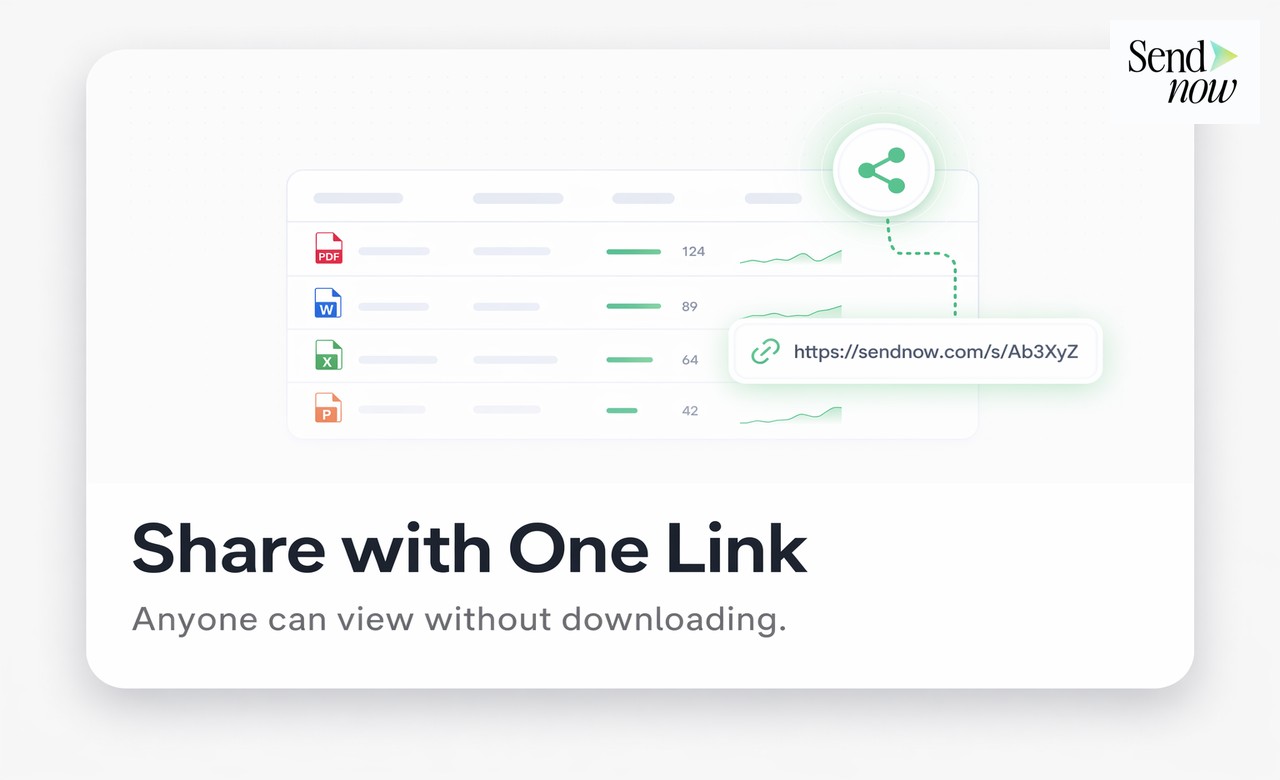
Sharing a CSV via a SendNow link with access control and expiry addresses several GDPR requirements:

- Data minimisation: Recipients access only the data relevant to them through the viewer, not a raw file they can keep indefinitely.
- Access limitation: Email verification ensures only the intended recipient can open the link.
- Time limitation: Link expiry means the data is no longer accessible once its purpose is served.
- Accountability: SendNow's analytics provide a record of who accessed the data and when, supporting your obligations as a data controller.
Start Sharing CSV Data the Right Way
A raw CSV attachment is one of the least professional ways to share structured data with a client, investor, or partner. A clean interactive table viewed securely in the browser is significantly better for the recipient and significantly safer for you.
Upload your first CSV to SendNow and share it as a professional interactive table at sendnow.live.
Frequently Asked Questions
Q: Is there a row limit for CSV files in SendNow? A: SendNow supports CSV files with large row counts. Very large datasets (hundreds of thousands of rows) may take slightly longer to process. Contact sendnow.live for specific limits.
Q: Does the CSV viewer support special characters and accented letters? A: Yes, provided your CSV file is encoded in UTF-8. If you see garbled characters, re-export the CSV from your source system using UTF-8 encoding.
Q: Can recipients sort or filter the table in the viewer? A: The viewer presents a formatted, readable table. Advanced filtering and sorting are features of a full spreadsheet application rather than a secure viewer, which prioritises simplicity and data protection.
Q: What if my CSV has hundreds of columns? A: The viewer supports horizontal scrolling for wide datasets. Recipients can scroll right to see all columns.
Q: Can I update the CSV data after sharing the link? A: Yes. Replace the document in SendNow and the existing link will serve the updated data, so you do not need to resend the link.
Q: Does the CSV viewer work on phones and tablets? A: Yes. The viewer is fully responsive and works in any modern mobile browser without any app installation.
Q: Can I restrict which rows or columns are visible in the viewer? A: Currently the viewer displays the full CSV. To share a subset of data, create a filtered CSV file containing only the data you wish to share.
Q: How do I know if my recipient has reviewed the CSV data? A: SendNow's analytics show the open timestamp, the recipient's identifier (if access control is enabled), and the duration of the session. You receive a notification via email or Slack (if the integration is configured) when the link is opened.
About the Author: Rifana Hameem
Rifana is the founder of SendNow. She leads the team in building secure, compliant, and analytics-rich document sharing tools for finance and professional teams worldwide.
Connect on LinkedIn