How to Share a Financial Model With an Investor Securely

How to Share a Financial Model With an Investor Securely
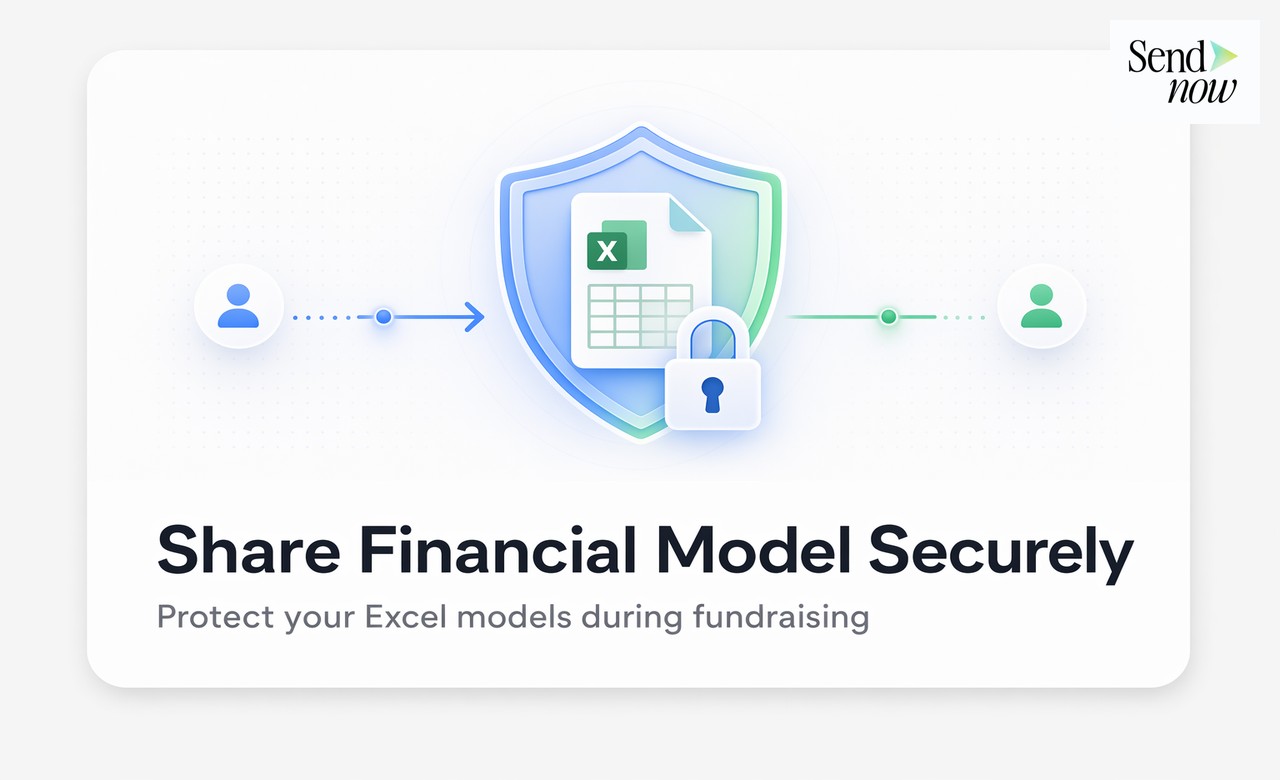
To share a financial model with an investor securely, upload it to a document-sharing platform that provides a browser-based viewer, disables downloads and applies individual watermarks to each recipient's session. This prevents unauthorised distribution while still allowing investors to review your projections in full detail. Sending a financial model as an email attachment gives you no control over where it ends up once it leaves your inbox.
Why Email Attachments Are Not Suitable for Financial Models
A financial model contains your company's most sensitive commercial data: revenue projections, cost structure, burn rate and unit economics. Once you send a file as an email attachment, you have no way to:
- Track whether the investor has opened it
- Prevent them from forwarding it to competitors or third parties
- Revoke access if the relationship breaks down
- Prove, under GDPR, that the data was handled with appropriate controls
For EU founders, GDPR also requires that personal data be shared with appropriate safeguards. If your financial model contains employee salary data or customer identifiers, you need a documented sharing mechanism with an audit trail.
Step 1: Prepare Your Financial Model for Sharing
Before uploading, take these preparatory steps:
- Remove any raw personal data — anonymise salary lines to role titles and ranges rather than individual names
- Lock formula cells where appropriate to protect your methodology
- Add a version number to the filename so you know which version each investor reviewed
- Write a brief assumptions page summarising key drivers — this reduces the number of follow-up questions
Related reading: Series A Due Diligence Checklist: What Investors Ask For
Step 2: Upload to a Secure Viewer
Upload your model to a platform that renders it in the browser without requiring download. SendNow supports multi-sheet Excel files and displays them natively, so investors can navigate tabs, zoom in on numbers and review assumptions without ever downloading the file.
Key settings to enable:

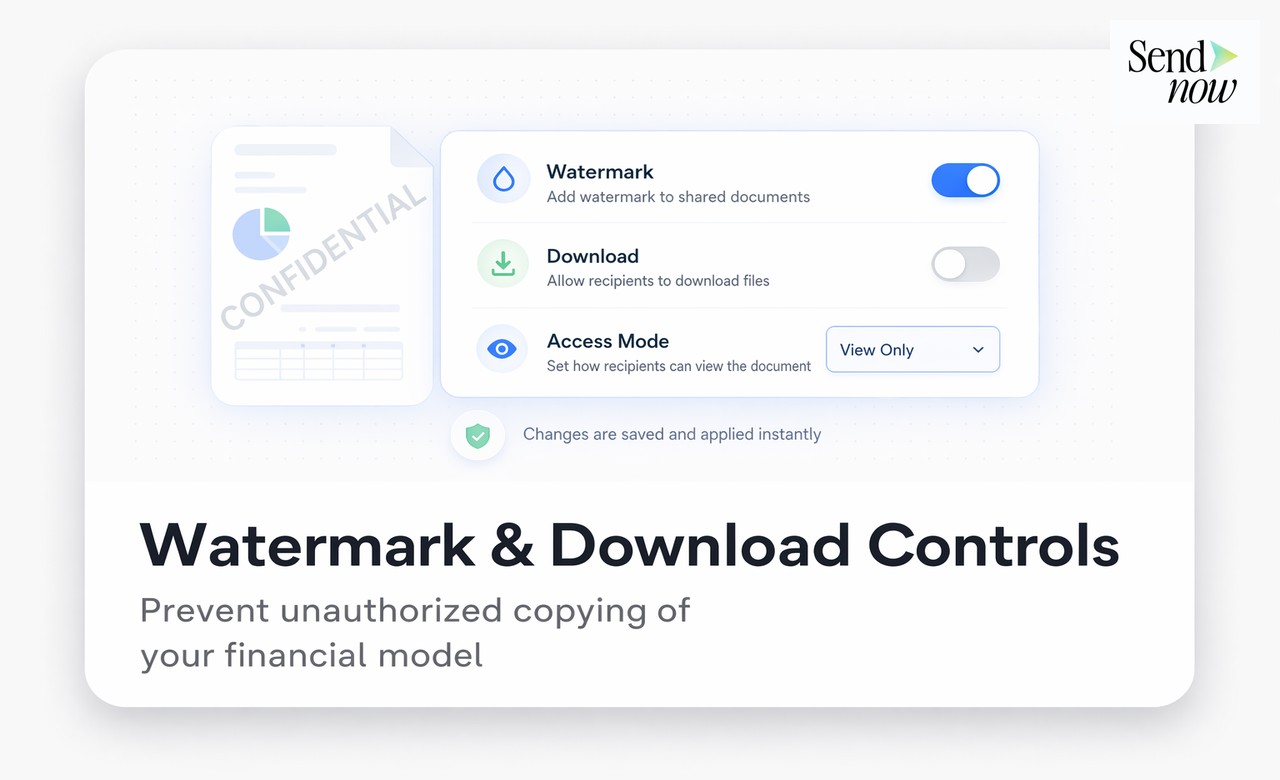
- Download disabled — the investor cannot export the file
- Print disabled — prevents a printout being used to bypass digital controls
- Screenshot protection — on supported browsers, prevents screen capture
Step 3: Create Individual Links Per Investor
Generate a unique link for each investor rather than a single shared URL. This lets you:
- See exactly when each investor opened the document
- Track how long they spent on each sheet
- Identify which assumptions they engaged with most
- Revoke access for specific individuals without affecting others
Per-investor analytics give you a significant edge in follow-up conversations. If you can see that an investor spent twelve minutes on your unit economics sheet, you know to prepare detailed answers on CAC and LTV before your next call.
Step 4: Apply Watermarks
Enable dynamic watermarking so that each viewing session displays the investor's email address as a faint overlay across the document. This serves two purposes:
- It deters investors from photographing screens and sharing the model
- It provides evidence of distribution if your model appears in an unintended location
Step 5: Set an Expiry or Revoke After Due Diligence
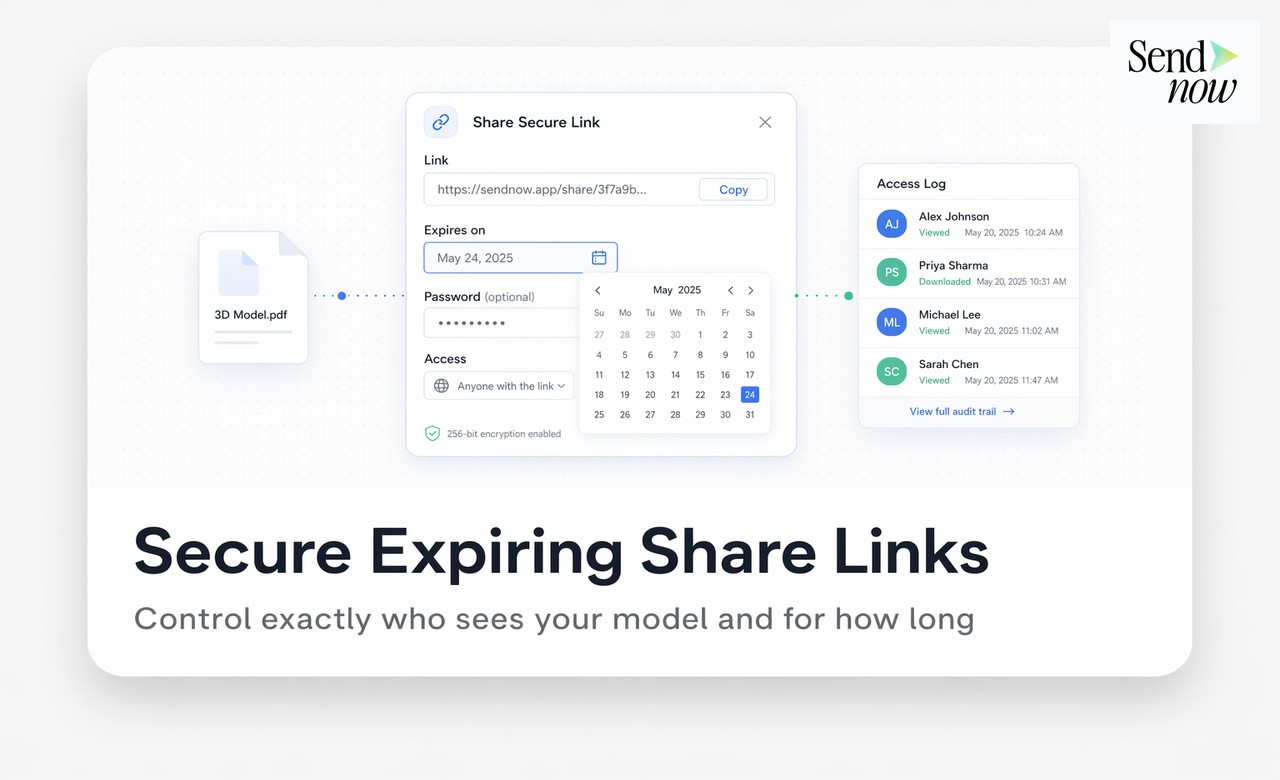
Once an investor has made their decision, revoke their access immediately. For investors who proceed to close, you can convert the link to a permanent archived version. For those who pass, revoking access protects your forward-looking projections from being shared with competitors or used as a benchmark in future negotiations.
GDPR Compliance When Sharing Financial Models

Under GDPR, sharing financial documents that contain any personal data requires:
- A lawful basis — typically legitimate interests or consent
- Data minimisation — share only what the investor needs
- An audit trail — a record of who accessed the document and when
- The ability to demonstrate compliance — your platform should produce access logs on demand
SendNow maintains full access logs stored on EU-based infrastructure, giving you a GDPR-compliant audit trail for every document you share.
Related reading: Share Pitch Deck with Investors: Complete Guide | How to Share a Cap Table Securely With Potential Investors
Financial Model Sharing Methods: Comparison
| Method | Download Control | Analytics | GDPR Audit Trail | Recommended |
|---|---|---|---|---|
| Email attachment | None | None | None | No |
| Google Drive link | Limited | Basic | Limited | No |
| Dropbox shared link | None | None | None | No |
| SendNow secure link | Full | Per-viewer | Yes, US-hosted | Yes |
| Password-protected PDF | Partial | None | None | No |
Frequently Asked Questions
Can I share a financial model as a PDF instead of an Excel file? A PDF is safer than a raw Excel file but still offers no access control, no analytics and no ability to revoke. A browser-based viewer with download controls is more secure than either format.
How do I prevent an investor from copying numbers from my financial model? Disabling download and print prevents the most common methods. Dynamic watermarking adds an additional deterrent. No system is completely leak-proof, but these controls significantly reduce risk.
Should I share one version of my model with all investors? Yes, share the same version but via individual links. This ensures consistency whilst giving you per-investor analytics.
What if an investor insists on receiving the Excel file? Explain that your standard process uses a secure viewer. Most professional investors will accept this. If you must send a file, password-protect it and send the password separately.
How do I know if an investor has read my financial model? With a platform such as SendNow, you receive real-time notifications when the link is opened and can see time spent per page or sheet, giving you full visibility into engagement.
Is it GDPR compliant to share a financial model with EU investors? Yes, provided you have a lawful basis, share only necessary data, use a platform with EU-based storage and maintain an audit trail of access.
Can I share my financial model with multiple investors at the same time? Yes. Create a separate link for each investor. You can manage all links from a single dashboard and revoke or extend them individually.
What is the most important sheet to include in an investor financial model? The assumptions page is often the most reviewed. Investors want to understand the logic behind your projections before diving into the numbers. Always include it as the first tab.
About the Author: Rifana Hameem
Rifana is the founder of SendNow. She leads the team in building secure, compliant, and analytics-rich document sharing tools for finance and professional teams worldwide.
Connect on LinkedIn