Best Google Drive Alternatives for Confidential Document Sharing

Best Google Drive Alternatives for Confidential Document Sharing
Google Drive is a powerful collaboration tool, but it is not designed for confidential document sharing with external parties. The best secure Google Drive alternative gives you access controls, audit trails, NDA gating, and viewing analytics that Google Drive does not offer, while keeping your data within GDPR-compliant infrastructure.
Why Google Drive Falls Short for Confidential Sharing
Google Drive is built for internal collaboration. When you share a document externally, you make a binary choice: the recipient can either view it or edit it. There is no middle ground, and there is almost no visibility into what happens after you hit send.
Specific gaps that matter for confidential sharing:
- No viewer analytics: you cannot see whether someone opened your document, which pages they read, or how long they spent on each section
- No access revocation after the fact: once a link is shared widely, controlling access becomes difficult
- No NDA or identity gate: anyone with the link can open the document without identifying themselves or accepting confidentiality terms
- No screenshot or download prevention: recipients can freely copy, screenshot, or forward your content
- US data infrastructure: Google stores data globally, including on US servers, which creates tension with EU data residency requirements under GDPR
- No audit trail: you have no record of who accessed what and when, which is a problem in regulated industries
For sharing financial models, legal documents, pitch decks, or due diligence materials, these gaps are not merely inconvenient. They represent real compliance and commercial risk.
The Best Google Drive Alternatives for Secure Sharing
SendNow
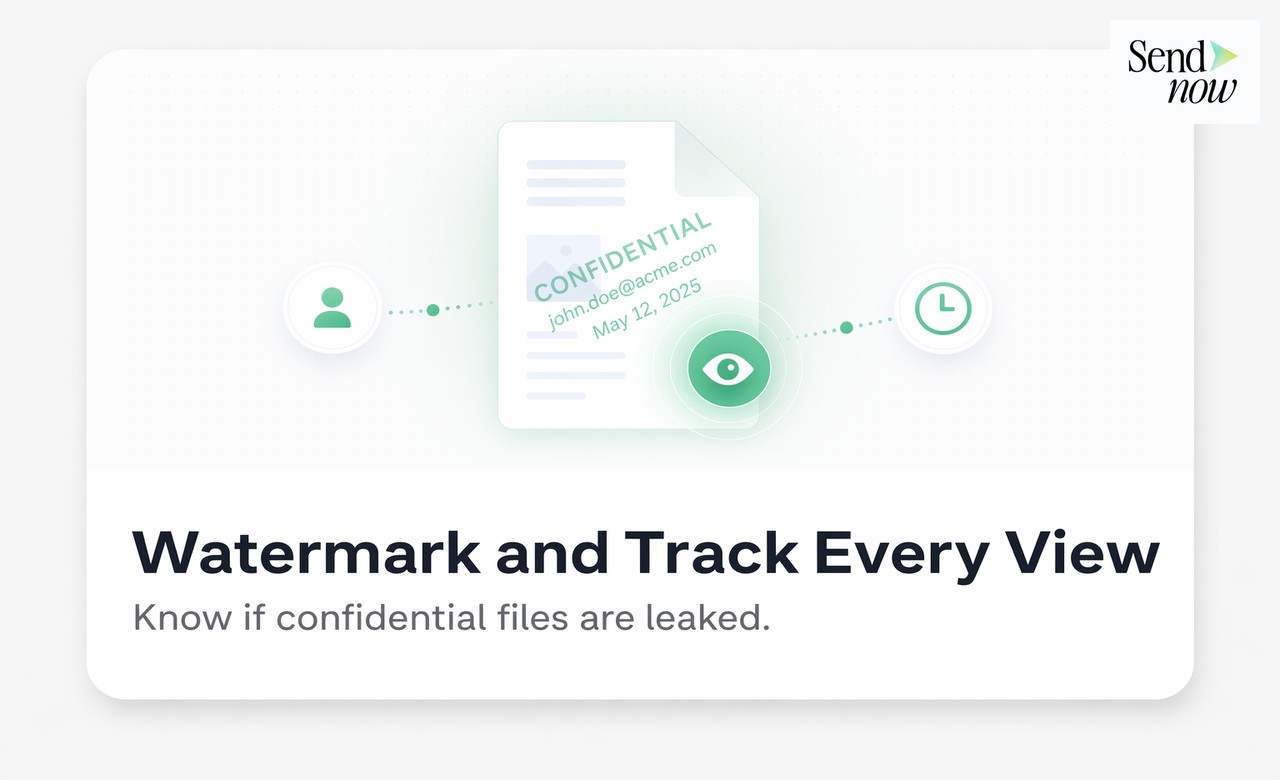
SendNow is purpose-built for the use cases where Google Drive runs out of capability. You upload or link a document, generate a trackable link with configurable security controls, and know exactly who opened it, which pages they read, and whether they forwarded it. Features include NDA gates, screenshot blocking, download prevention, custom watermarking, and EU data residency. It is the strongest choice for EU-based finance, legal, and advisory teams.
SharePoint (Microsoft 365)
SharePoint offers robust access control for internal and partner-facing document sharing within the Microsoft ecosystem. Its external sharing capabilities are powerful but require administrative configuration. SharePoint does not offer document viewing analytics or NDA gating for external recipients.
Box
Box is a cloud storage and content management platform with stronger security defaults than Google Drive. It supports external link sharing with expiry controls and some access logging. Box lacks per-page document analytics and NDA gating. Its EU data residency options exist but require configuration and, in many cases, a higher-tier contract.

Notion (with access restrictions)
Notion supports access-restricted pages and workspace sharing. For simple read-only sharing of non-sensitive content, it is adequate. For confidential documents requiring analytics and access controls, Notion is not appropriate without supplementary tools.
Tresorit
Tresorit focuses on end-to-end encrypted cloud storage and is popular with legal teams. It provides strong encryption and EU data residency. Its document sharing analytics are limited compared to dedicated tracking tools, but its security posture is strong for highly sensitive materials.
Feature Comparison: Google Drive vs Secure Alternatives
| Feature | Google Drive | SendNow | Box | SharePoint | Tresorit |
|---|---|---|---|---|---|
| Per-page viewing analytics | No | Yes | No | No | No |
| NDA gate | No | Yes | No | No | No |
| Screenshot blocking | No | Yes | No | No | No |
| EU data residency | No | Yes | Optional (paid) | Optional | Yes |
| GDPR-ready | Partial | Yes | Partial | Partial | Yes |
| Identity verification | No | Yes | Partial | Via Azure AD | No |
| Audit trail | Basic | Full | Yes | Yes | Limited |
| Link expiry controls | Limited | Yes | Yes | Yes | Yes |
| Download prevention | No | Yes | Yes | Yes | No |
| Free plan | Yes | Yes | No | Via M365 | No |
What You Actually Need for Confidential Document Sharing
Not every document requires maximum security. The controls you need depend on what you are sharing:
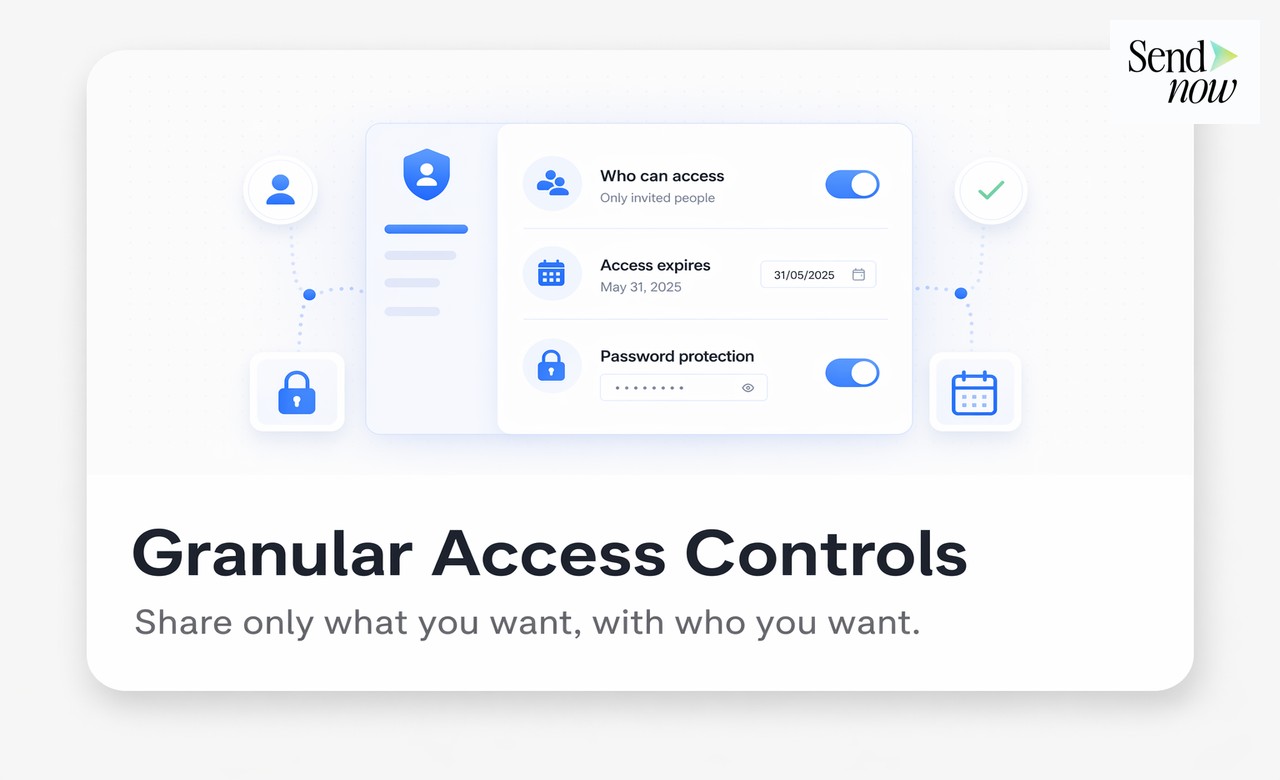
Financial models and investor materials: NDA gate, download prevention, watermarking, and per-page analytics. You need to know who read what, and you need the document to be legally protected before the recipient opens it.
Legal contracts sent externally: Access logging, identity verification, and an audit trail. If a dispute arises, you need to prove the document was delivered and accessed.
Due diligence materials: Virtual data room functionality with granular access by document, per-user permissions, and a complete activity log.
Client reports and proposals: Viewer analytics so you can follow up with precision; branded experience so the document feels professional; link expiry so old versions do not circulate indefinitely.

GDPR and Data Residency: Why It Matters
Google Workspace includes Standard and Enhanced data residency options, but the default for most Google Drive users is global data distribution, with processing occurring in the United States. For EU-based organisations handling personal data in documents, this creates potential GDPR exposure, particularly under the Schrems II framework.
A secure Google Drive alternative with confirmed EU data residency removes this risk. SendNow stores all data within the EU as a baseline, without requiring a premium tier or a separate configuration process.
Frequently Asked Questions
Q: Is Google Drive safe for confidential documents? For general business documents shared internally, Google Drive is broadly safe. For confidential documents shared externally with clients, counterparties, or investors, its lack of analytics, NDA gating, and screenshot prevention makes it an insufficient tool.
Q: Which is the most secure Google Drive alternative for EU businesses? SendNow for document sharing with analytics and compliance controls; Tresorit for encrypted storage of highly sensitive files. Many EU teams use both for different use cases.
Q: Can I control who downloads my documents without using Google Drive? Yes. SendNow allows you to disable downloads entirely, display documents in view-only mode, and block screenshots while the document is open.
Q: Does Google Drive comply with GDPR? Google provides GDPR compliance commitments under its Data Processing Amendment, but data is not stored exclusively in the EU by default. Teams with strict EU data residency requirements should use a provider that confirms EU-only storage.
Q: How do I know if someone has opened a document I shared? With SendNow, you receive a real-time notification when a recipient opens your document, along with a full view of which pages they read and for how long.
Q: Can I add an NDA to a document before sharing it? Yes. SendNow supports NDA gates that require a recipient to digitally accept a confidentiality agreement before the document opens.
Q: Is there a free secure alternative to Google Drive? SendNow offers a 24-hour free trial that includes core tracking and access controls, making it easy to test secure external document sharing.
Q: Can I revoke access to a shared document after sending it? Yes. With SendNow, you can deactivate a link at any time, immediately preventing further access regardless of where the link was shared.
Stop Sharing in the Dark
Google Drive was never designed for what you are trying to do with it. Try SendNow free at sendnow.live and share your next confidential document with full visibility and control.
Related reading:
About the Author: Rifana Hameem
Rifana is the founder of SendNow. She leads the team in building secure, compliant, and analytics-rich document sharing tools for finance and professional teams worldwide.
Connect on LinkedIn