How to Know When a Client Opens Your Proposal

- Document tracking software tells you the exact moment a prospect opens your proposal and how they engage with each page.
- Email open tracking is unreliable for proposals. Dedicated document tracking tools give far more accurate and actionable data.
- Features that matter most: page-by-page analytics, real-time notifications, AI engagement scoring, and Slack integration.
- The best follow-up is one triggered by a real open event, not a guess or a calendar reminder.
How to Know When a Client Opens Your Proposal
Meta description: Document tracking software gives sales teams exact, real-time visibility into when and how clients engage with proposals. This guide answers the seven most common questions about proposal tracking tools and shows how to turn open signals into closed deals.
Introduction
You spent two hours on a proposal. You hit send. Then silence.
That silence is one of the most demoralizing experiences in B2B sales. You have no way to know if the proposal arrived in the right inbox, if the client studied it for thirty minutes or glanced at it for three seconds, or if it was forwarded to a decision-maker you never spoke with. So you wait. Then you send a "just checking in" email that either gets ignored or arrives at the worst possible moment.
Document tracking software eliminates that uncertainty entirely. It places a layer of intelligence between your proposal and your client's inbox, so you know the exact second they open it, which pages held their attention, and precisely when to pick up the phone.
This guide answers the seven most common questions about document tracking software, drawing on expert sources to help sales reps, account executives, and revenue teams close deals with better timing and far less guesswork.
What Is Document Tracking Software?
Document tracking software is a platform that monitors and records how recipients interact with documents after they are sent. It tells the sender when a document was opened, how long each page or section held the reader's attention, how many times the document was viewed, whether it was forwarded, and from what device or location it was accessed.
According to RPost, a document tracking system is "a software tool or platform designed to help individuals or organizations manage and monitor the flow of documents within their business processes, including when it was created, who has accessed it, and any changes made."
For sales teams, the most valuable application is proposal tracking: the ability to see exactly when a prospect opens a PDF, deck, or microsite proposal, and what they focus on inside it. Instead of making follow-up calls on gut instinct, reps act on real engagement signals.
HubSpot defines its value precisely: "Monitor when prospects open, view, and share your sales documents with document tracking software — giving you real-time insights into buyer engagement." The shift from reactive follow-up to signal-driven outreach is where deals are won or lost.
How Does Document Tracking Software Work?
Most document tracking tools work by replacing a traditional file attachment with a tracked link. You upload your document to the platform, which hosts it inside a controlled viewing environment. The platform then generates a unique link you send to your prospect.
When the client clicks the link and opens the document, the platform fires a tracking event, logs the timestamp, and sends you a real-time notification. As the reader moves through each page, the tool records how many seconds they spent on each one, whether they skipped sections, and whether they returned to certain pages multiple times.
According to FlippingBook, "By default, PDFs don't come with tracking capabilities. Once you hit 'Send' or post the file somewhere, you basically lose control over it." Dedicated document tracking tools solve this by hosting documents inside a secure viewer rather than sending a static file the sender can no longer monitor.
More advanced platforms layer on additional intelligence: AI engagement scoring that calculates a prospect's likelihood to respond based on their reading behavior; viewer identification via email gating or NDA capture; and Slack or webhook notifications that route open events directly into your existing workflow.

SendNow's live document dashboard shows page-by-page viewing data alongside real-time open notifications and viewer identity.

Can You Track Who Opens a PDF?
Yes, but the method matters significantly. Raw PDF files attached to emails do not track opens natively. DRM-based solutions like LockLizard track PDF access by requiring recipients to install a viewer application, which is impractical in most sales workflows and creates unnecessary friction for the buyer.
The practical approach is to share documents through a tracking link instead of a direct PDF attachment. When the recipient opens the link, the platform captures their IP address, device type, geographic location, and timestamp. Add email gating or require viewers to enter their contact details before accessing the document, and you can identify individual viewers by name and company.
Digify explains the core problem this solves: "PDF file and document tracking solutions help you to understand the movement of your documents and potentially, whether they are spread beyond your intended recipients."
For sales professionals, this answers three critical questions on every deal:
- Did they open it? Confirmation replaces assumption.
- Who exactly opened it? Gating reveals buyer identity.
- Did anyone else see it? Forwarding data exposes new stakeholders before they contact you.
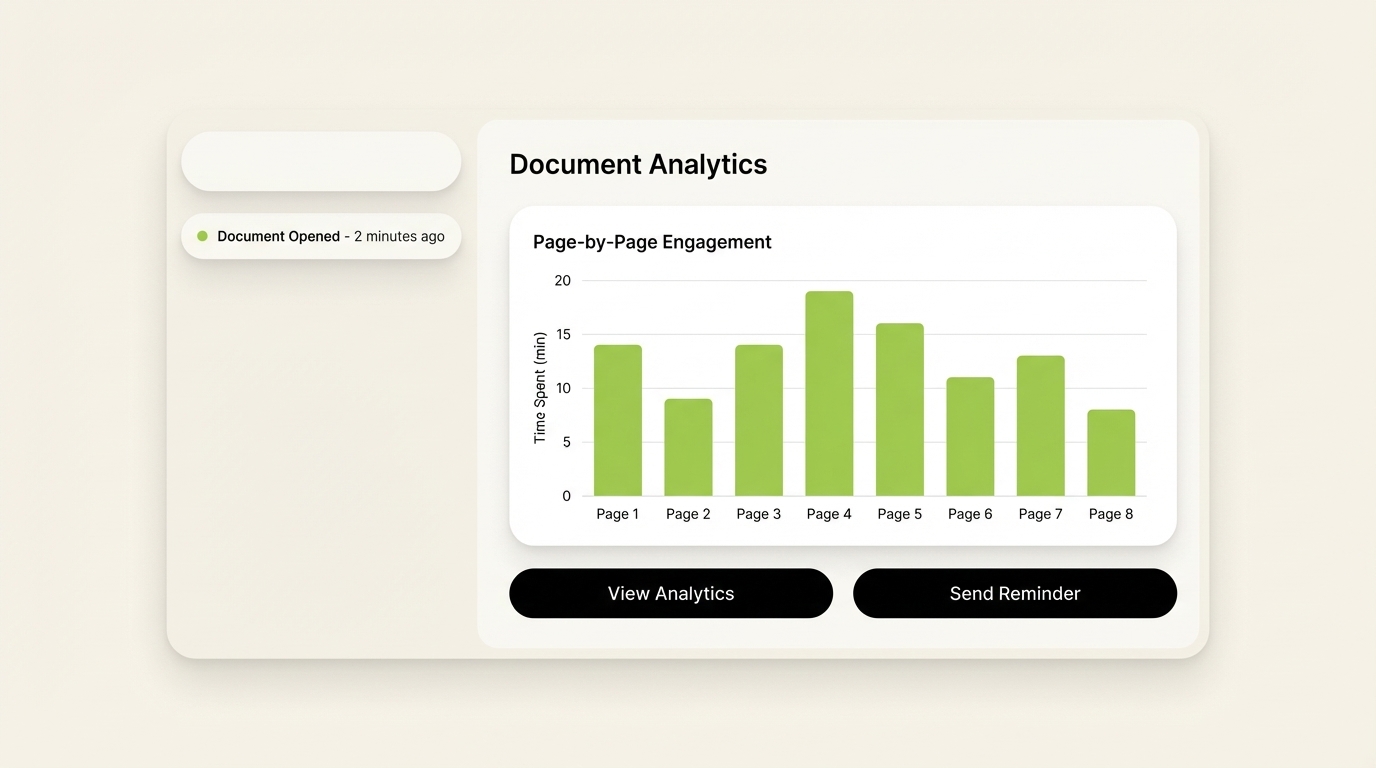
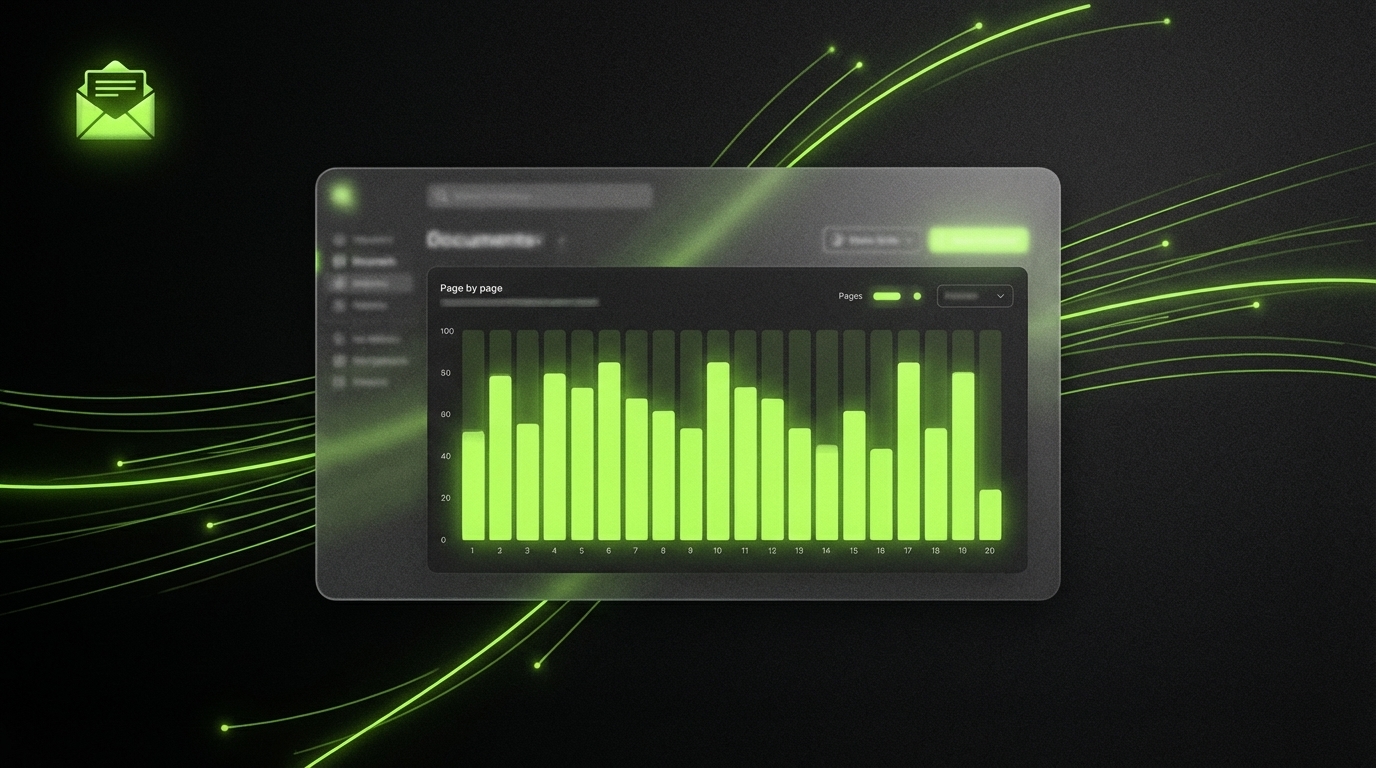
Page-by-page analytics reveal exactly which sections of a proposal commanded the most attention, down to seconds per page.
Is Email Open Tracking Reliable for Proposals?
No. Email open tracking is not reliable for proposals or any high-stakes document workflow.
Standard email open tracking uses a 1x1 pixel image embedded invisibly in the email body. When the email client loads the image, it fires a server request that registers as an "open." The fundamental problem is that Apple's Mail Privacy Protection, launched in iOS 15 and macOS Monterey, pre-loads all images in the background, regardless of whether the recipient ever opened the email. This artificially inflates open rates.
Instantly.ai summarizes the issue bluntly: "Email open tracking is broken. Apple MPP and security bots inflate rates while image blocking deflates them."
Document tracking software operates at a completely different layer. It does not rely on email pixels. It measures engagement at the document viewer level, meaning the tracking event fires when your prospect actually loads and reads the document itself inside the hosted viewer, not when their mail client automatically fetches an image. This is why document-level open data is far more accurate as a sales signal and far more actionable as a trigger for follow-up timing.
What Is the Best Document Tracking Software for Sales Teams in 2026?
The document tracking market shifted significantly after DocSend removed its free plan in March 2025, pushing teams to find cost-effective alternatives with comparable functionality. The tools worth comparing include:
SendNow (sendnow.live) - Purpose-built for revenue teams and financial professionals. Features include page-by-page analytics, real-time open notifications, AI engagement scoring, NDA gating, screenshot protection with dynamic watermarks, branded microsites, custom domains, and Slack and webhook integrations. Pricing starts at $9/month on the Pro plan, with a free trial that requires no credit card. Trusted by 100+ teams.
DocSend - The established category leader, now owned by Dropbox. Deep analytics and virtual data rooms, starting at $10/user/month. No free plan as of March 2025, and advanced features push the cost considerably higher.
Digify - Strong security controls and granular access management, particularly suited to due diligence workflows and investor communications.
PandaDoc - Combines document tracking with proposal building and e-signatures in a heavier, more expensive platform. Best for teams that also need CPQ and contract workflows.
HubSpot Sales Hub - Basic document tracking built into the CRM. Best suited for teams already deep in the HubSpot ecosystem, though page-level analytics are limited.
For a sales team focused specifically on proposal intelligence, the decisive feature set is: page-level attention data, immediate open alerts, and viewer identification, all without requiring the buyer to install anything.

What Features Should You Look for in Document Tracking Software?
Not all document tracking tools provide the same depth of insight. These are the features that separate basic open tracking from genuinely useful sales intelligence:
Page-by-page analytics - Time spent on each individual page is far more useful than a total view duration. It tells you whether the prospect actually read the pricing page or skipped straight to the signature section.
Real-time open notifications - A Slack message or email alert the moment a prospect opens your document lets you call while the proposal is fresh in their mind. This is the single most powerful follow-up timing mechanism available to a sales rep.
AI engagement scoring - Automatic scoring based on reading behavior helps AEs prioritize the hottest deals without manually reviewing every analytics report after every send.
Email gating and NDA capture - Requiring viewers to enter their email or countersign an NDA before accessing a document captures identity data and adds a layer of security appropriate for sensitive commercial proposals.
Screenshot protection and dynamic watermarks - Watermarks that display the viewer's email address on every page deter unauthorized redistribution of sensitive pricing or financial information.
Slack and webhook integration - Routing open events into your existing workflow tools keeps the full team informed without requiring anyone to log into a separate dashboard.
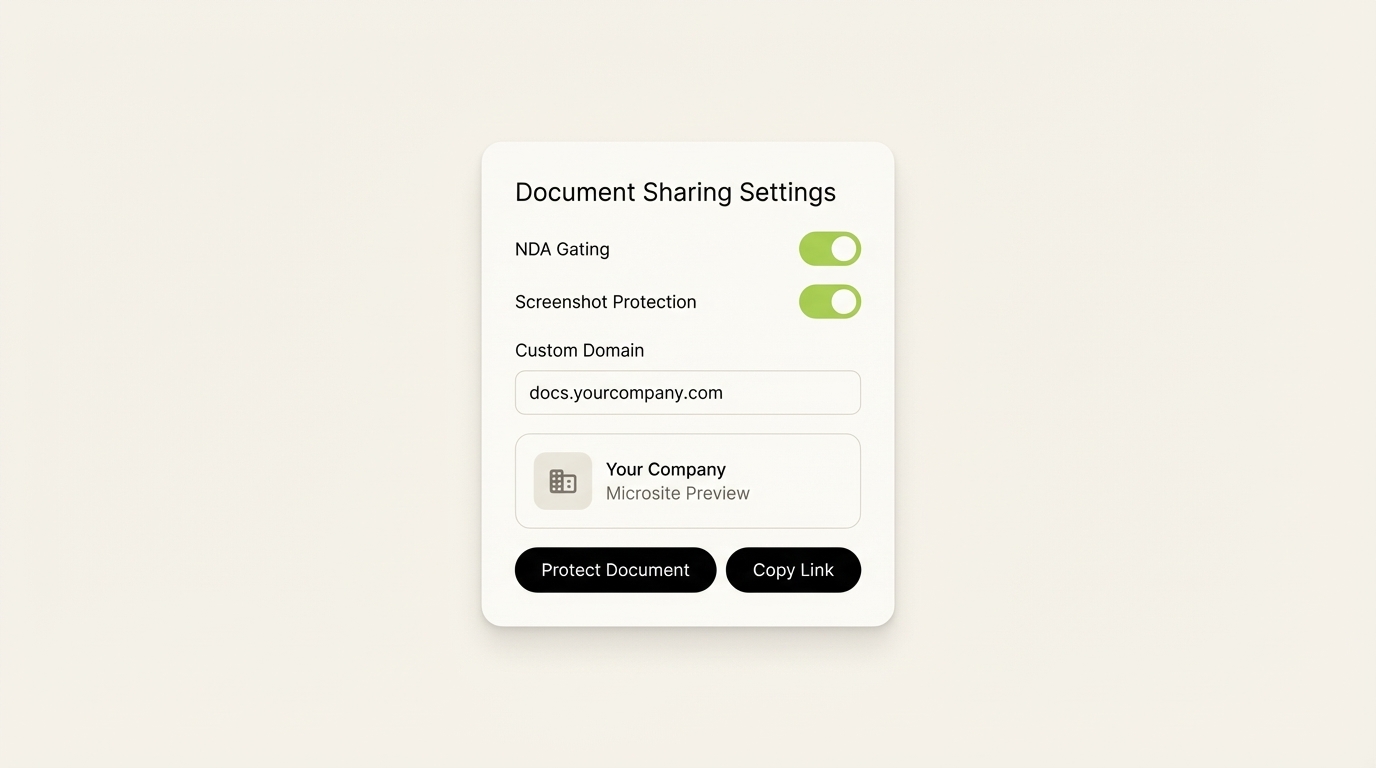
SendNow's protection panel makes it straightforward to enable NDA gating, screenshot blocking, and branded custom domain delivery from a single screen.
How Do You Follow Up After a Client Opens Your Proposal?
Timing is the decisive variable in proposal follow-up. According to Proposify, proposal tracking "helps you identify when a buyer is actually engaged" so you can time outreach for maximum relevance.
Follow up within the same business day as the open event. If document tracking software sends a Slack notification at 10:30am that a prospect just opened your proposal, a follow-up call or email before noon is natural and well-timed. The proposal is literally in front of them.
Reference the pages they spent time on. If analytics show your prospect spent four minutes on the pricing section and thirty seconds on the case studies, open your follow-up with pricing. This is a clear intent signal. Do not open with an unrelated topic.
Use the engagement score to prioritize your pipeline. If one prospect has opened your proposal three times in two days and another has not opened it at all, your outreach calendar should reflect that difference. Document tracking converts follow-up from gut instinct into a data-driven process.
Ask a specific question. A follow-up message that says "Just checking in" wastes the signal you just received. Something like "I saw you had a chance to look through the proposal today — happy to walk through the pricing structure if there are any questions" uses the open data directly without feeling intrusive.
Do not wait for a "convenient" time. The research on sales follow-up timing consistently shows that speed of response after a buying signal correlates directly with deal velocity. Proposal tracking software exists precisely to give you that signal. Use it immediately.
Conclusion
Guessing when to follow up on a proposal costs deals. Document tracking software removes the guesswork entirely, replacing the silence after you hit send with real engagement data you can act on in real time.
The best tools in this category give you page-level attention data, immediate open alerts, and AI-driven scoring that shows which prospects are ready to talk today. After DocSend removed its free tier in 2025, alternatives like SendNow have made this level of proposal intelligence accessible starting at $9/month, with a free trial that requires no credit card.
Start your free trial with SendNow and know the exact moment your next proposal opens.
Keep Reading
About the Author: Rifana Hameem
Rifana is the founder of SendNow. She leads the team in building secure, compliant, and analytics-rich document sharing tools for finance and professional teams worldwide.
Connect on LinkedIn