Remote Team IT Setup Guide: Internet, Security and Devices for Distributed Teams

A secure remote team IT setup rests on five layers: reliable home internet with a minimum standard and a backup, managed and encrypted devices, automatic patching, identity-based access with SSO and MFA, and controlled document sharing that does not rely on email attachments. Finish with same-day offboarding. Teams that share client or investor files should send them as access-controlled links through a tool like SendNow, so files stay revocable wherever people work.
Remote Team IT Setup Guide: Internet, Security and Devices for Distributed Teams
Why remote IT needs a different setup
In an office, the network, the printer and the IT person are shared. In a distributed team, every home is its own small office with its own router, its own family devices on the same Wi-Fi, and its own outages. Security controls that relied on "being inside the network" stop working. The answer is to secure the person and the device, not the building.
What internet connection does a remote employee need?
Set a simple minimum standard so video calls and large uploads work reliably:
| Requirement | Suggested minimum | Why |
|---|---|---|
| Download speed | 50 Mbps or more | Video calls, cloud apps |
| Upload speed | 10 Mbps or more | Screen sharing, file uploads |
| Connection type | Wired or strong Wi-Fi | Stability on calls |
| Backup | Mobile hotspot plan | Outages during client calls |
| Router | Updated firmware, strong Wi-Fi password, WPA2 or WPA3 | Basic network security |
Many companies offer a monthly internet stipend to cover a business-grade home connection. For roles that spend most of the day on client calls, a backup connection is worth paying for.
How should remote devices be managed?
Every company laptop should be:
- Enrolled in a device management tool before it ships
- Encrypted with full-disk encryption enforced by policy
- Locked automatically after a short idle period
- Inventoried with owner, serial number and OS version
- Remotely lockable and wipeable if lost or stolen
Personal devices should not hold company files. If people need to use them, limit access to browser-based tools through single sign-on.
How do you keep remote devices patched?

Manual reminders do not work at scale. Use a patch management tool that updates operating systems and common applications automatically, with:
- A routine update window, for example within a week of release
- An accelerated path for critical vulnerabilities
- A weekly report showing which devices are behind
The public CISA Known Exploited Vulnerabilities Catalog is a useful reminder of how often attacks rely on flaws that already have fixes available.
How should remote teams control access?
Access should follow identity, not location:
- Single sign-on for every tool that supports it
- Multi-factor authentication for every account, with phishing-resistant methods for admins
- Role-based groups, so new hires get the right tools automatically
- Quarterly access reviews for sensitive systems
- A password manager for anything that cannot use SSO
The NIST Cybersecurity Framework is a good structure if you need to document these controls for customers or auditors.
How should distributed teams share sensitive documents?
This is where remote teams leak the most data. Files get emailed to personal addresses so someone can print at home, attachments get forwarded, and old versions live in a dozen inboxes.
Replace attachments with controlled links:
| Email attachment | Controlled document link |
|---|---|
| Permanent copy in every inbox | One hosted version |
| Can be forwarded freely | Access limited to approved viewers |
| Cannot be revoked | Revoke or expire anytime |
| No visibility | See who opened it and when |
| Old versions linger | Update the file behind the same link |
With SendNow you can require email verification, block downloads, add dynamic watermarks and set expiry dates on anything you share with clients, investors or partners. Our guide on why email attachments are a security risk explains the risks in detail, and how to prevent confidential documents from being leaked covers the controls.
What should remote onboarding include?
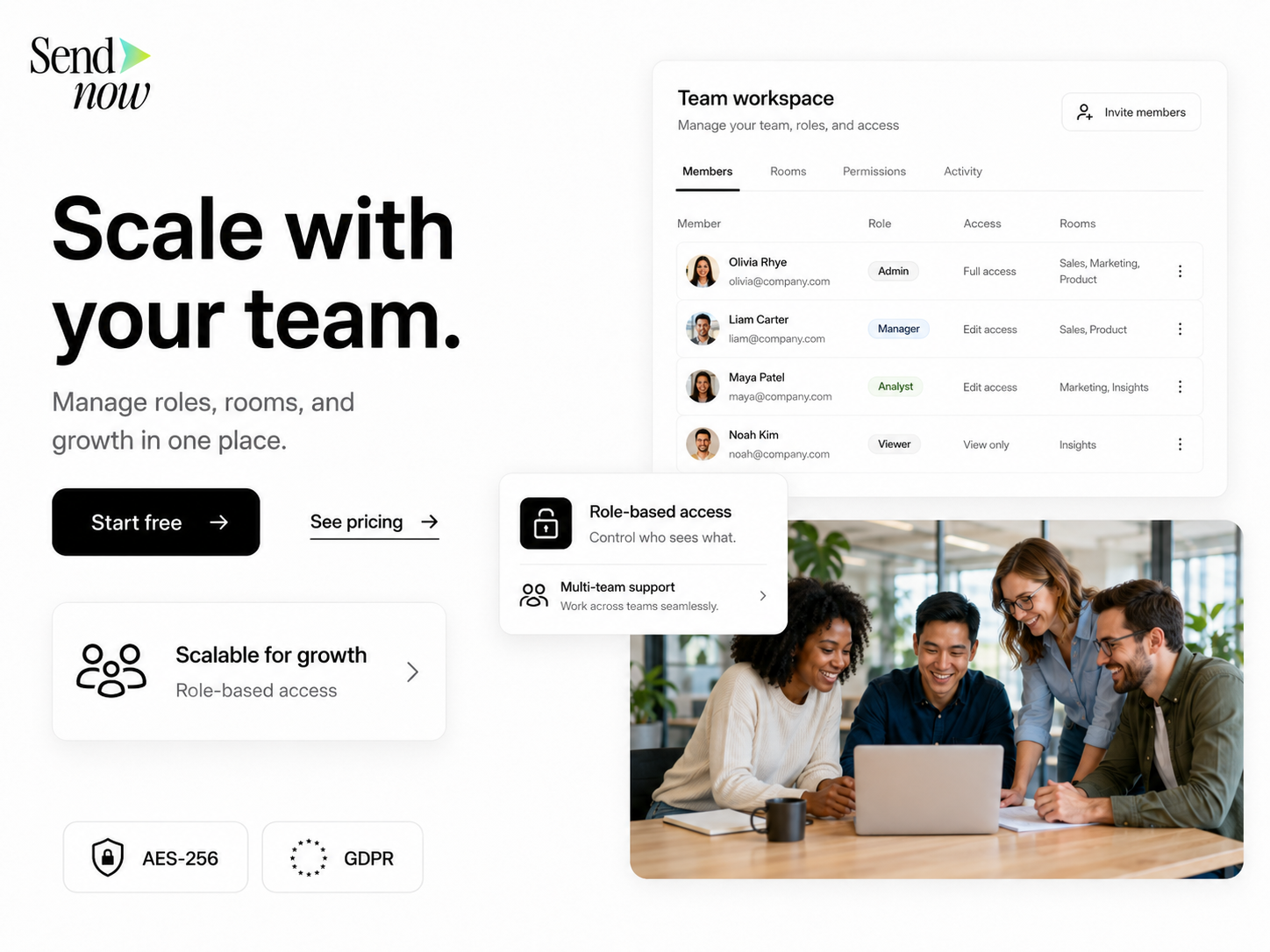
- Laptop shipped pre-enrolled, arriving before day one
- SSO account and MFA set up during first login
- A short security briefing: phishing, password manager, how to share files
- Internet stipend and home setup guidance
- Clear contact for IT help
What does secure remote offboarding look like?
| Step | Timing |
|---|---|
| Disable SSO account and revoke sessions | Last working day |
| Revoke shared document links they created or own | Same day |
| Transfer file ownership | Same day |
| Remote lock the device | Same day |
| Send prepaid return kit | Same day |
| Wipe and re-image on return | On receipt |
Revoking document links matters as much as removing accounts. A former employee who still has a forwardable attachment in their personal inbox keeps the data forever. Links you control can be switched off.
Remote IT checklist
- Internet minimum standard and stipend policy
- Backup connectivity for client-facing roles
- Device management with encryption enforced
- Automatic OS and app patching with weekly reporting
- SSO and MFA on every tool
- Controlled document sharing instead of attachments
- Same-day offboarding with link revocation
Frequently Asked Questions
What internet speed do remote workers need?
A practical minimum is around 50 Mbps download and 10 Mbps upload for reliable video calls and cloud apps, with a mobile hotspot as backup for client-facing roles.
How do you secure laptops for remote employees?
Enrol them in device management before shipping, enforce disk encryption and screen lock, automate patching, and make sure you can lock or wipe them remotely.
Is VPN still needed for remote teams?
Many teams now rely on SSO, MFA and cloud apps instead of a traditional VPN. A VPN may still be needed for specific internal systems that are not exposed to the internet.
How should remote teams share confidential files?
Use access-controlled links with viewer verification, expiry and download restrictions instead of email attachments, so files can be revoked and access can be tracked.
What is the biggest security risk for distributed teams?
Stolen credentials and uncontrolled file copies. MFA reduces the first; replacing attachments with revocable links reduces the second.
Final takeaway
Remote security is not about recreating the office network. It is about securing people, devices and documents wherever they are. Try SendNow free to share sensitive files as links you can track, protect and revoke.
About the Author: Rifana Hameem
Rifana is the founder of SendNow. She leads the team in building secure, compliant, and analytics-rich document sharing tools for finance and professional teams worldwide.
Connect on LinkedIn