How to Share a Document From ChatGPT With a Link You Can Track (2026)

ChatGPT's built-in share link shows your conversation to anyone who has the URL, and it gives you no analytics on who opened it [Source: Trend Micro]. To share a document with tracking and control, connect SendNow to ChatGPT through MCP, attach the file in chat and ask for a secure link: email verification, NDA, downloads off, expiry date, and a switch to revoke it later. You then ask ChatGPT who opened it. The connector uses OAuth, needs no API key, and connects on any SendNow plan.
How to Share a Document From ChatGPT With a Link You Can Track (2026)
Why is a ChatGPT share link not enough for sensitive documents?
ChatGPT's share feature is built for sharing a conversation, not for distributing a confidential file. Three gaps matter if you send a pitch deck, a contract or a financial model:
- No viewer analytics. The native link cannot tell you who accessed it or how many times.
- No per-person access. Anyone with the URL can open it, including people you never intended.
- No revoke-and-keep-history. You can delete a shared chat, but you cannot switch off one recipient's access and keep a record of what they viewed.
A shared chat is also a poor container for a document. The formatting, the page structure and the file itself are not what the recipient gets. For documents you want a document link: the original file, rendered in a viewer, with rules.
What do you need to share a document from ChatGPT?
Three things:
- A SendNow account (any plan; free to start).
- ChatGPT with the ability to add a connector. SendNow is under review for the ChatGPT app directory. Until it is listed, you add it as a custom connector, which depends on your ChatGPT plan and, in a workspace, on your admin.
- The file you want to share.
How do you connect SendNow to ChatGPT?
- In ChatGPT's connector or apps settings, add a new connector.
- Name it SendNow.
- Enter the server URL
https://share.sendnow.live/mcp. - Choose OAuth as the authentication method.
- Sign in to SendNow and allow access.
Test it with a harmless read-only request: "What is my SendNow plan and how much storage am I using?" That calls get_account_profile. If it answers, the connection works. The AI and MCP page has a setup video, and our pillar guide covers what each tool does.
How do you share a document from ChatGPT as a tracked link?
Attach the file to your message and say what rules you want. A prompt that works:
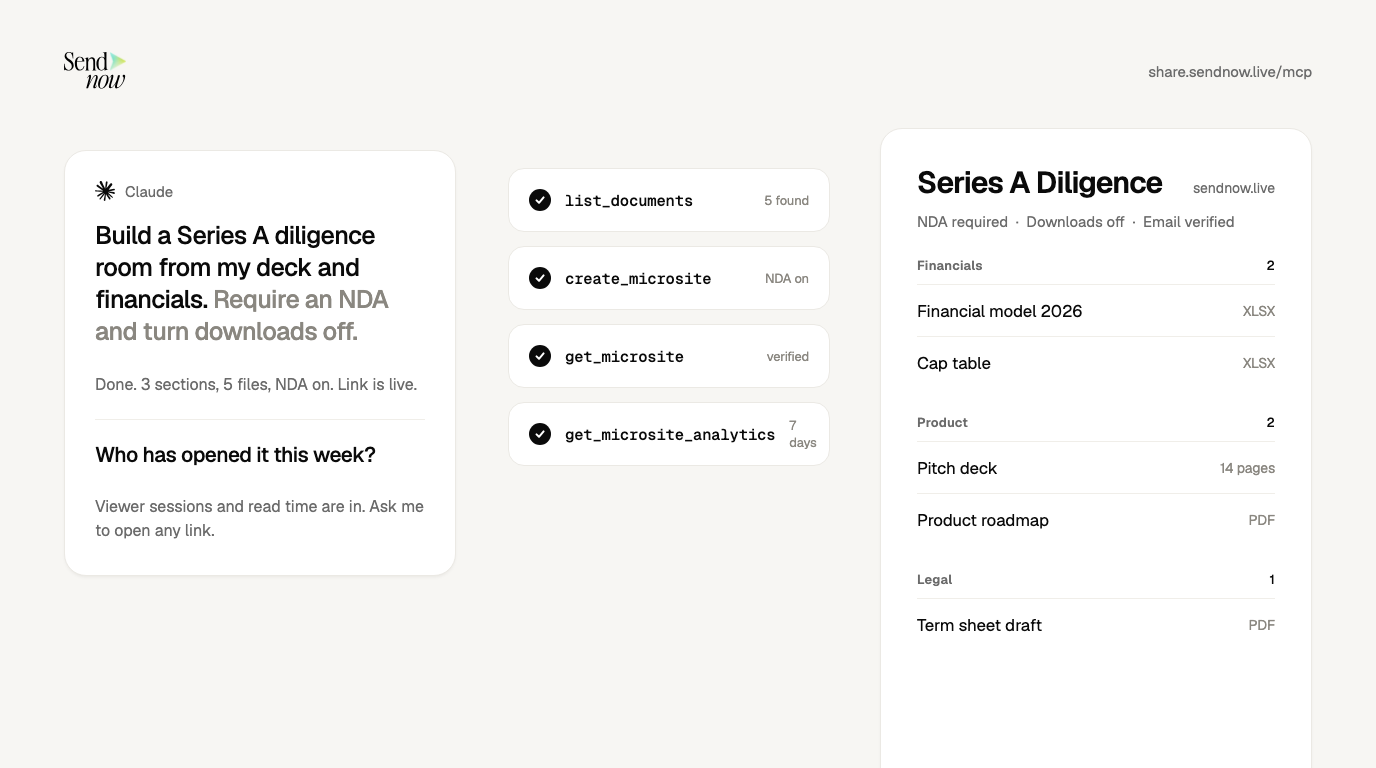
"Upload this PDF to SendNow and create a secure link. Require email verification, turn downloads off, and expire it in 14 days. Call the link Acme Series A."
Behind that sentence ChatGPT makes two calls:
| Step | Tool | What happens |
|---|---|---|
| 1 | upload_document_direct | Uploads the file you attached in chat into your SendNow library |
| 2 | create_secure_link | Creates a tracked link with requireEmail, disableDownload, expiresAt and a label |
ChatGPT replies with the link. Paste it into an email or message.
Two practical notes on file size. When a file arrives as a chat attachment, the upload tool handles it directly. For files too large to pass through the chat, the assistant gives you a one-time browser upload link (request_document_upload) with your security settings pre-applied, and then checks completion (check_document_upload). You do not need to know the tool names; you just ask.
What security settings can you set from the chat?
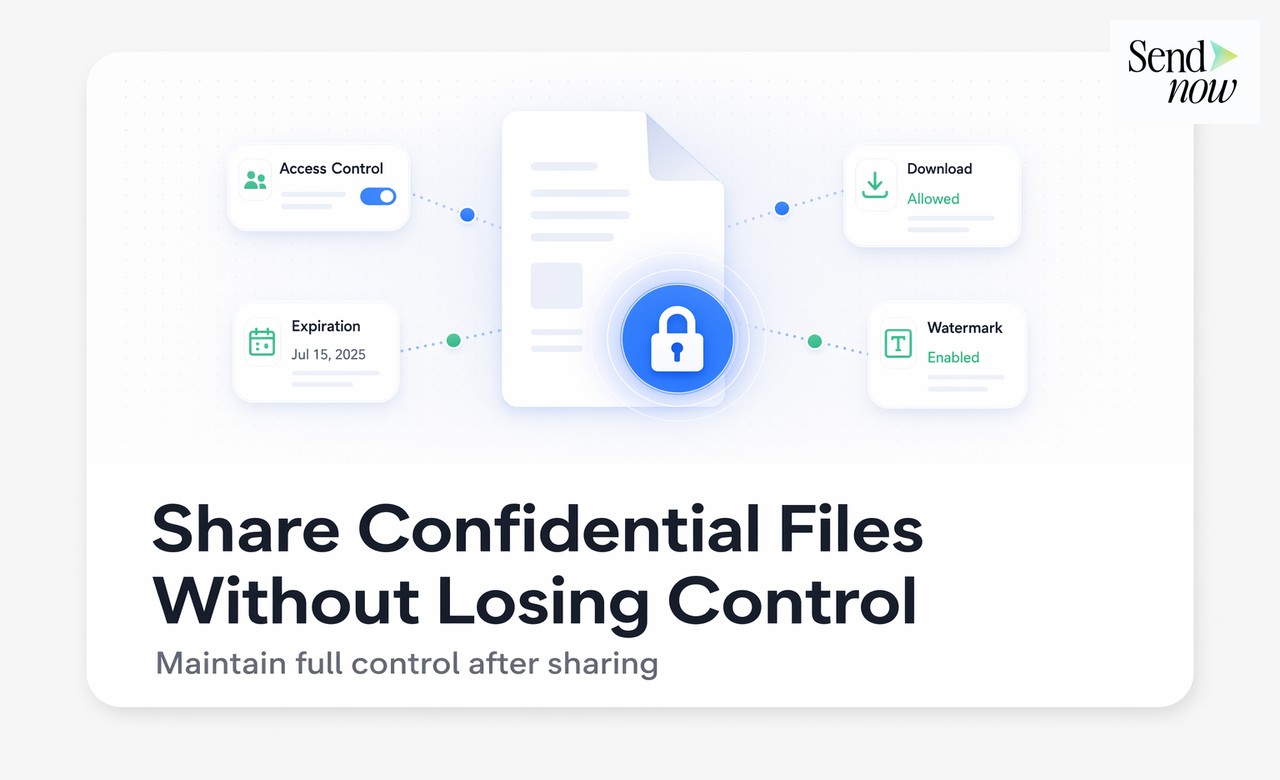
Everything below can be requested in plain language, and can be changed later by asking again.
| Setting | Prompt example | Plan |
|---|---|---|
| Email verification | "Require viewers to verify their email" | Any |
| Passcode | "Add the passcode Falcon2026" | Any |
| Downloads off | "Don't allow downloads" | Any |
| Expiry date | "Expire it on November 30" | Any |
| View cap | "Allow 5 views" | Any |
| NDA gate | "Require them to accept this NDA text: ..." | Pro and above |
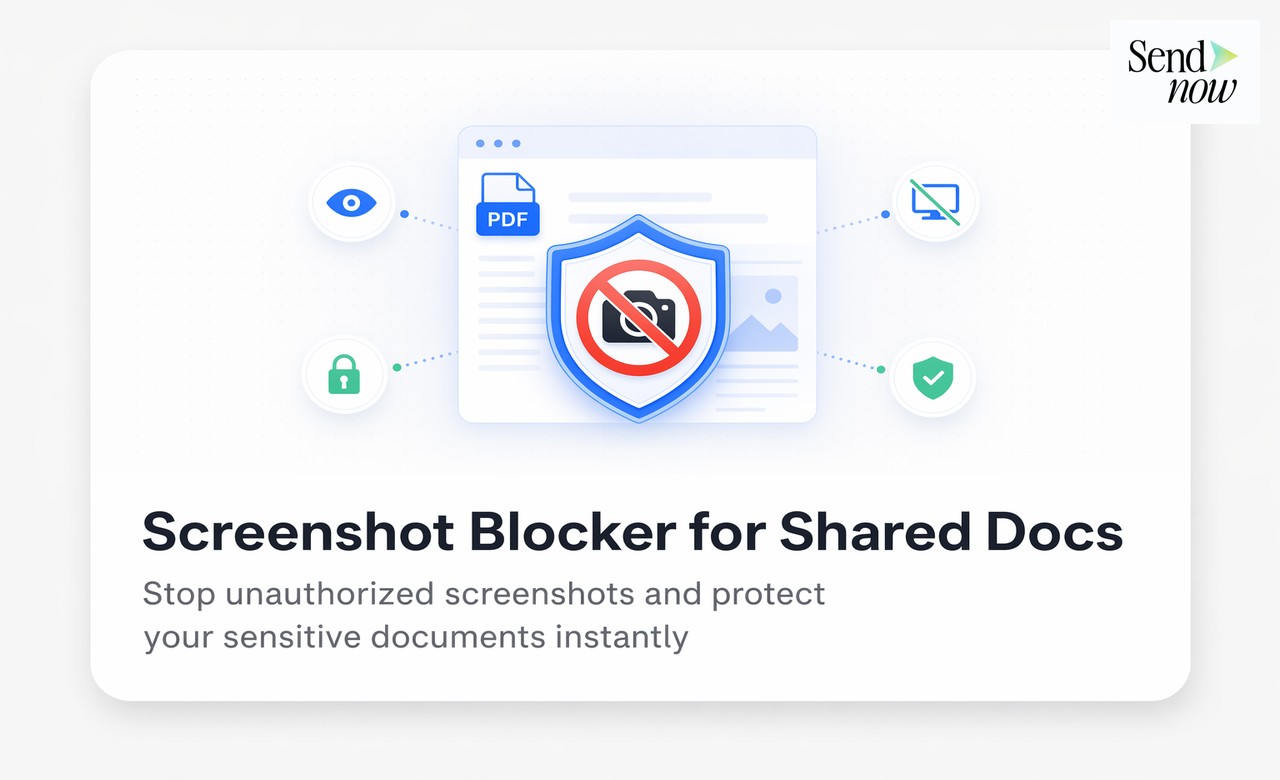
| Screenshot blocking | "Block screenshots" | Pro and above |
| Allowed viewers | "Only allow people at @acme.com" | Business |
| Dynamic watermark | "Stamp each viewer's email and the date on every page" | Business |
If a setting is not on your plan, the assistant says so instead of silently skipping it. Paste counsel-approved wording for the NDA rather than letting the assistant draft legal terms. Details on each control are on the NDA gate, dynamic watermark and screenshot blocking pages.
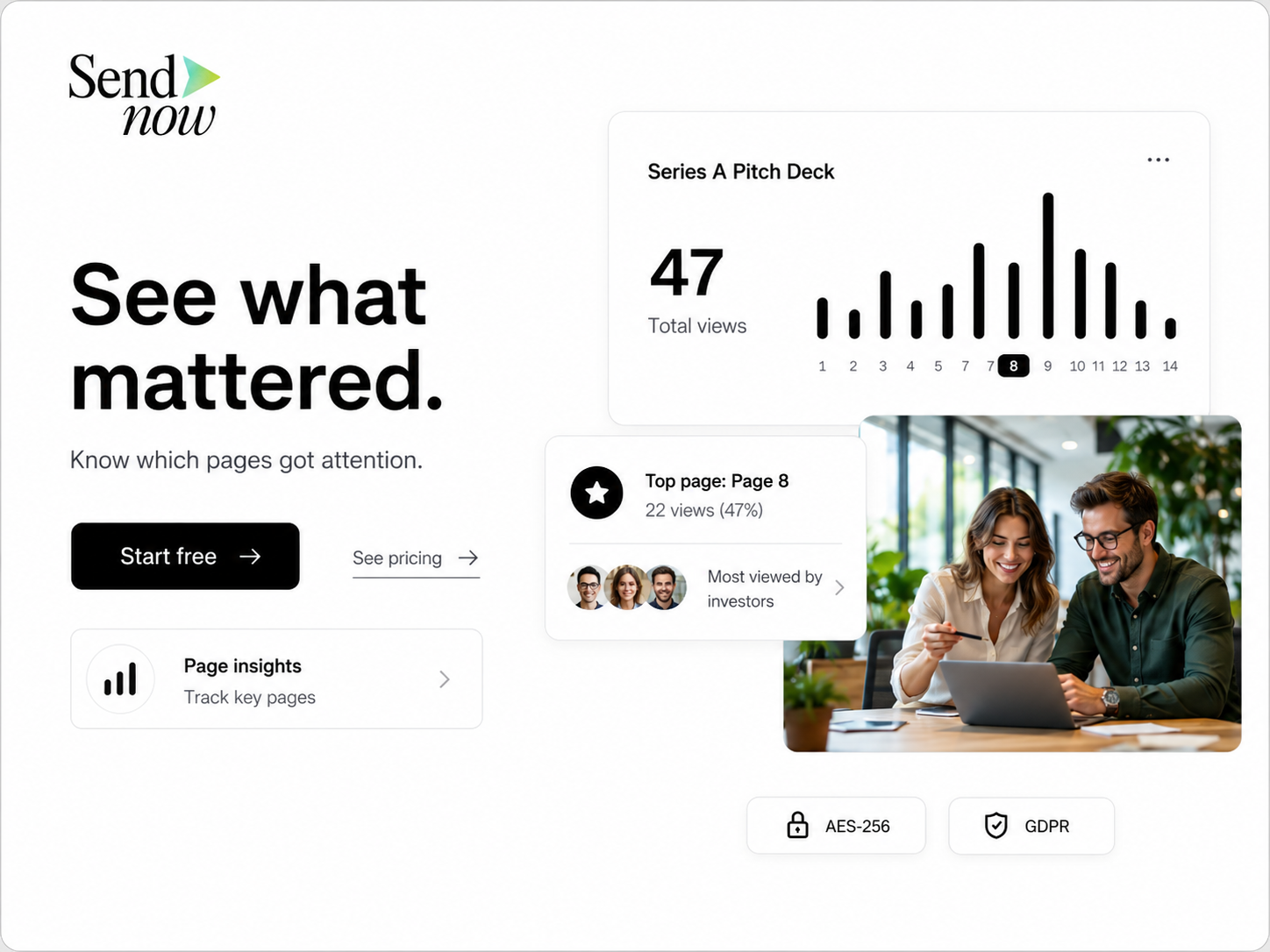
How do you see who opened the document?
Ask ChatGPT:
"Who has opened the Acme Series A link, how long did they spend, and did they download it?"
It calls list_link_viewers for the link's sessions (verified email, location, device, time spent, completion, download and NDA status) and get_document_analytics for the totals. Start with verified-email viewers, since those are named people. Anonymous opens can include mail scanners and link previews.
Check a number in the dashboard before you quote it to someone. An assistant summarizing analytics can slip. For what the metrics mean, see document analytics and our guide to tracking a pitch deck.
How do you stop someone from viewing it later?
Say so:

"Revoke the Acme Series A link."
That calls revoke_link, which switches the link off immediately and keeps the view history. Prefer revoke over delete. Deleting a link is permanent, and the assistant will name the exact link and ask you to confirm before doing it.
What are the limits of sharing from ChatGPT this way?
- ChatGPT is not in the app directory yet. You use a custom connector today, which depends on your plan and workspace.
- The assistant cannot read your document. None of SendNow's tools returns document text. It shares and measures the file; it cannot summarize it.
- Some settings need a paid plan. The assistant will tell you which.
- Verify analytics before you rely on them.
Is it safe to share confidential files from ChatGPT?
It can be, if the connector uses OAuth, the server does not return document contents, and destructive actions need confirmation. We cover the full checklist in Is MCP safe for confidential documents?. SendNow does not allow your document contents to be used to train AI models through this integration. Read the Security page.
Can ChatGPT send a file as a secure link?
Yes, with a connector. Attach the file and ask ChatGPT to create a secure link through SendNow with the rules you want.
Can I see who opened a document I shared from ChatGPT?
Yes. Ask for viewer sessions on the link. You get verified emails, time spent and completion, as long as email verification was on.
Do I need a paid plan to share from ChatGPT?
No. You can connect on any plan. NDA gates and screenshot blocking need Pro, and allowed viewers and dynamic watermarks need Business.
Can ChatGPT share a PDF, PowerPoint or Excel file?
SendNow's upload tool accepts PDF, Word, Excel, CSV, PowerPoint (.pptx), images and video. See PDF sharing for how documents render.
Sources
- Trend Micro, ChatGPT Shared Links and Information Protection
- SendNow, AI integrations and MCP
About the Author: Rifana Hameem
Rifana is the founder of SendNow. She leads the team in building secure, compliant, and analytics-rich document sharing tools for finance and professional teams worldwide.
Connect on LinkedIn