How to Share a Word Document Without the Recipient Needing Microsoft Word

How to Share a Word Document Without the Recipient Needing Microsoft Word
SendNow renders Word documents in the browser so that any recipient can read them on any device without installing Microsoft Word, downloading the file, or creating an account. This guide explains how to share a DOCX file via SendNow, what the viewer preserves, and why a browser-based Word viewer is better than sending a file attachment.
The Friction of Sharing Word Documents
Sending a Word document as an email attachment creates several predictable problems. Recipients on mobile devices often cannot open DOCX files without a compatible app. Recipients who use Google Workspace, Apple Pages, or open-source alternatives may see formatting changes that make your document look unprofessional. Recipients on older versions of Microsoft Office encounter compatibility warnings. And in every case, you lose control of the document the moment it is attached to an email.
For finance professionals sharing proposals, investment memos, regulatory submissions, or client reports in Word format, these problems are a consistent source of friction and poor first impressions.
A browser-based viewer eliminates all of these issues. The document renders correctly on every device, in every browser, without any software requirement.
What SendNow's Word Document Viewer Preserves
SendNow renders DOCX files in the browser, preserving:
- Heading structure and paragraph formatting
- Bold, italic, and underline styling
- Tables with cell formatting
- Embedded images and logos
- Numbered and bulleted lists
- Page breaks and section structure
- Font selections (with standard fallbacks for custom fonts)
The viewer presents a clean, professional reading experience that closely matches the original Word document layout.

How to Share a Word Document via SendNow

- Log in to your SendNow workspace and click Upload Document.
- Select your DOCX or DOC file.
- In the link settings, configure access control. For confidential documents, require email verification or a passphrase.
- Choose whether to allow downloads. For standard client communications, disabling downloads is recommended.
- Set a link expiry date appropriate to the document's purpose.
- Optionally, add watermarking if the document contains sensitive or proprietary content.
- Copy the link and share it with your recipient via email or your preferred channel.
The recipient clicks the link and the document opens instantly in their browser with no prompts to install software or create an account.
Comparing Email Attachment vs SendNow Browser Viewer
| Feature | DOCX Email Attachment | SendNow Browser Viewer |
|---|---|---|
| Requires Microsoft Word | Yes | No |
| Works on all devices | Inconsistent | Yes |
| Formatting preserved | Varies by software | Consistent |
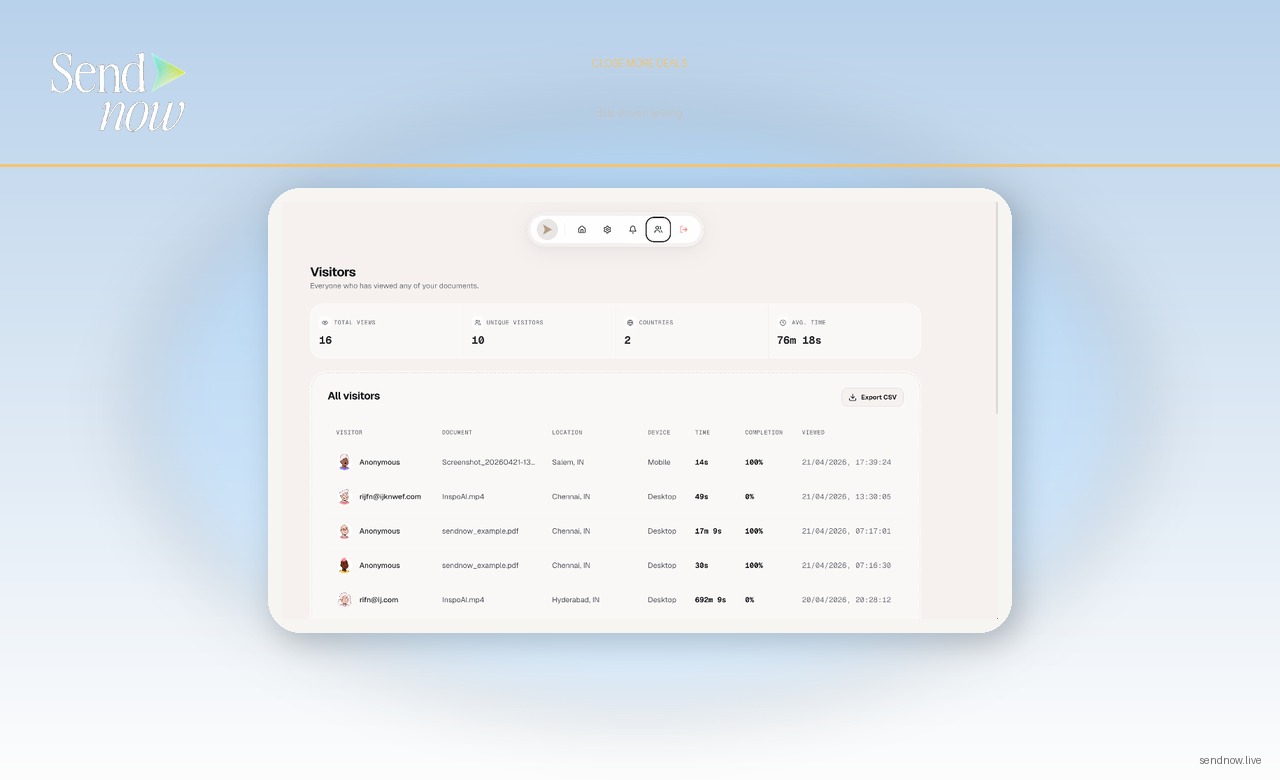
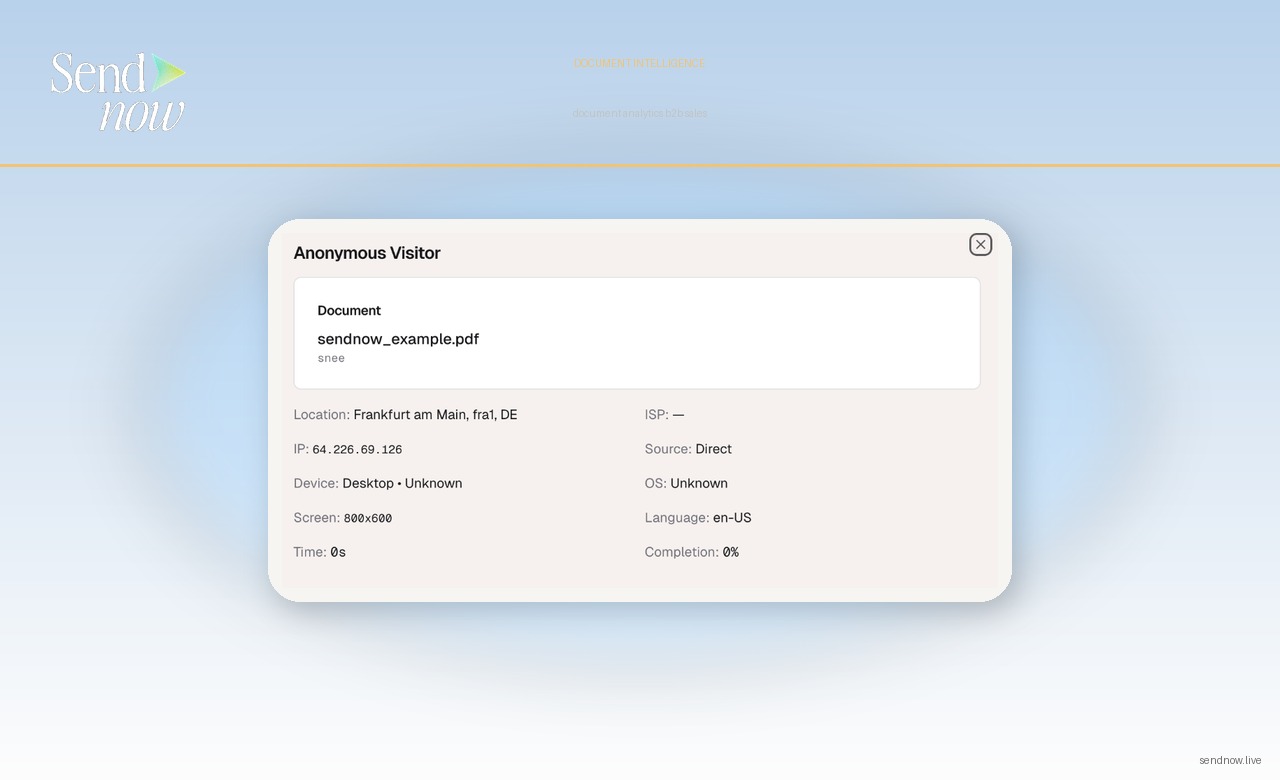
| Analytics on who read it | No | Yes |
| Download control | No | Yes |
| Link expiry | No | Yes |
| Access control | No | Yes |
When to Use a Browser Viewer Instead of a PDF
A common alternative to sharing a DOCX file is converting it to PDF first. This solves the formatting consistency problem but introduces its own limitations. PDFs cannot be updated after sharing. PDF conversion sometimes changes layouts, particularly for complex tables. And a PDF attachment still carries all the same loss-of-control problems as a DOCX attachment.
SendNow's Word viewer gives you the benefits of both: consistent rendering and retained control. You can update the source document in SendNow and the existing link reflects the updated version, so recipients always access the current version without needing a resend.
This is particularly useful for documents that evolve over the course of a transaction or engagement, such as term sheets, engagement letters, or board reports that go through multiple iterations.
For sharing spreadsheets without raw files, read how to share Excel files securely without sending the raw spreadsheet. For the full guide on document sharing best practices, see the secure document sharing guide.
GDPR Considerations for Word Document Sharing
Word documents created in finance and legal contexts frequently contain personally identifiable information including client names, financial details, and contact data. Under GDPR, sharing such documents via email attachments creates uncontrolled copies of personal data in third-party email systems.
Using a SendNow link instead keeps the document data within a controlled, US-hosted environment. The recipient accesses the data via a link, not a download. When the link expires, the access point is closed. This is a significantly more defensible data handling practice than emailing raw DOCX files.

Make Word Document Sharing Professional and Controlled
Sharing Word documents via browser-based viewer means every recipient gets the same professional experience regardless of their device, software, or technical capability. You retain control, gain visibility, and eliminate format inconsistencies.
Share your first Word document via SendNow today at sendnow.live.
Frequently Asked Questions
Q: Does the SendNow viewer work with both DOC and DOCX files? A: Yes. SendNow supports both legacy DOC and modern DOCX formats.
Q: Will complex Word formatting render correctly? A: Most standard formatting elements including tables, headings, images, and lists render correctly. Highly complex layouts with custom styles or embedded objects may render with minor differences.
Q: Can the recipient edit the document in the browser? A: No. The SendNow viewer is read-only. Recipients can read and scroll through the document but cannot make changes.
Q: If I update the Word document, do I need to resend the link? A: No. Replace the document in SendNow and the existing link will serve the updated version automatically.
Q: Can I track which pages the recipient read? A: Yes. SendNow records page-level engagement, so you can see which sections of the document were read and for how long.
Q: Does the viewer work on iPhone and Android? A: Yes. The SendNow viewer is fully responsive and works on all modern mobile browsers without requiring any app installation.
Q: Can I password-protect the Word document link? A: Yes. You can set a passphrase or require email verification through SendNow's access control settings for each link.
Q: Is there a file size limit for Word documents? A: File size limits depend on your SendNow plan. Very large Word documents with many embedded images may take slightly longer to process. Visit sendnow.live for plan-specific details.
About the Author: Rifana Hameem
Rifana is the founder of SendNow. She leads the team in building secure, compliant, and analytics-rich document sharing tools for finance and professional teams worldwide.
Connect on LinkedIn